

New Zealand NZeTA 2026: Your Essential Application Guide
Don't let NZeTA confusion ground your New Zealand adventure! This guide covers everything you need to know about the Electronic Travel Authority, from application steps to fees and crucial tips for 2026 travel.

This post contains affiliate links, meaning I may earn a commission, but rest assured,
it's an honest review based on my own expenses.
New Zealand Independent Travel
New Zealand Visa Application
NZeTA / Application Method / Comprehensive Cost Guide
Making your travels smoother, this is Travel Lubricant.
Planning a trip to New Zealand? You've probably heard talk about visas, right?
If you hold a Korean passport, you don't need a visa,
but applying for an NZeTA (New Zealand Electronic Travel Authority) is mandatory before entry.
Without it, you might even be denied boarding your flight.
There are actually people who've ended up in tears thinking, "I'll just do it while waiting for my flight."
I'll cover everything from application costs and methods to important notes,
all in one go!
Table of Contents |
What is NZeTA? |
Application Costs & Required Documents |
How to Apply via App |
Processing Time & Important Notes |
Frequently Asked Questions |
What is NZeTA?

NZeTA stands for New Zealand Electronic Travel Authority.
While Korean passport holders can stay in New Zealand for
up to 90 days without a visa,
applying for an NZeTA is mandatory before entry.
✔ Validity: 2 years (multiple entries allowed)
✔ Per visit: Up to 90 days stay allowed
✔ Processing Time: Up to 72 hours
If your purpose is employment, study, or long-term stay,
a separate visa is required.
NZeTA applies only to tourism and short-term visit purposes.
Application Costs & Required Documents
Application Costs
Application Method | Cost |
Mobile App Application | NZD 117 |
Website Application | NZD 123 |

Applying via the app saves you $6.
NZD 117 = NZeTA fee $17 + International Visitor Conservation and Tourism Levy (IVL) $100.
Based on April 2026 exchange rates, this comes out to approximately ~$69 USD.
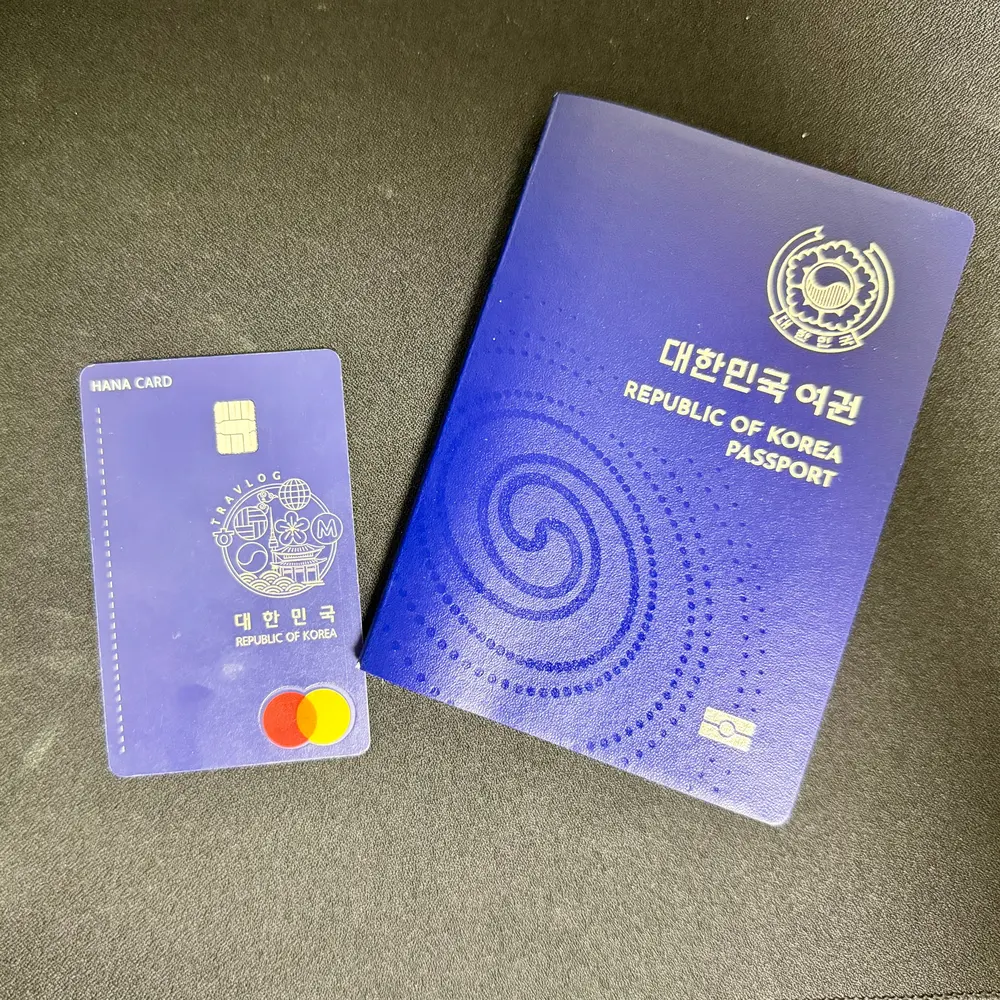
Preparation Checklist
✔ Valid Passport
✔ Credit/Debit Card (Visa or Mastercard)
✔ Valid Email Address
✔ Your Photo (selfie taken during app application)
You must have your physical passport.
Save this post!
Refer to this post before applying for your NZeTA and follow the steps carefully.
How to Apply via App
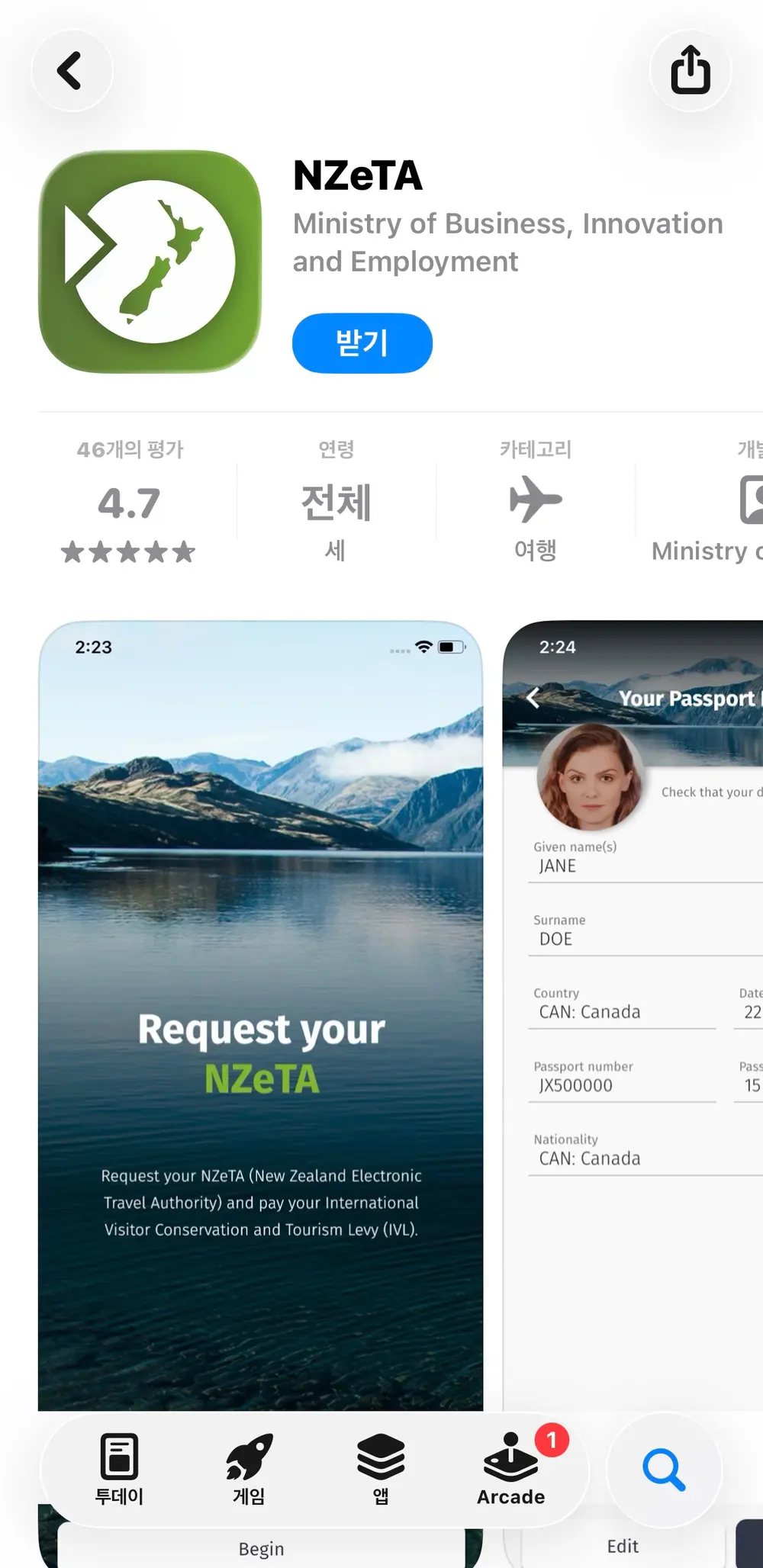
Download the App Search for "NZeTA" on the App Store or Google Play and download the official New Zealand government app.
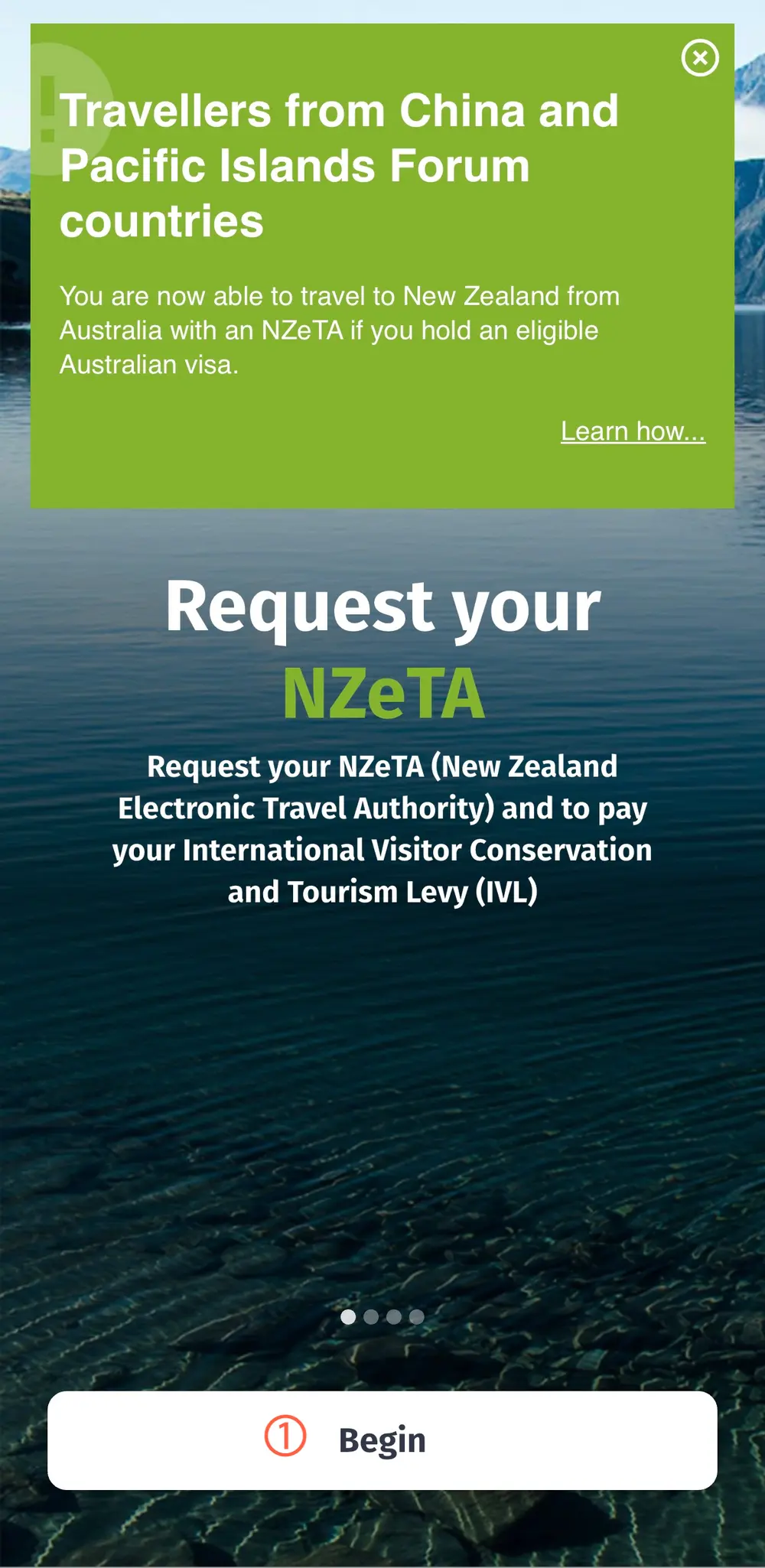
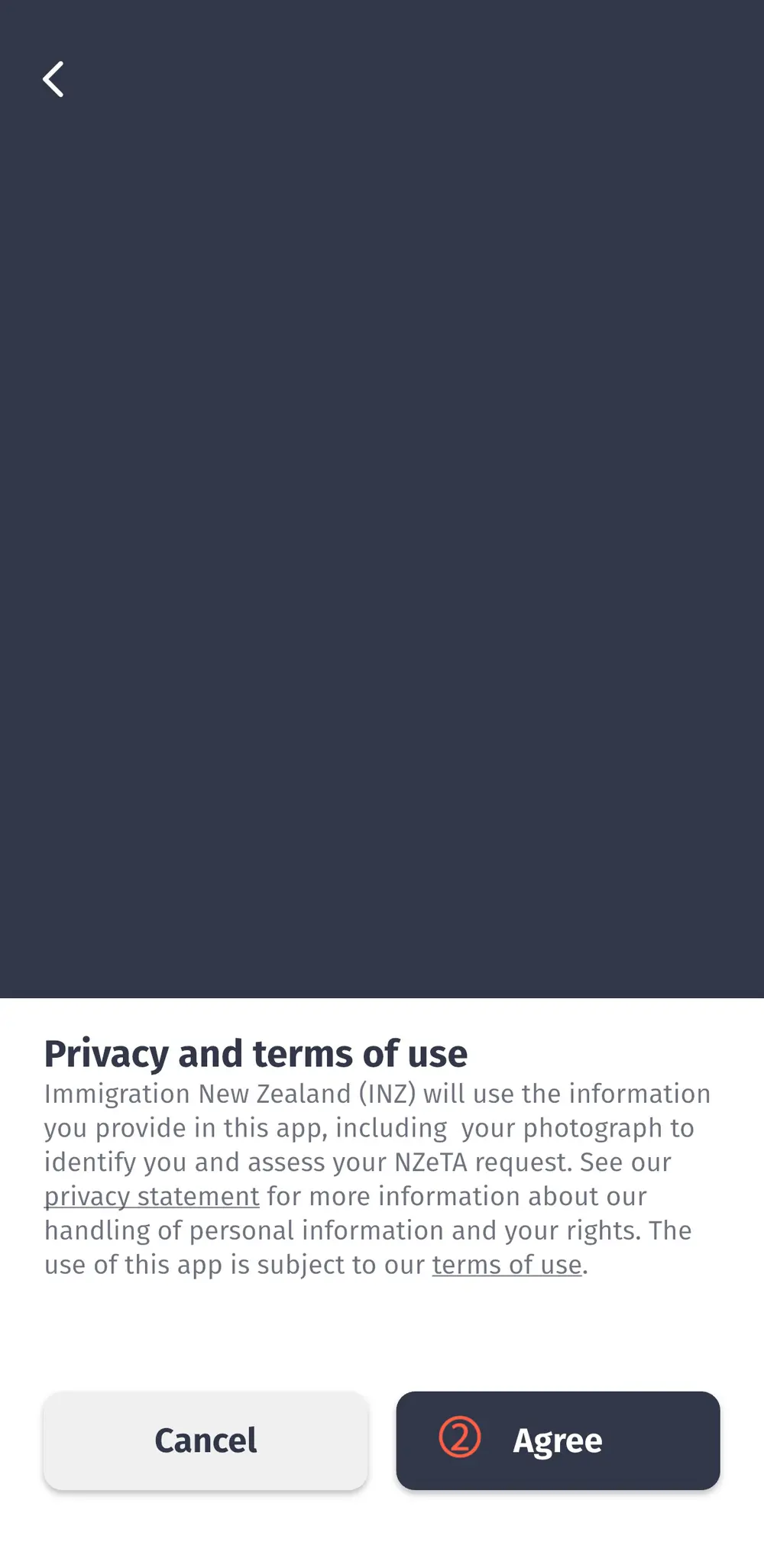
① Click Begin → Agree Consent on the start screen to proceed.
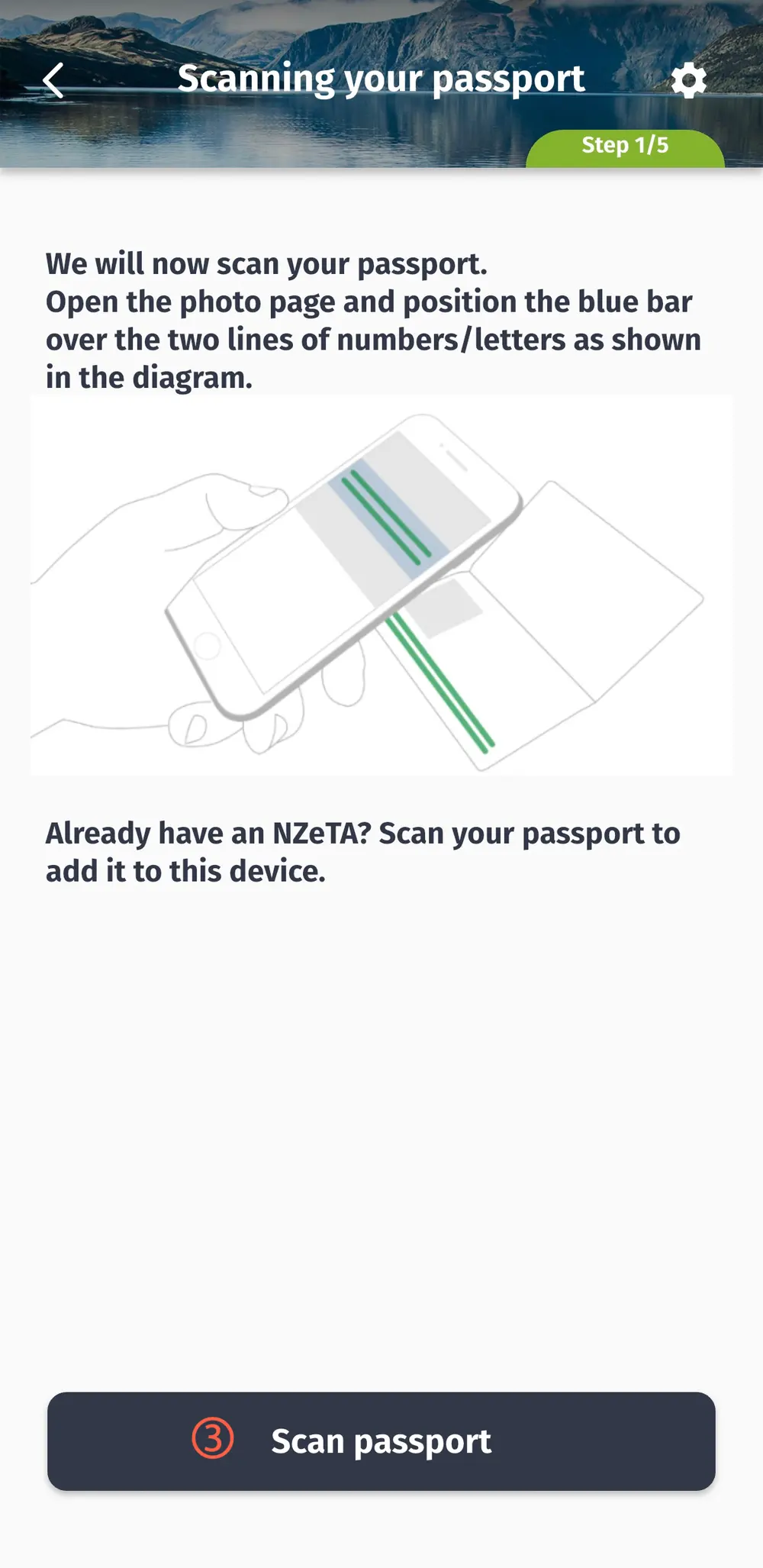
② Scan Passport Barcode
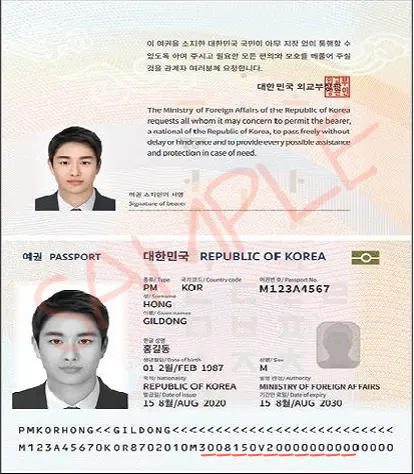
Scan the two-line barcode at the bottom of your passport with your camera.
Your information will be entered automatically.
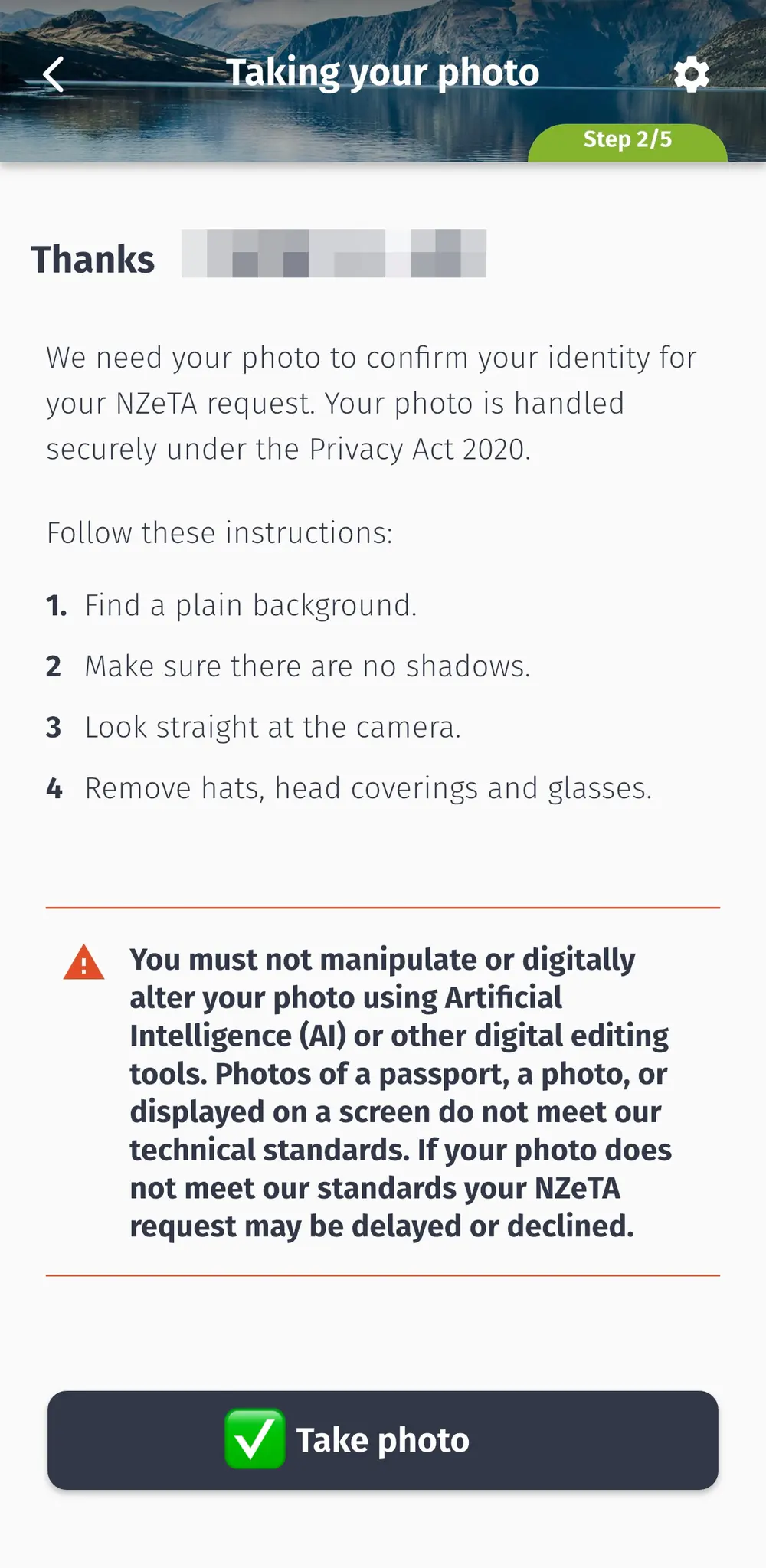
③ Take a Selfie
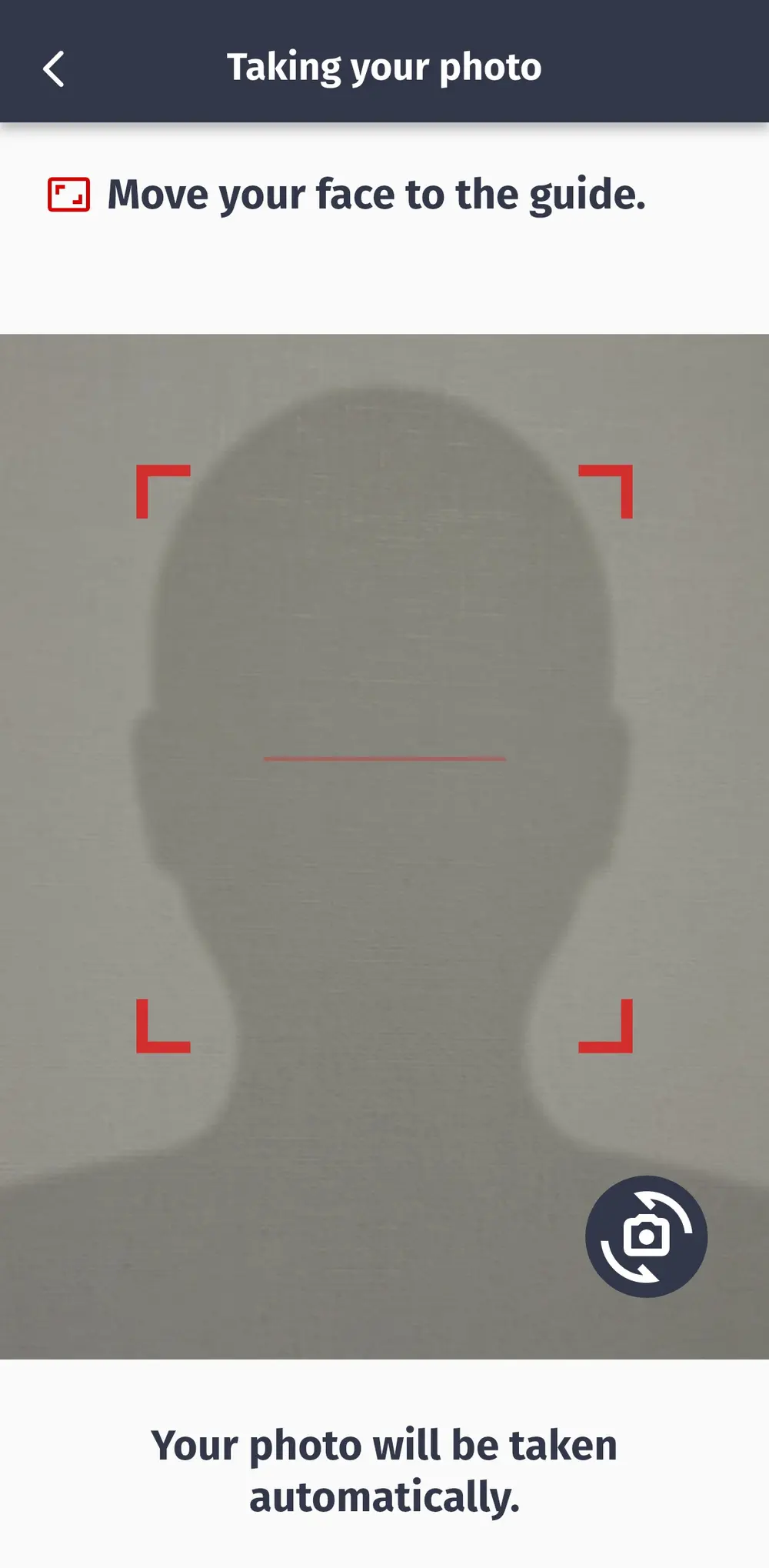
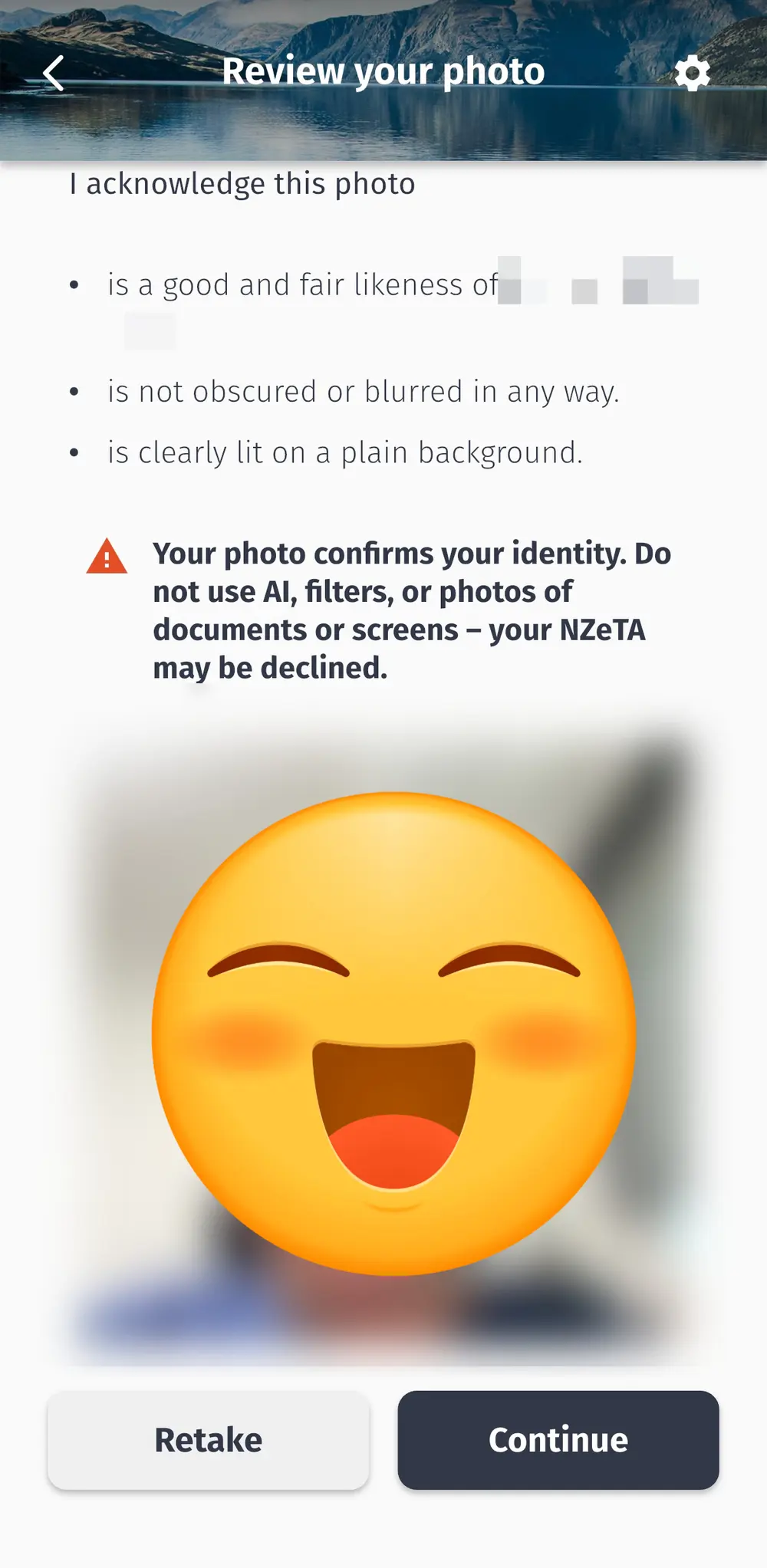
Recognition works much better if you take it against a white wall or a plain, single-colored background.
Sometimes, a complex background can lead to repeated failures.
④ Confirming Your Passport Information
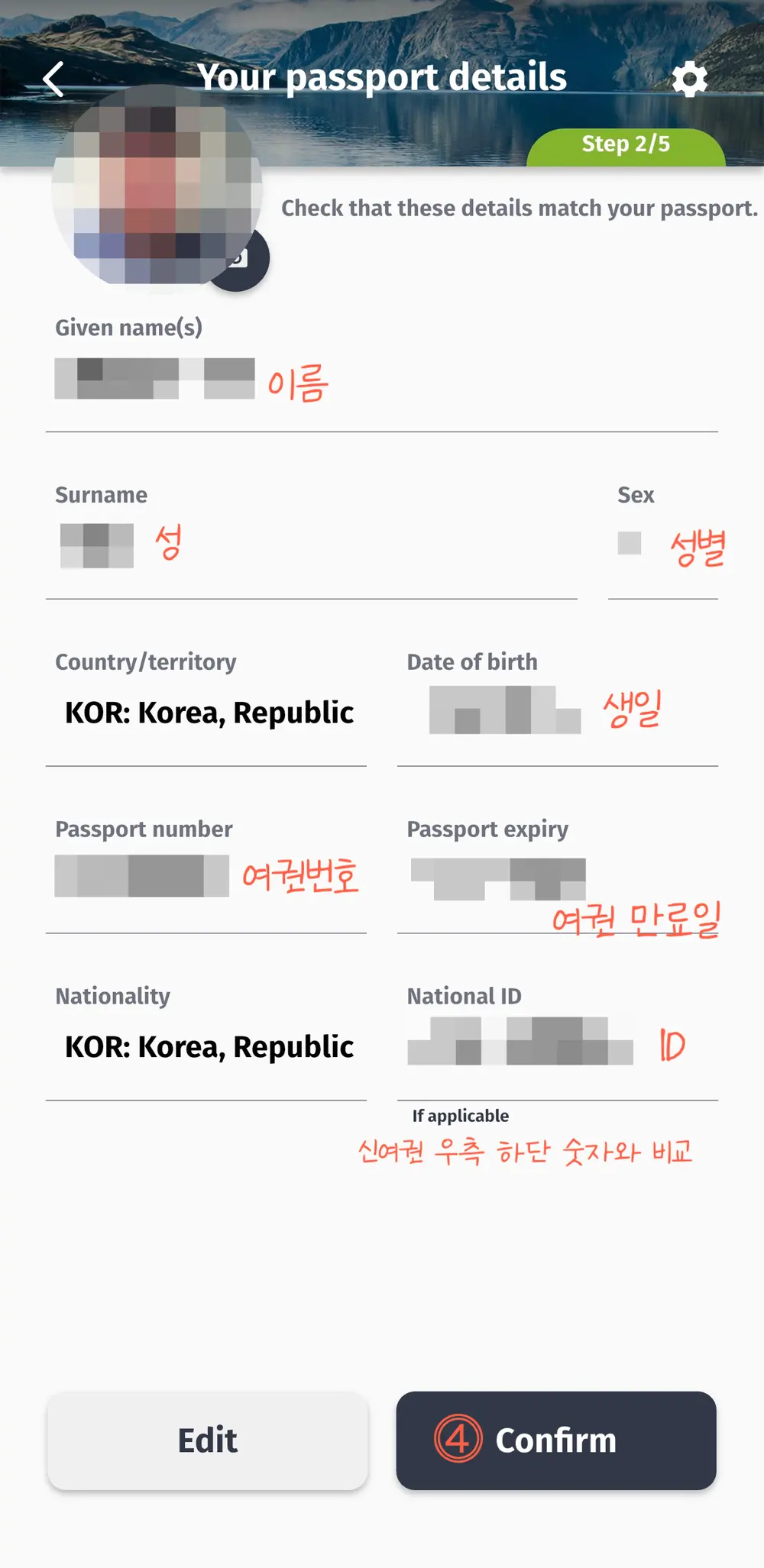
Double-check that the automatically recognized information is accurate.
A typo in your passport number could lead to denied entry!
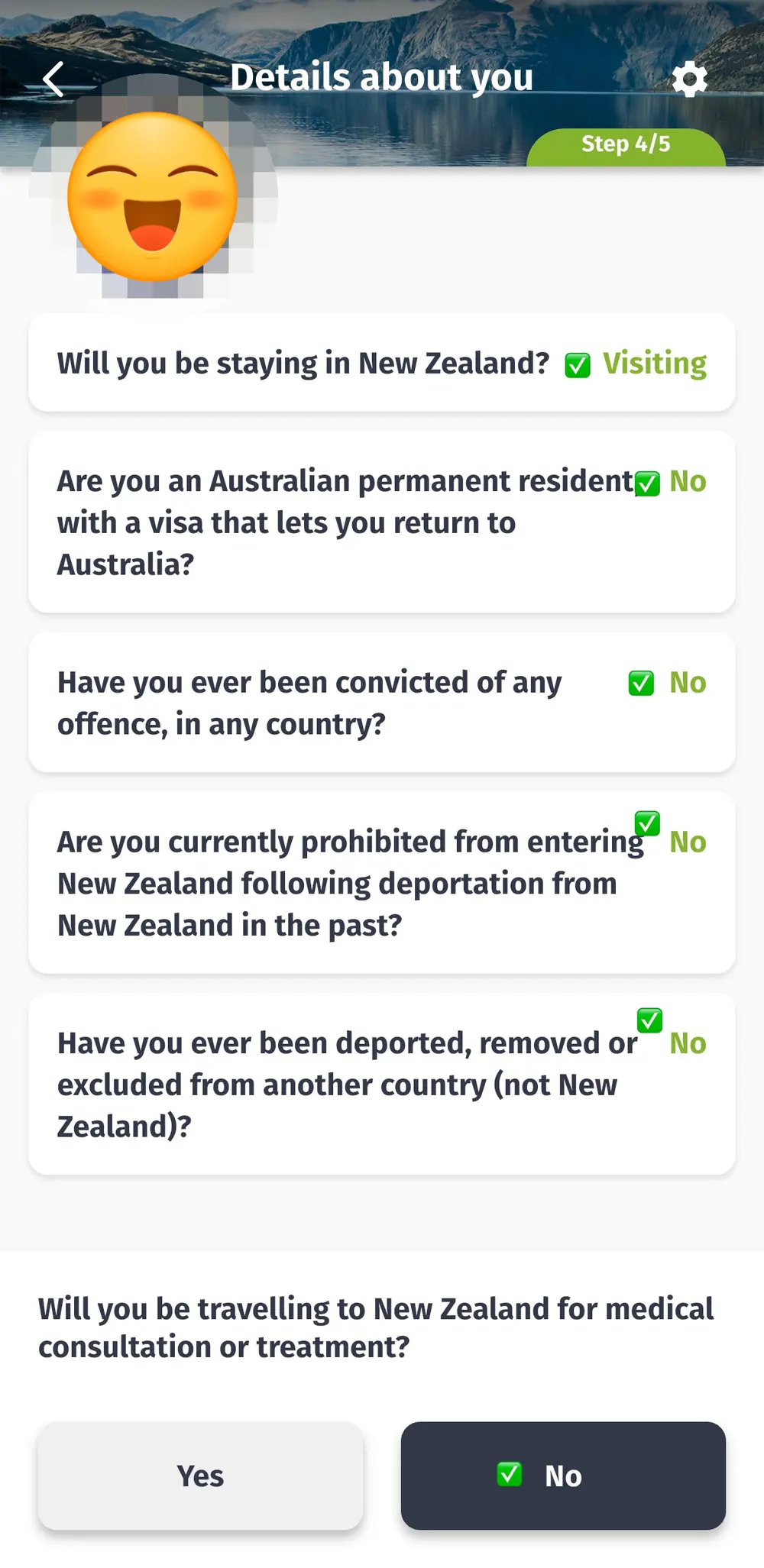
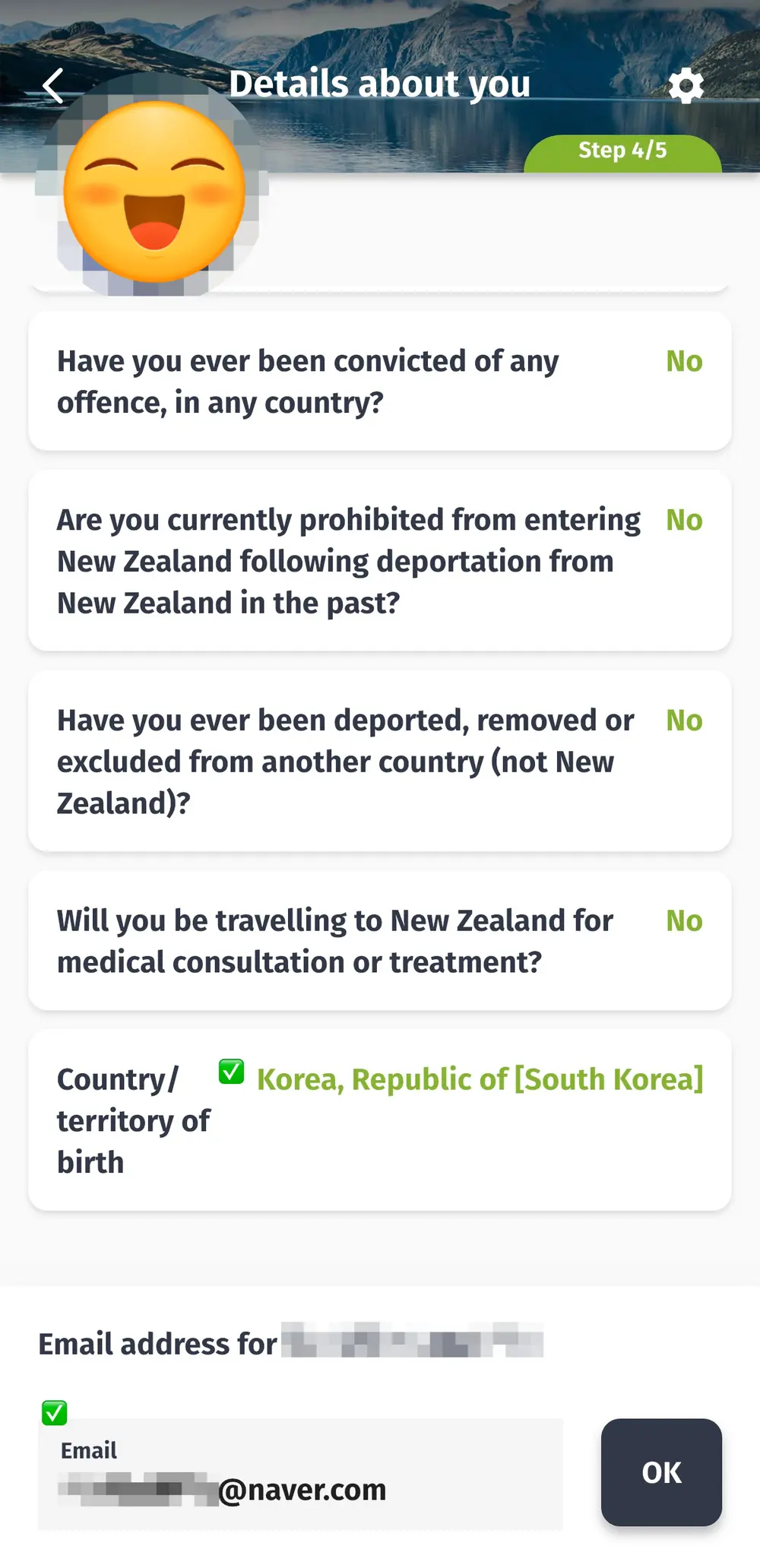
⑤ Answering the Questions
Question | Typical Tourist Answer |
Direct flight or transit? | Visit |
Do you have Australian permanent residency? | No |
Have you ever been convicted of a crime? | No |
Ever been denied entry to New Zealand? | No |
Ever been deported from another country? | No |
Visiting for medical purposes? | No |
Select country of birth | Korea, Republic of [South Korea] |
Enter email | To receive results |
For general tourism, you can usually answer 'No' to most of these.
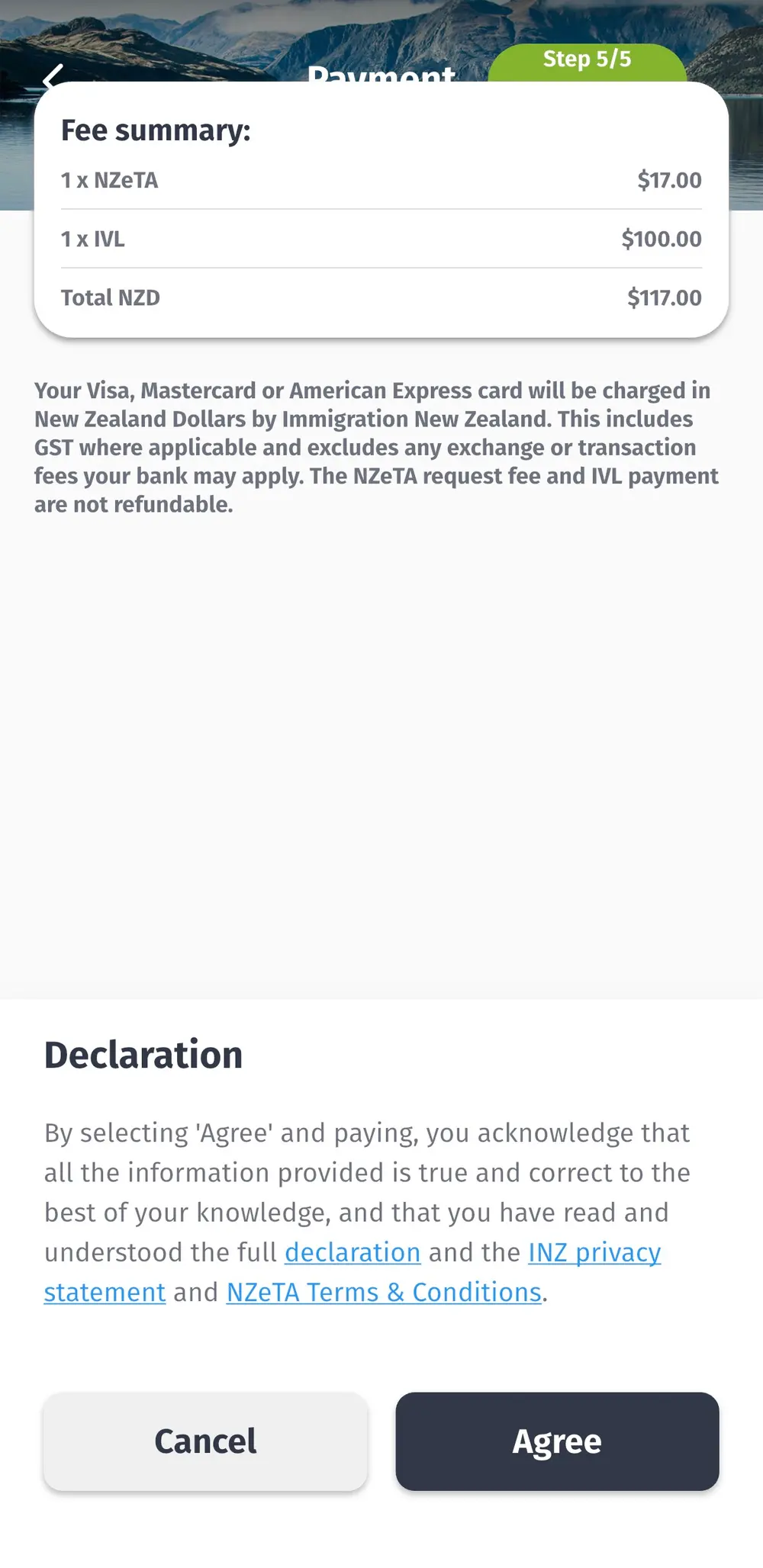
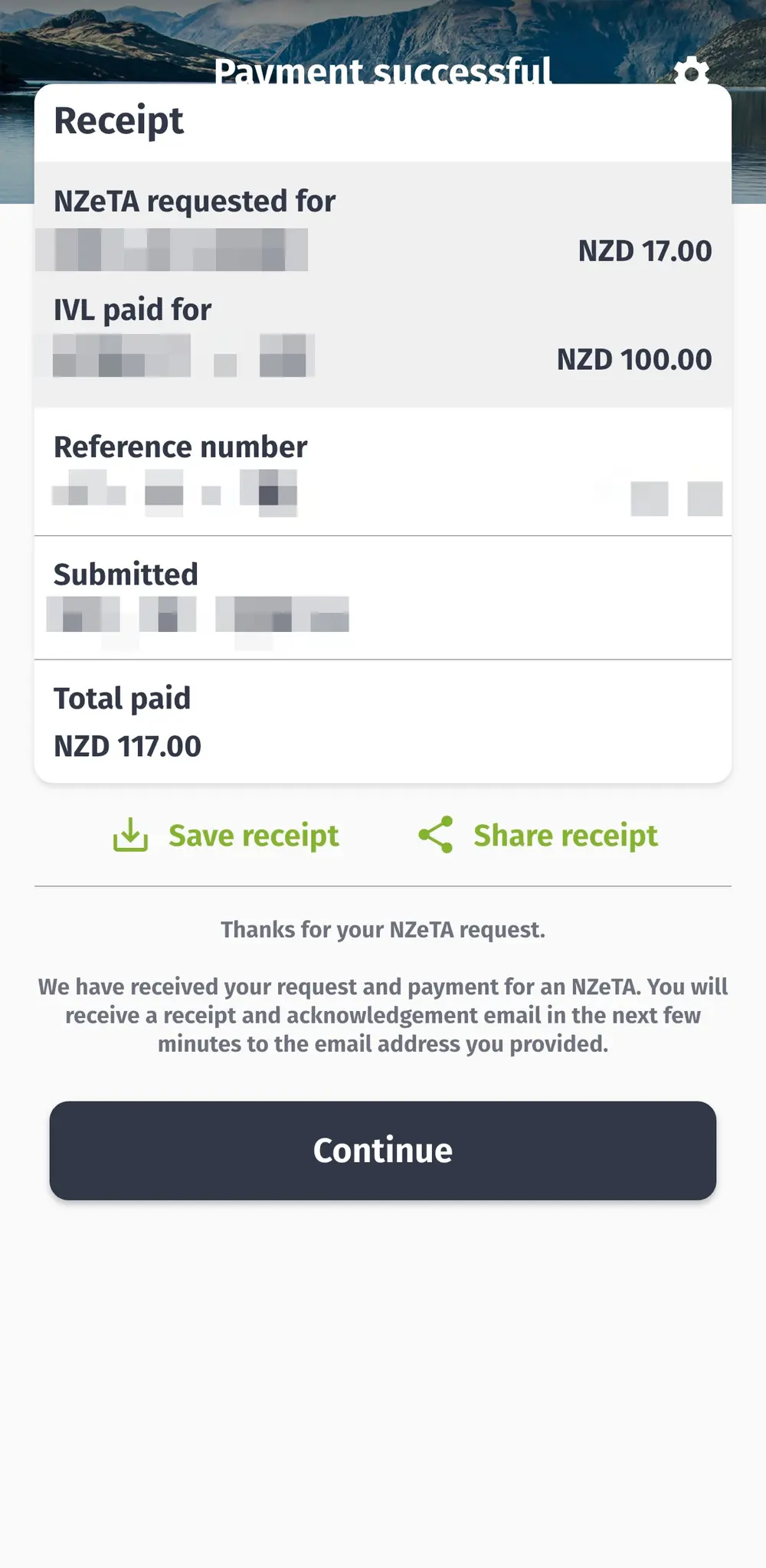
⑥ Complete & Pay → Make Payment
Pay NZD 117. Visa/Mastercard accepted.
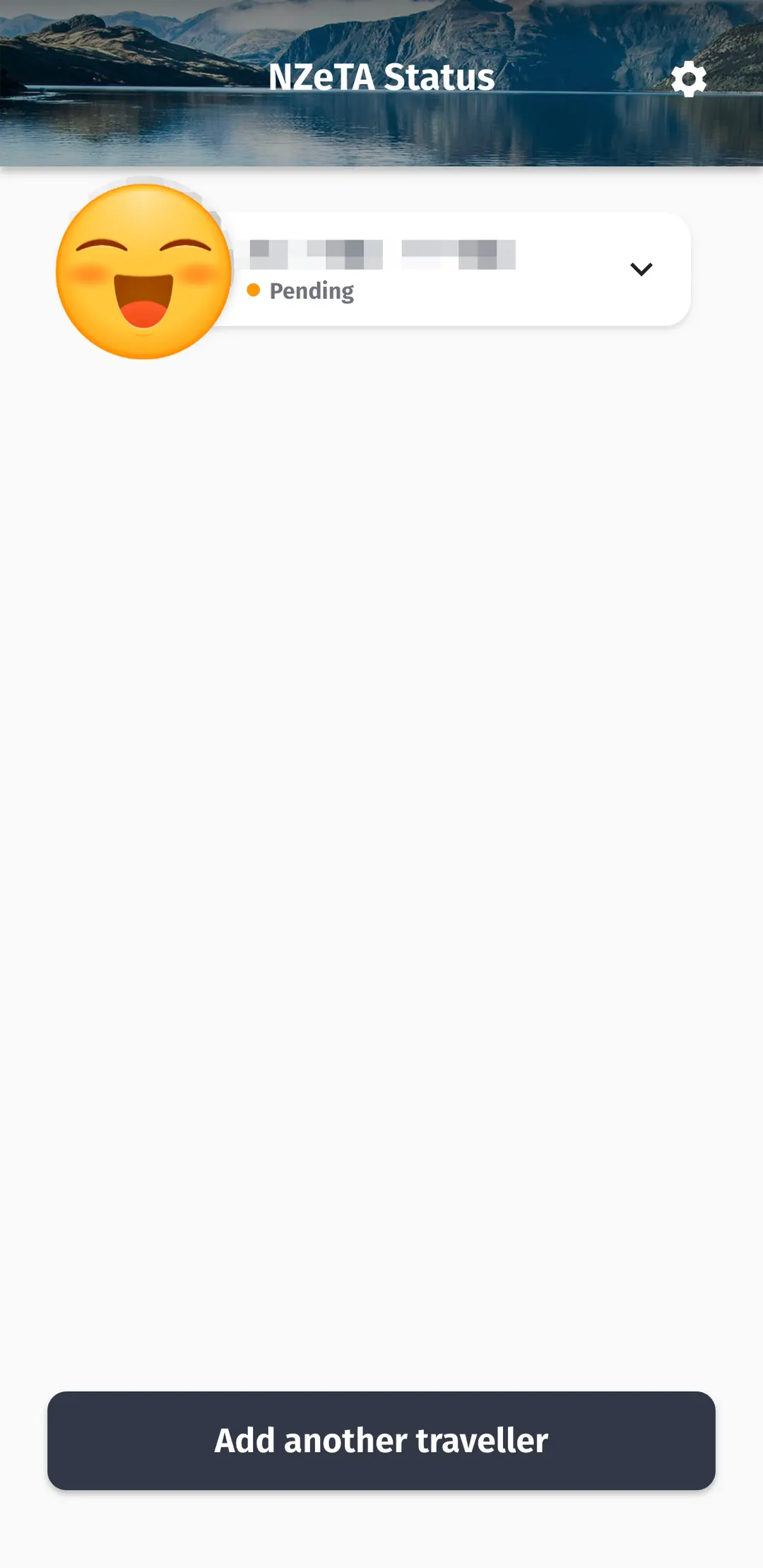
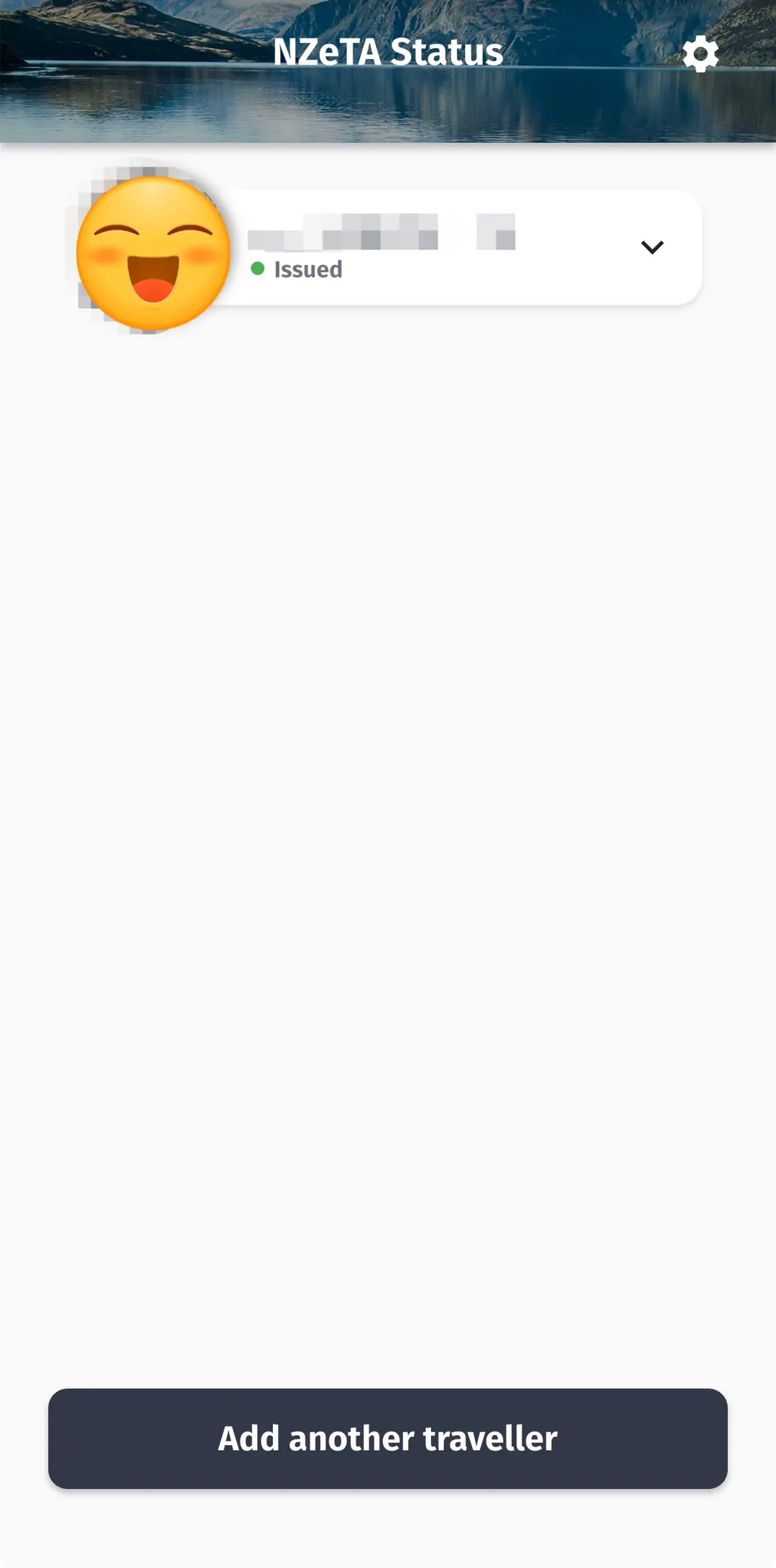
⑦ Confirm Approval via Email
After payment, check your status via email and in the app.
It's complete once the status changes from "Pending" to "Issued".
Processing Time & Important Notes
Processing Time
Approval usually comes through within 72 hours.
Sometimes it's as quick as 7 hours,
while other times it might take the full 72 hours.
Issued in just 1 minute... why the rush?
Weekend Applications Can Take Longer
Many travelers share experiences of weekend applications having a slower processing speed
compared to weekdays.
In fact, there have been instances where two people applied together, one received approval the same day,
while the other's didn't come through until Monday morning.
If you have a flight departing on the weekend,
it's safest to apply before Thursday.

📌 Absolute Must-Nots
✔ Do NOT apply on the day of or the day before departure.
✔ Avoid passport number typos → May result in denied entry.
✔ If your passport is reissued, you MUST reapply for NZeTA (No refunds).
Frequently Asked Questions (Q&A)

Q. Do I need to print any separate documents after applying for NZeTA?
There's no need to print anything separately.
It's linked with the airline systems, so it's
automatically confirmed as long as your passport number matches.
Q. App vs. Web: Where should I apply?
The app is ~$4 cheaper.
Applying via the app is more convenient, as it even includes a selfie feature.
The app is highly recommended!
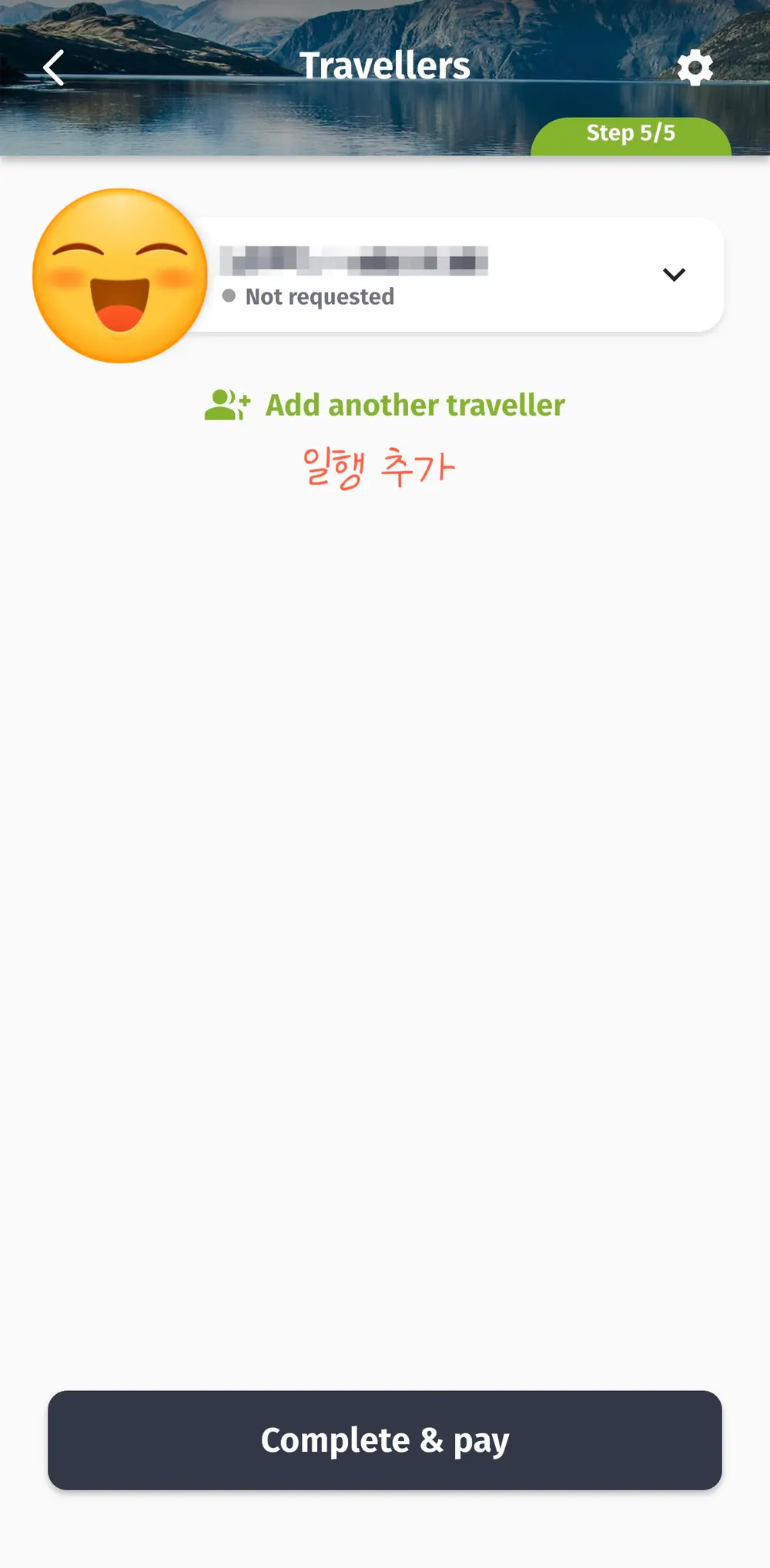
Q. Can two people apply together?
You can add a companion and pay together.
For two people, you can pay NZD 234 in one go.
Q. I already have an NZeTA, but I've reissued my passport. What now?
You will need to reapply for NZeTA with your new passport.
Please note that existing NZeTA applications are non-refundable.
Q. I'm worried about when my NZeTA will show as 'Issued'.
Remember that it can take up to 72 hours.
If you apply on a weekday, it often gets processed within the same day.
If you applied on a weekend, try waiting until Monday morning.
● NZeTA is mandatory before entering New Zealand; you cannot board without it
● Applying via the app (NZD 117) is cheaper than the website (NZD 123)
● Takes up to 72 hours, so apply at least 72 hours before departure
● Weekend applications may be slower, so applying on weekdays is recommended
● Double-check your passport number for typos until your status shows 'Issued'

Has anyone else experienced the 'Pending' status
lingering for too long when applying for their NZeTA and felt anxious?
If you could share in the comments when your NZeTA was 'Issued',
it would be helpful for other travelers too!
Once you've sorted out your NZeTA, it feels like
you've overcome a significant hurdle in your New Zealand travel preparations.
I'll also be posting about the New Zealand Arrival Card soon,
so make sure to follow 'Travel Lubricant' for updates!
📍 New Zealand
New Zealand
📍 Queenstown
Queenstown, New Zealand
📍 Christchurch
Christchurch, New Zealand
📍 Auckland
Auckland, New Zealand
Frequently Asked Questions
What problems can arise if I don't apply for NZeTA in advance when traveling to New Zealand?
Without an NZeTA, you may be denied boarding your flight. There have been actual cases of people trying to apply while waiting for their flight and being unable to board.
When applying for NZeTA, which method is cheaper and more convenient: the mobile app or the website?
Applying via the mobile app is $6 cheaper than applying via the website. The app application also includes a selfie feature, making it more convenient, so we recommend using the app.
How long does it typically take for NZeTA approval, and what should I be aware of if applying on a weekend?
NZeTA is usually approved within a maximum of 72 hours. If you apply on a weekend, the processing speed may be slower than on weekdays, so it's safer to apply before Thursday if you're flying on a weekend.
If I have renewed my passport after obtaining an NZeTA, what happens to my existing NZeTA, and is a refund possible?
If you have renewed your passport, you must apply for NZeTA again with your new passport. Please note that the existing NZeTA is non-refundable.
Share this article
Related Travel Stories
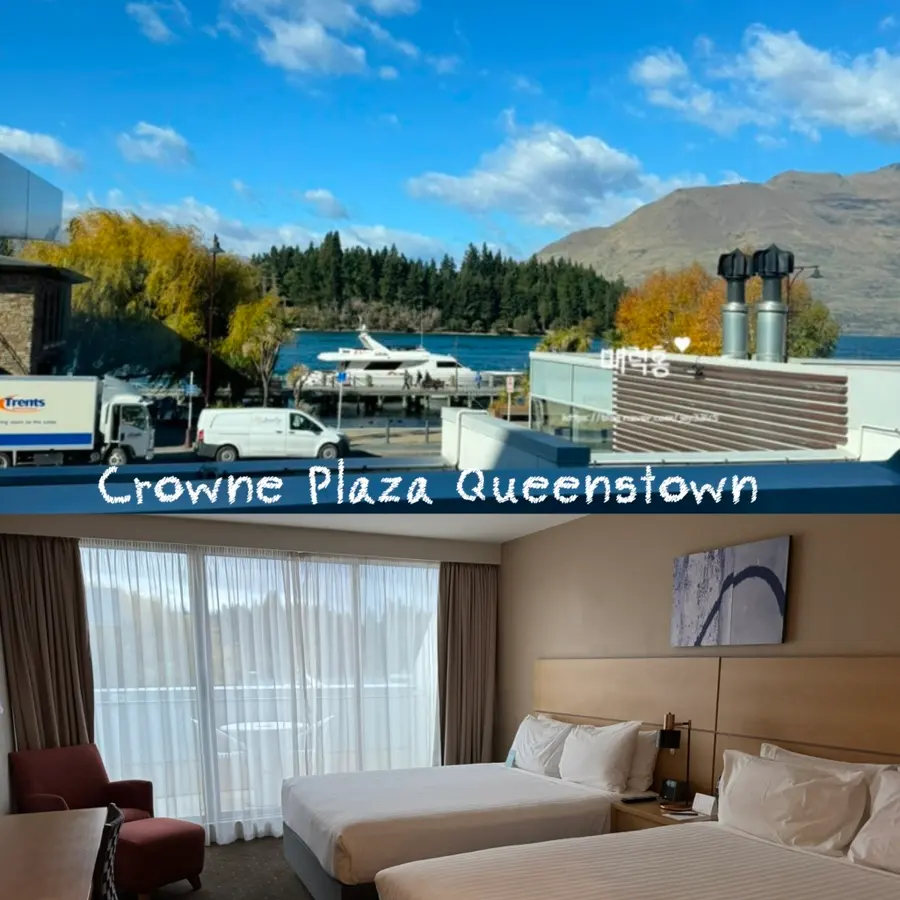
Crowne Plaza Queenstown Review 2026: Unbeatable Location & Comfort
Discover if Crowne Plaza Queenstown is your ideal stay in 2026! This review highlights its unbeatable lakeside location, pristine rooms, and why it's a top choice for Queenstown adventures.
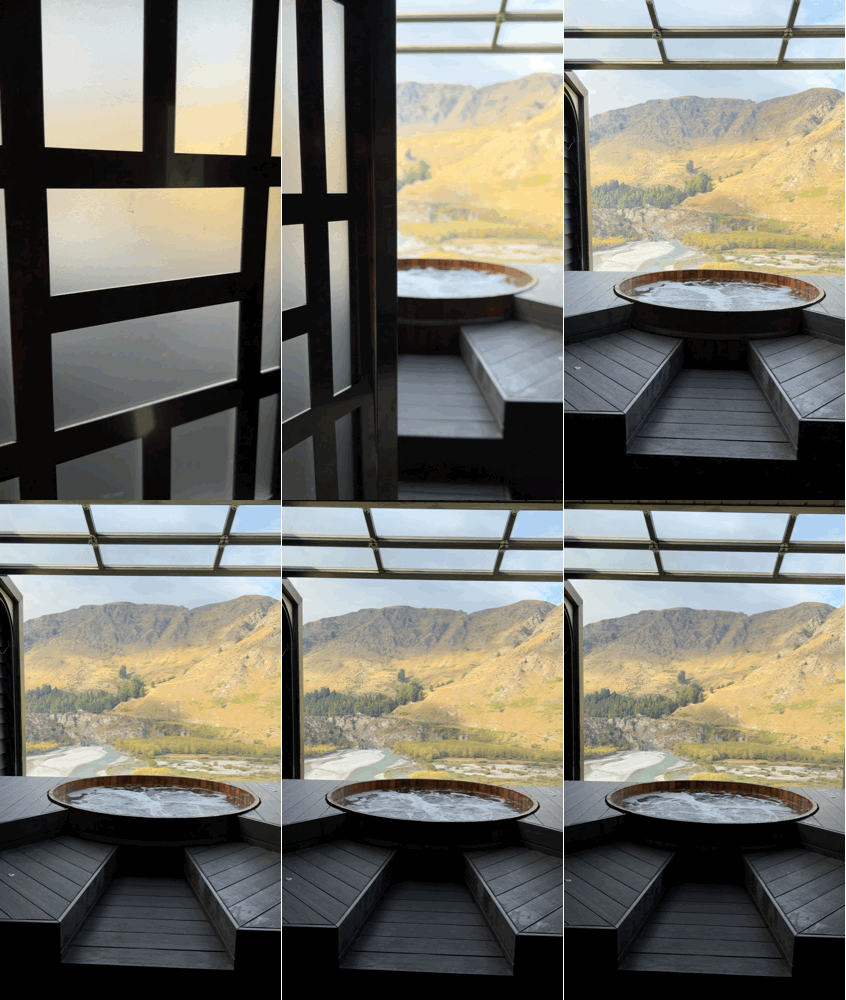
Onsen Hot Pools Queenstown Review 2026: Booking, Parking & Tips
Discover Onsen Hot Pools, Queenstown's most Instagrammable spa experience. Learn how to book, find parking, and get insider tips for your visit in 2026.

New Zealand South Island Campervan Driving Tips 2026
Driving a campervan in New Zealand's South Island? Get essential tips on road signs, parking, fuel, and insurance for a smooth 2026 adventure.
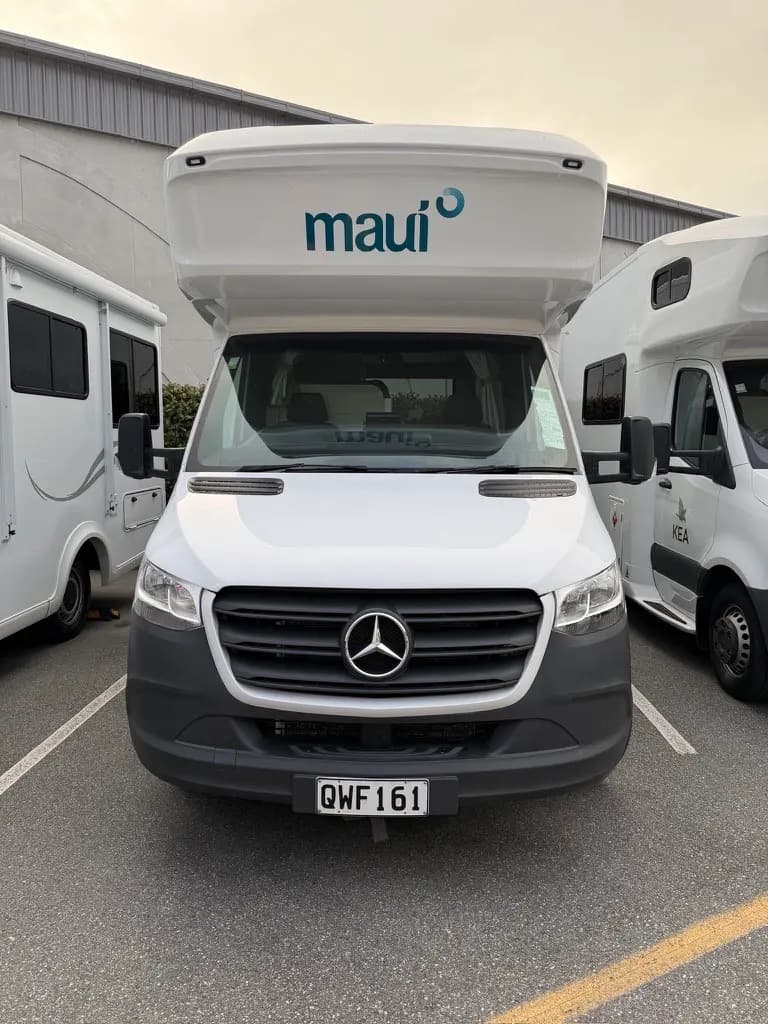
Queenstown Campervan Pickup: Maui Beach First-Day Mishap
Embarking on a Queenstown campervan adventure? Discover our honest review of picking up a Maui Beach camper, navigating the handover, and even our unexpected first-day mishap!
Queenstown, New Zealand 2026: Top Sights, Eats & Shopping Guide
Explore Queenstown, New Zealand, in 2026! Discover top attractions like Skyline Luge, Onsen Hot Pools, must-try restaurants, and the best shopping spots for unique souvenirs.

New Zealand Campervan Rental 2026: Booking & Saving Tips
Ready for an unforgettable New Zealand campervan adventure? Learn the insider secrets to booking your perfect campervan, comparing brands, and saving money for your 2026 trip.