

Visit Japan Web Registration Guide 2026: Easy Steps for Family & Friends
Planning your Japan adventure? Don't miss this essential guide to Visit Japan Web registration for 2026. Discover how to quickly complete immigration and customs forms for yourself and your travel companions!

Essential Preparations for Your Japan Trip: How to Register for Visit Japan Web
How to Register Accompanying Family and Friends
Photos/Text © Minimanimu
Hello everyone!
This is Mini, with Mini's hand-picked Japan travel stories!
As you prepare for your free-and-easy trip to Japan, the very first essential step you need to take is,
of course, Visit Japan Web!
Gone are the days of borrowing a pen on the plane
to fill out paper declaration forms.
Now, with just your smartphone, you can complete everything from immigration inspection to customs declaration
all in one go – it's an incredibly convenient system!
Today, even if it's your first time visiting Japan, don't worry!
I'll meticulously guide you through everything, from how to register for Visit Japan Web to how to add accompanying family or friends.
Table of Contents | |
1 | What is Visit Japan Web? |
2 | Who Needs to Apply for Visit Japan Web? |
3 | How to Register for Visit Japan Web |
4 | How to Register Accompanying Family and Friends |
5 | Immigration and Customs Declaration |
What is Visit Japan Web?
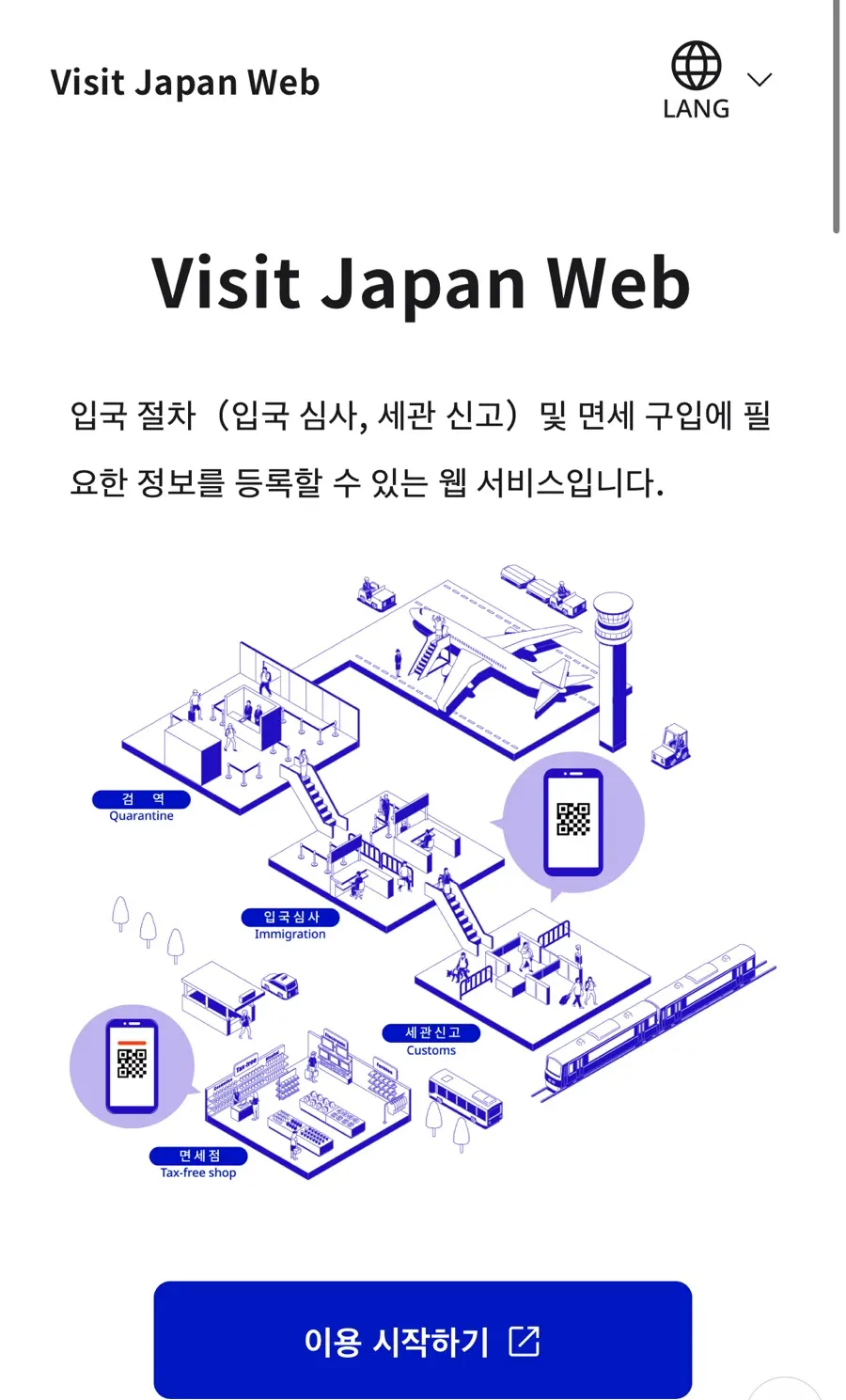
Visit Japan Web is
an electronic immigration and customs declaration system operated by Japan's Digital Agency.
It allows you to conveniently process immigration and customs declarations with a single QR code by pre-registering the immigration and customs forms that were previously filled out on board your flight.
By reducing the time spent filling out paper forms at the airport,
it has become an essential preparation for any trip to Japan.
Who Needs to Apply for Visit Japan Web?
Even if you don't pre-register for Visit Japan Web,
it doesn't mean you can't enter the country.
However, registering in advance offers great benefits:
✔️ Shortened immigration wait times
✔️ Simplified customs declaration process
✔️ Fast-track entry with a QR code
If you're planning a free-and-easy trip to Japan, I highly recommend registering beforehand.
How to Register for Visit Japan Web
📌 Proceed after accessing the official website
Please have your passport ready before applying.
 Visit Japan Web | Digital Agency Services
Create New Account / Log In
1. Start using → Create New Account
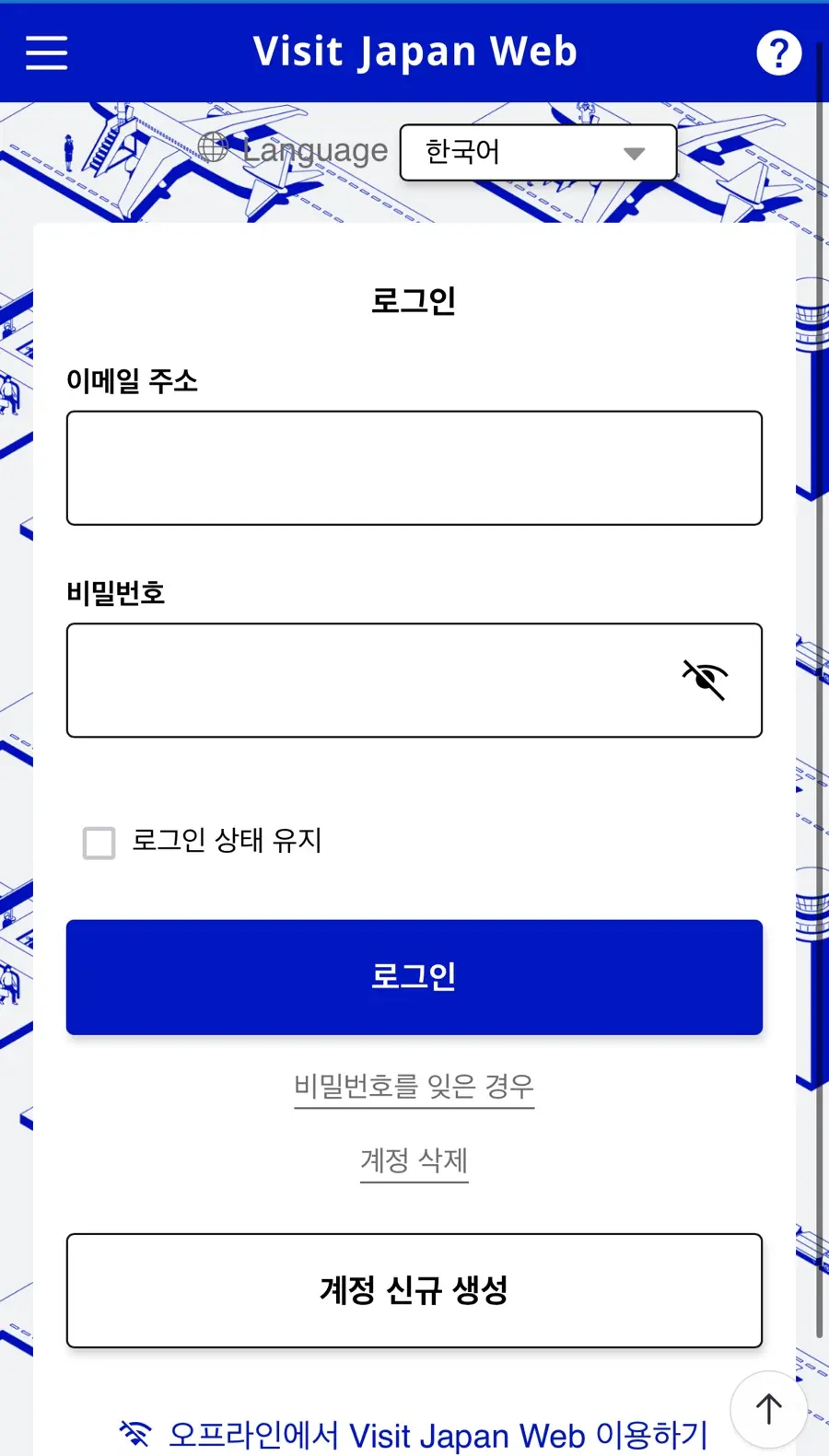
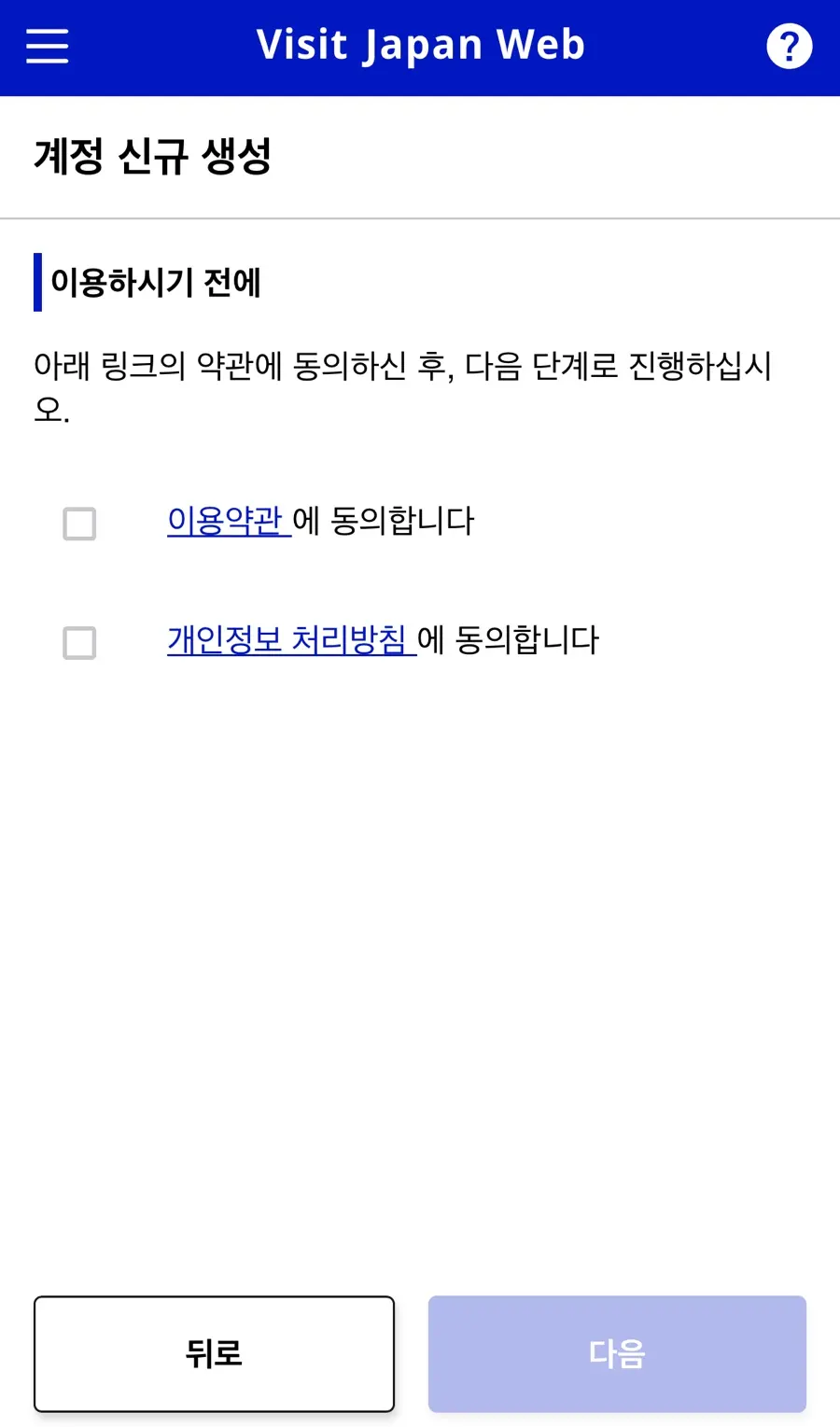
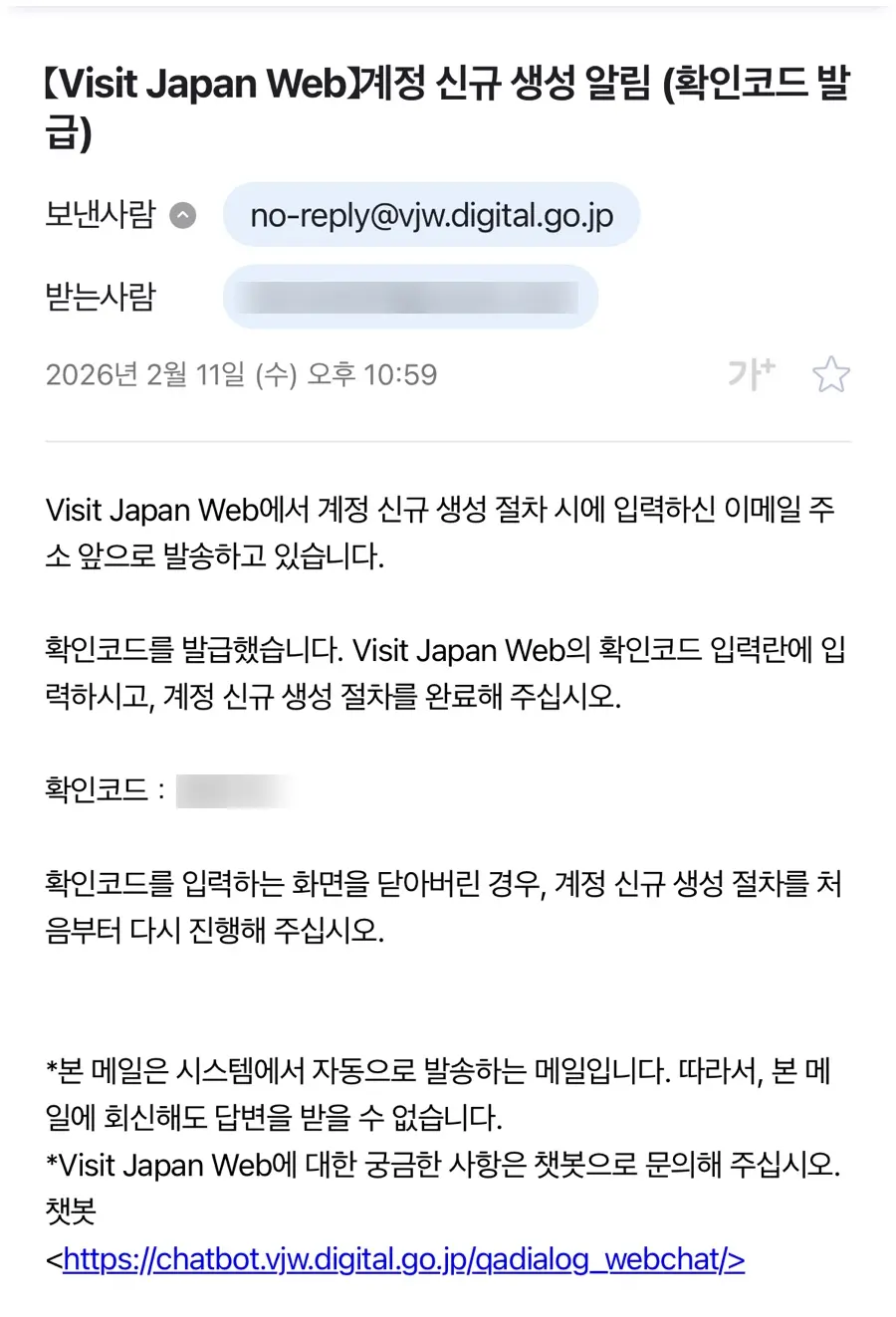
2. Agree to Terms → Enter Email, Password → Enter Verification Code
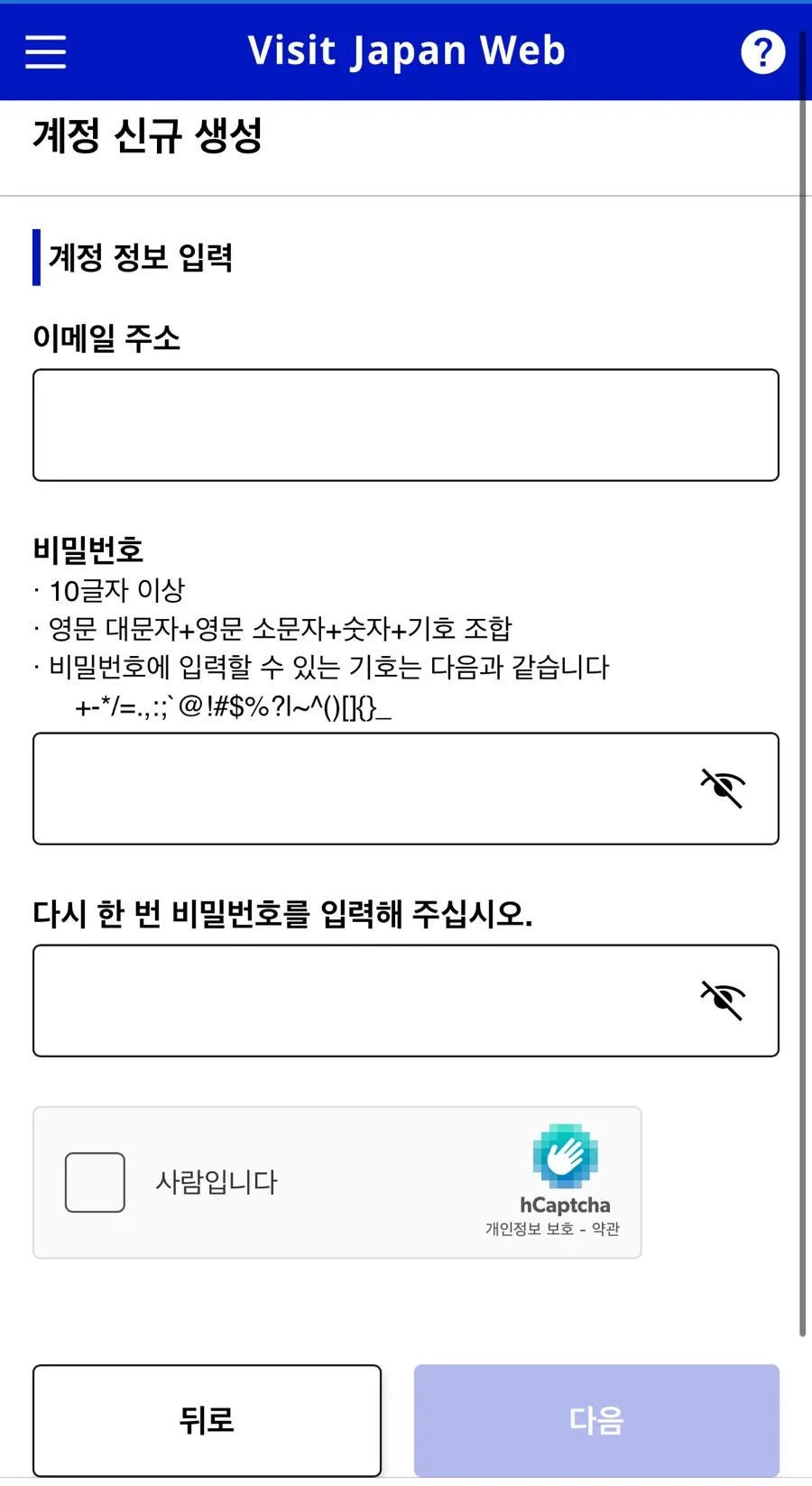
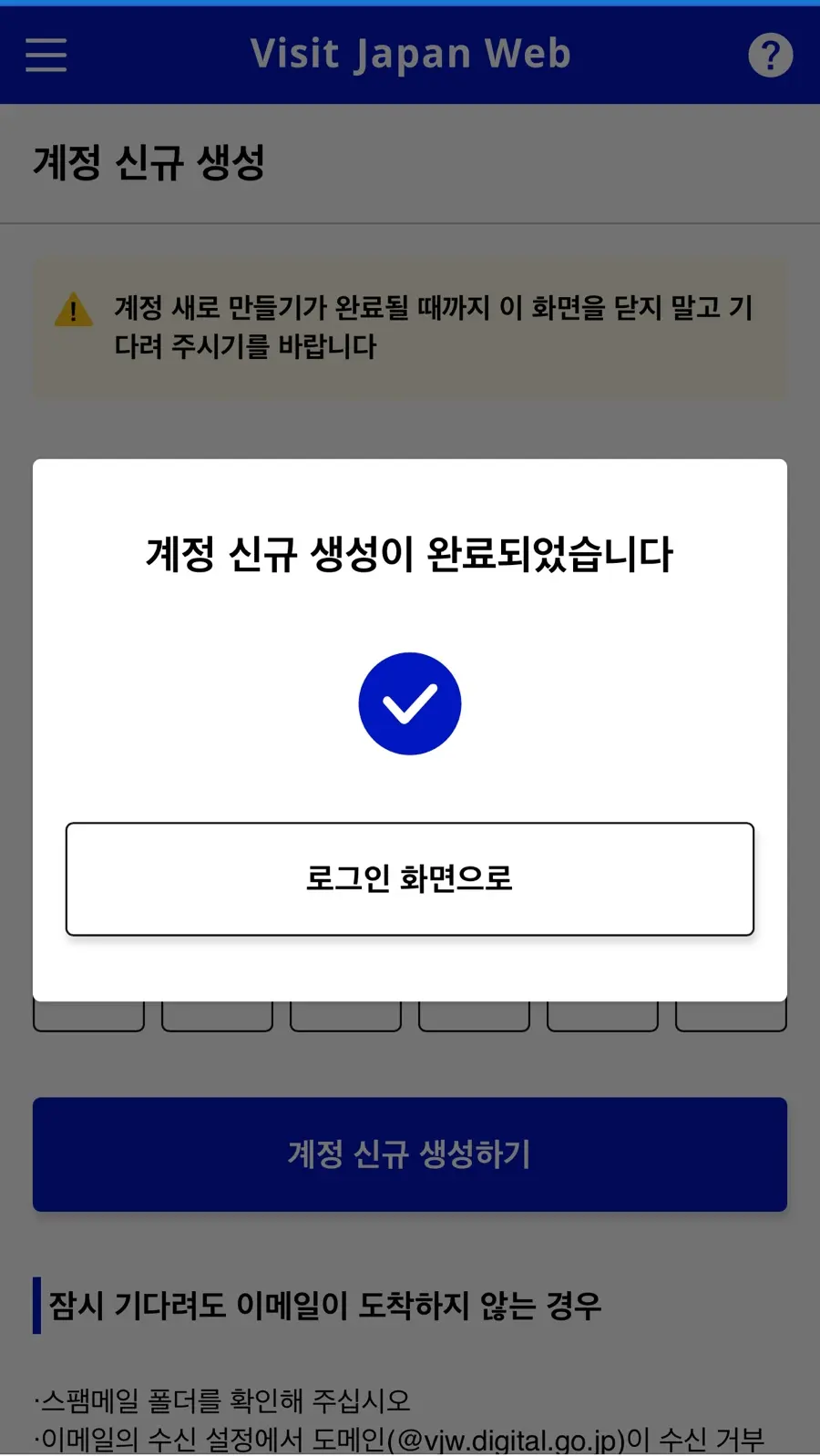
‼️If you don't see the email code, check your spam folder‼️
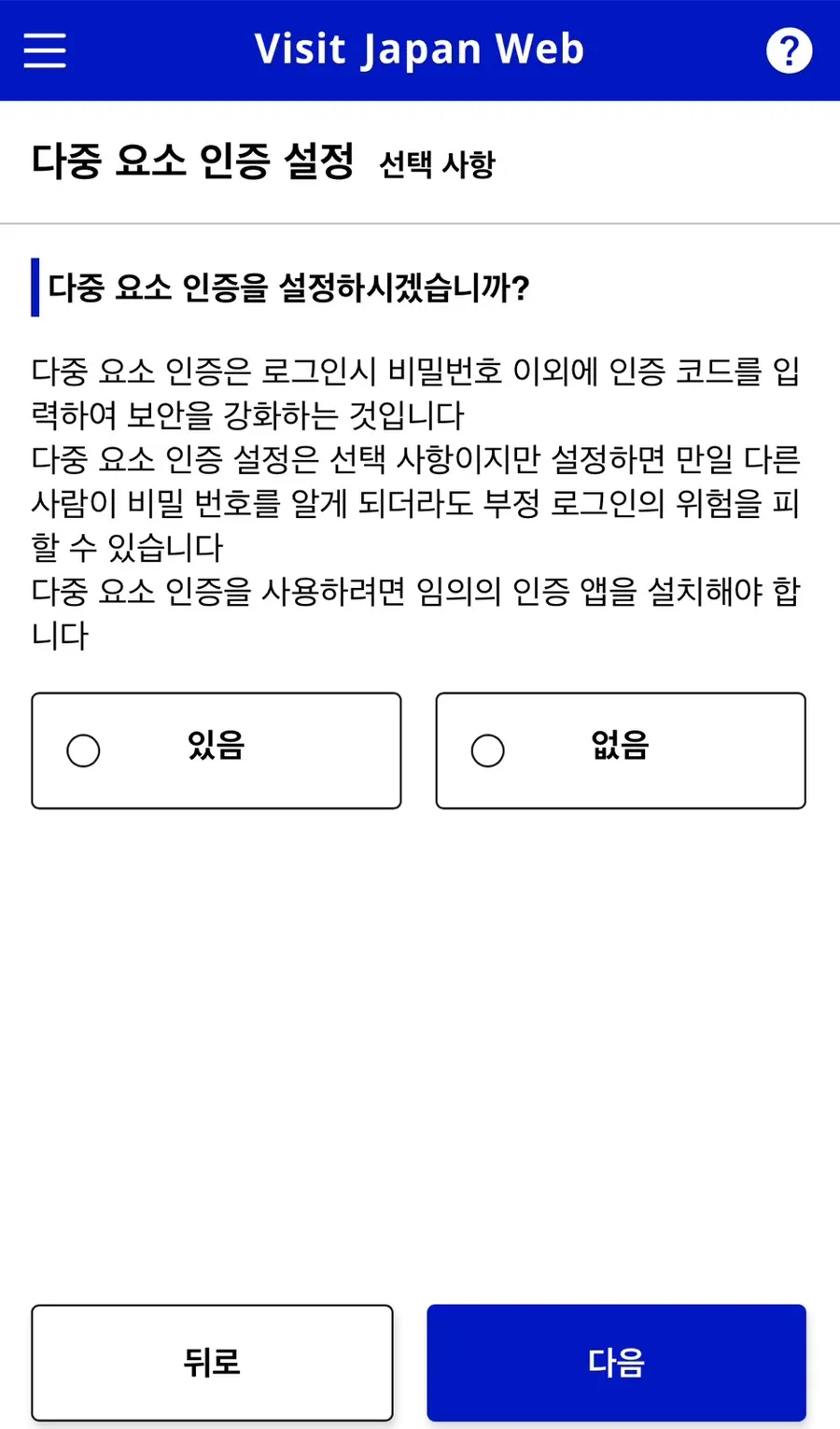
1. Multi-factor authentication settings → Select None
2. User Registration → Click Personal Information
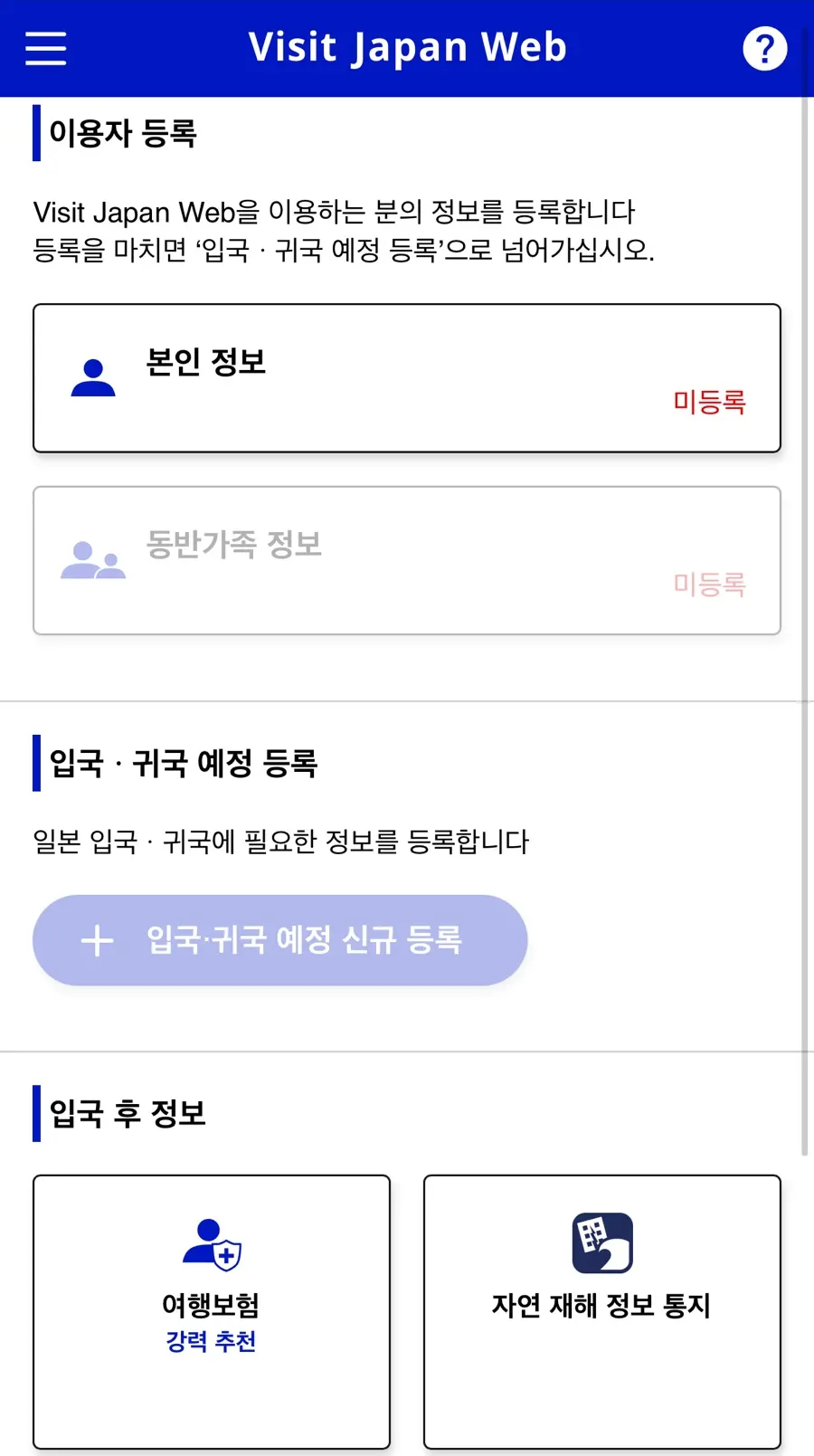
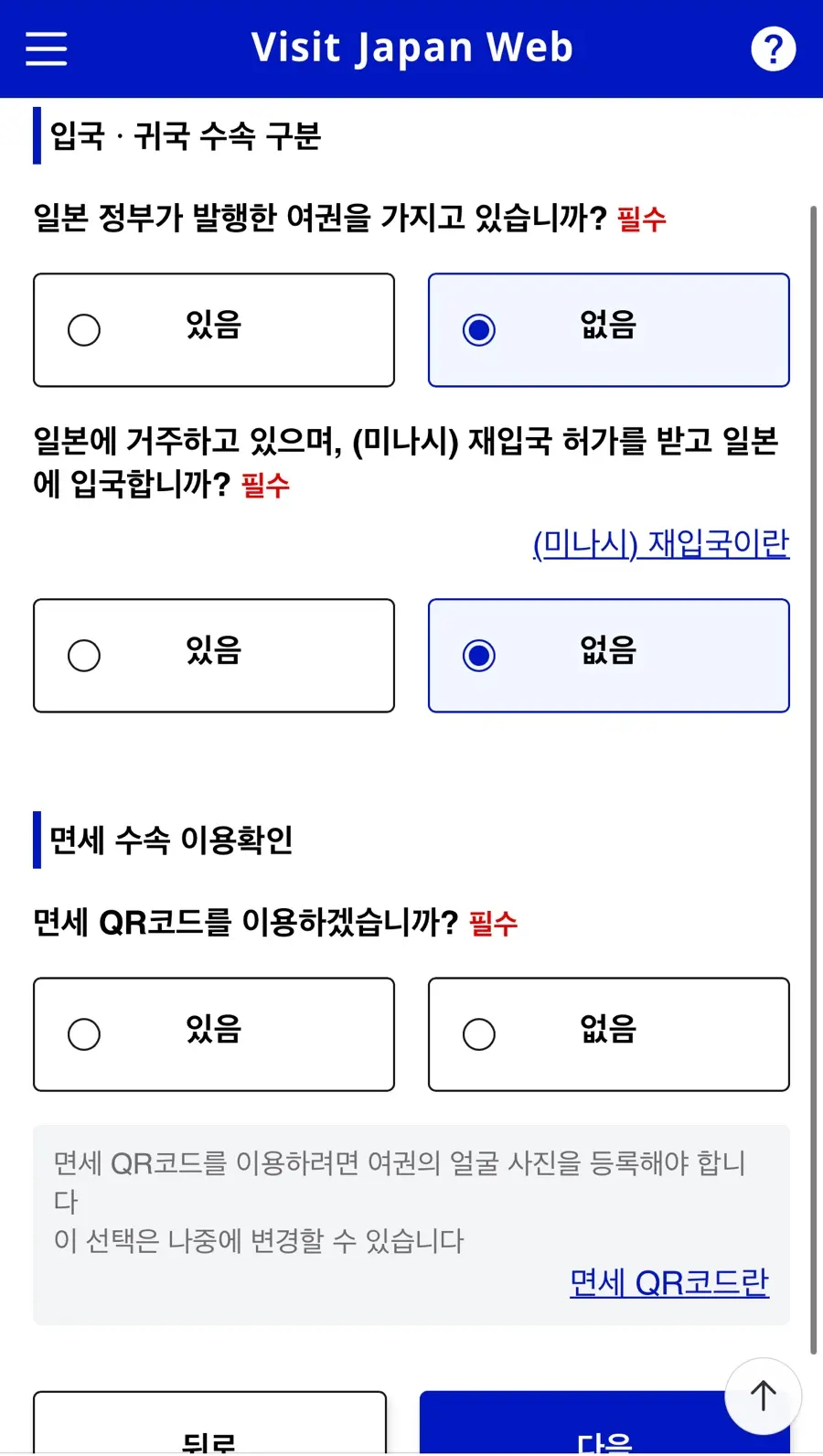
3. Enter Entry/Return Procedure Category → Next
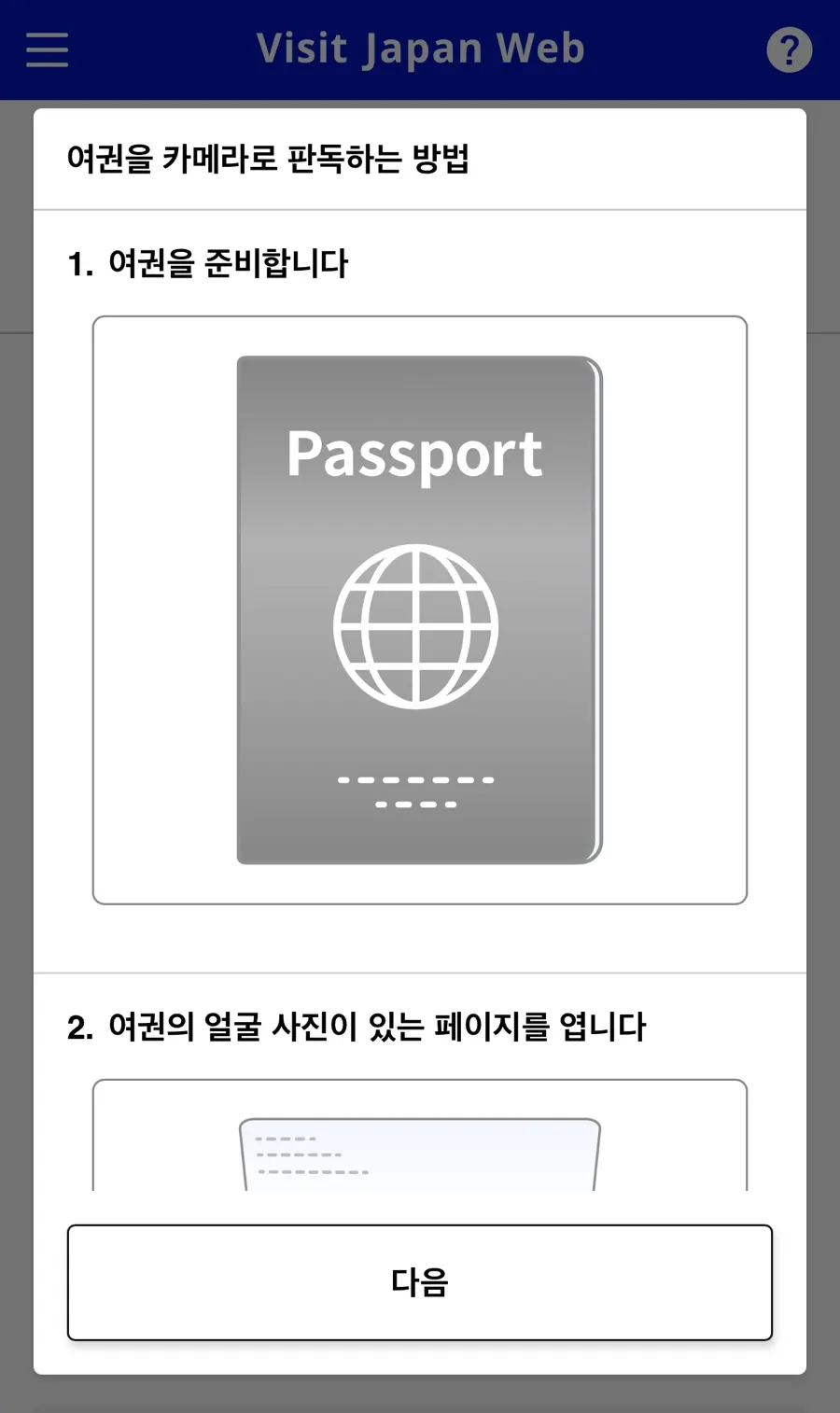
4. Registering Passport Information → Camera Scan
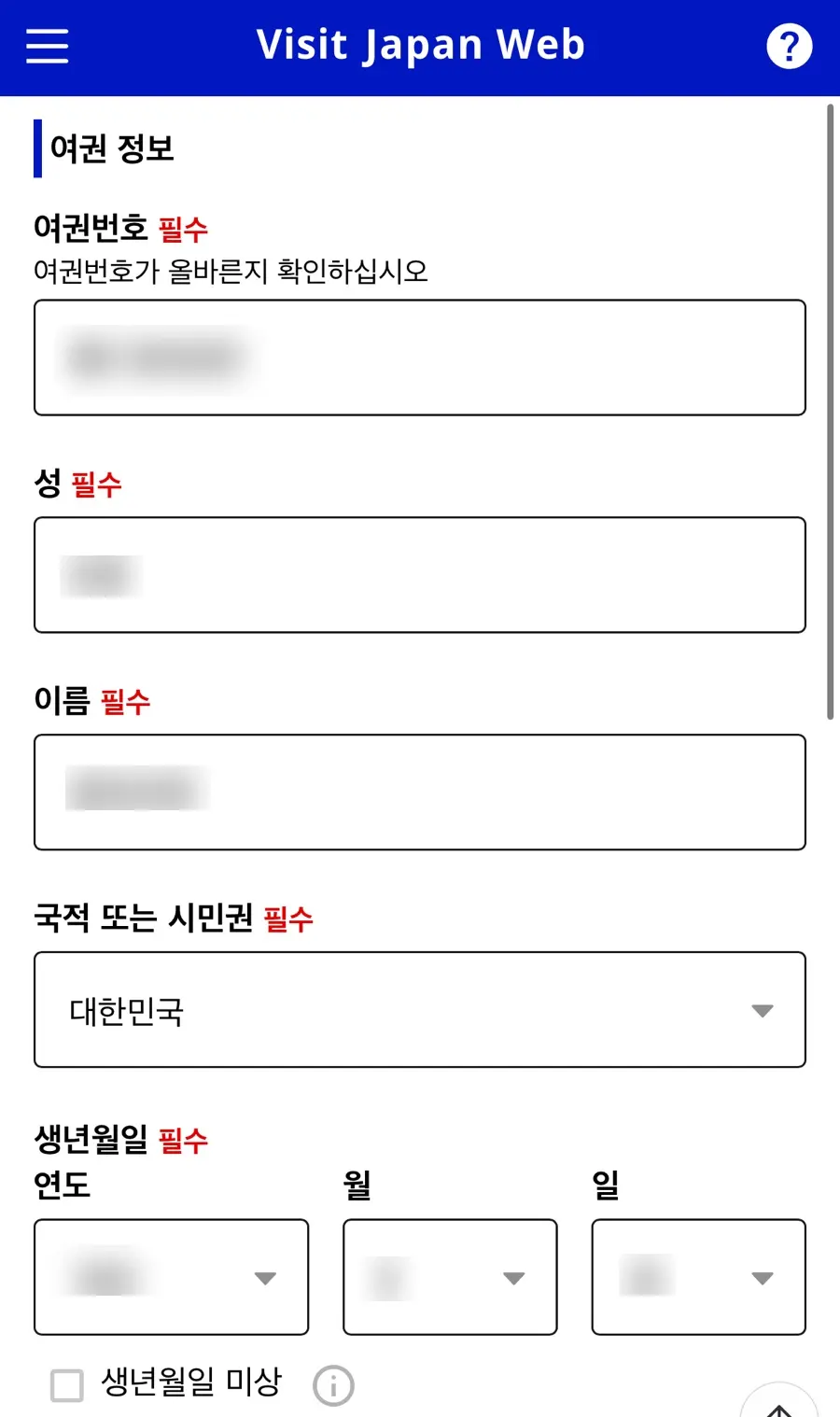
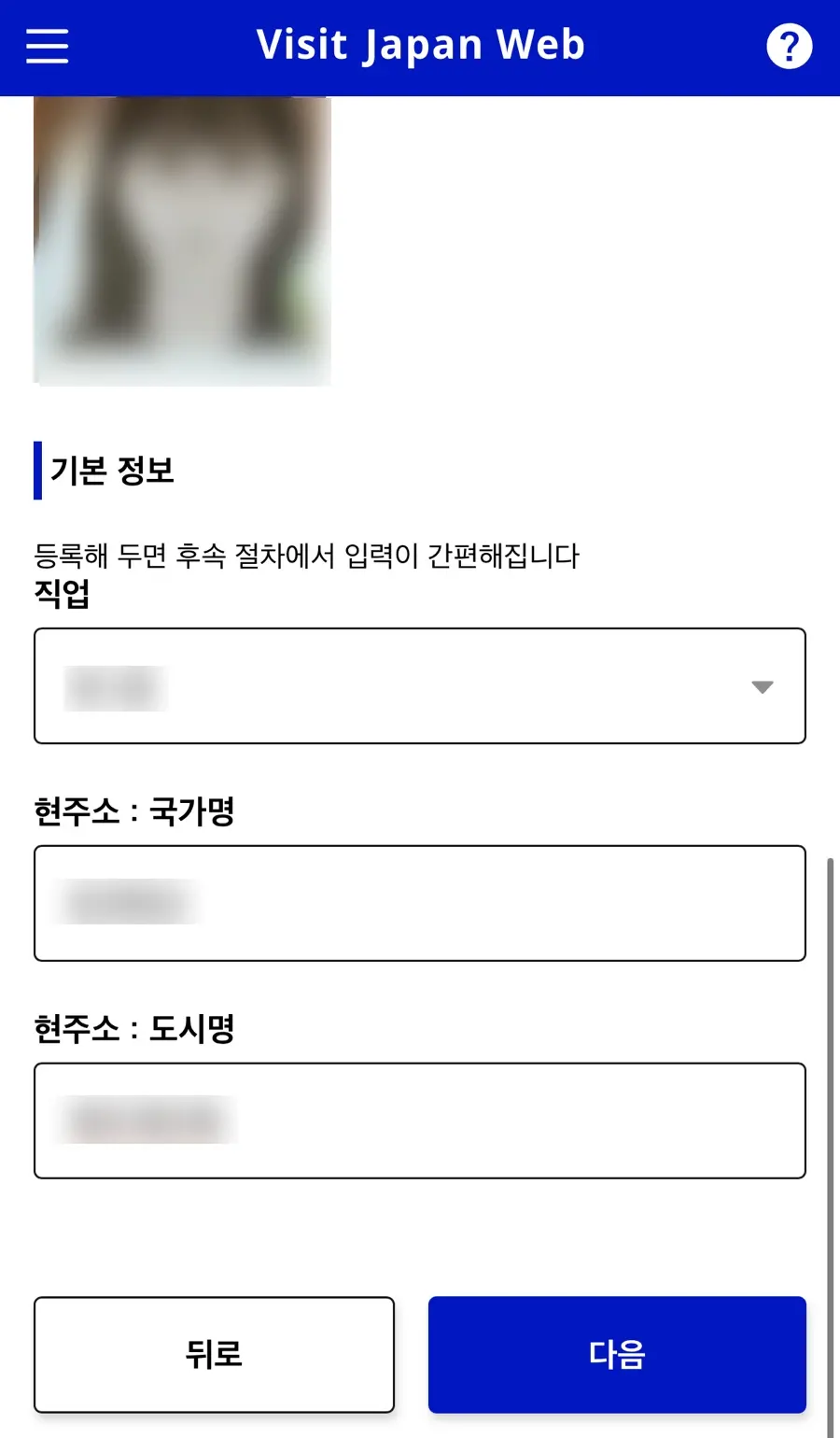
5. Registering Basic Information
Once you've entered it, you won't need to re-enter it for your next trip!
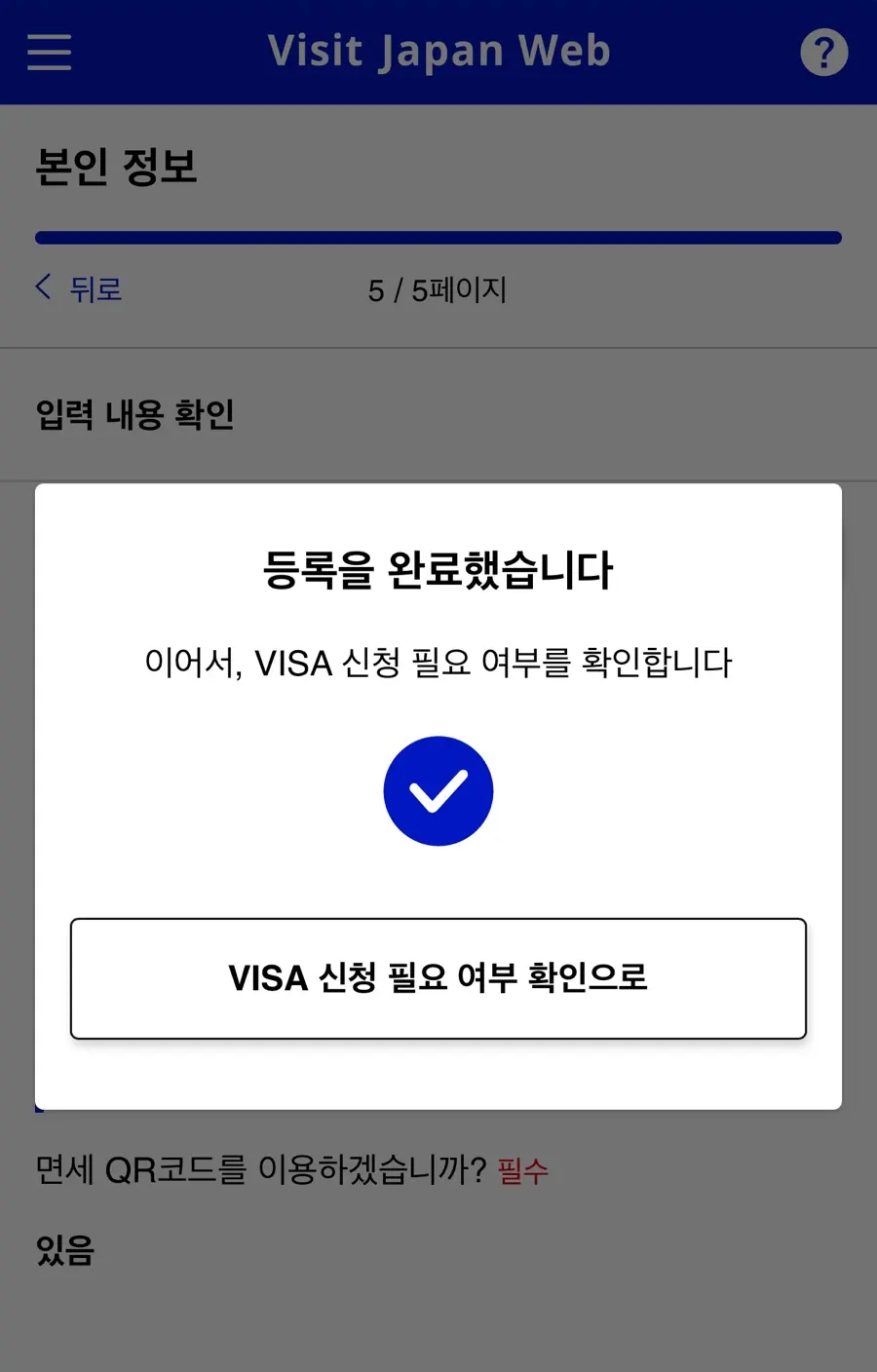
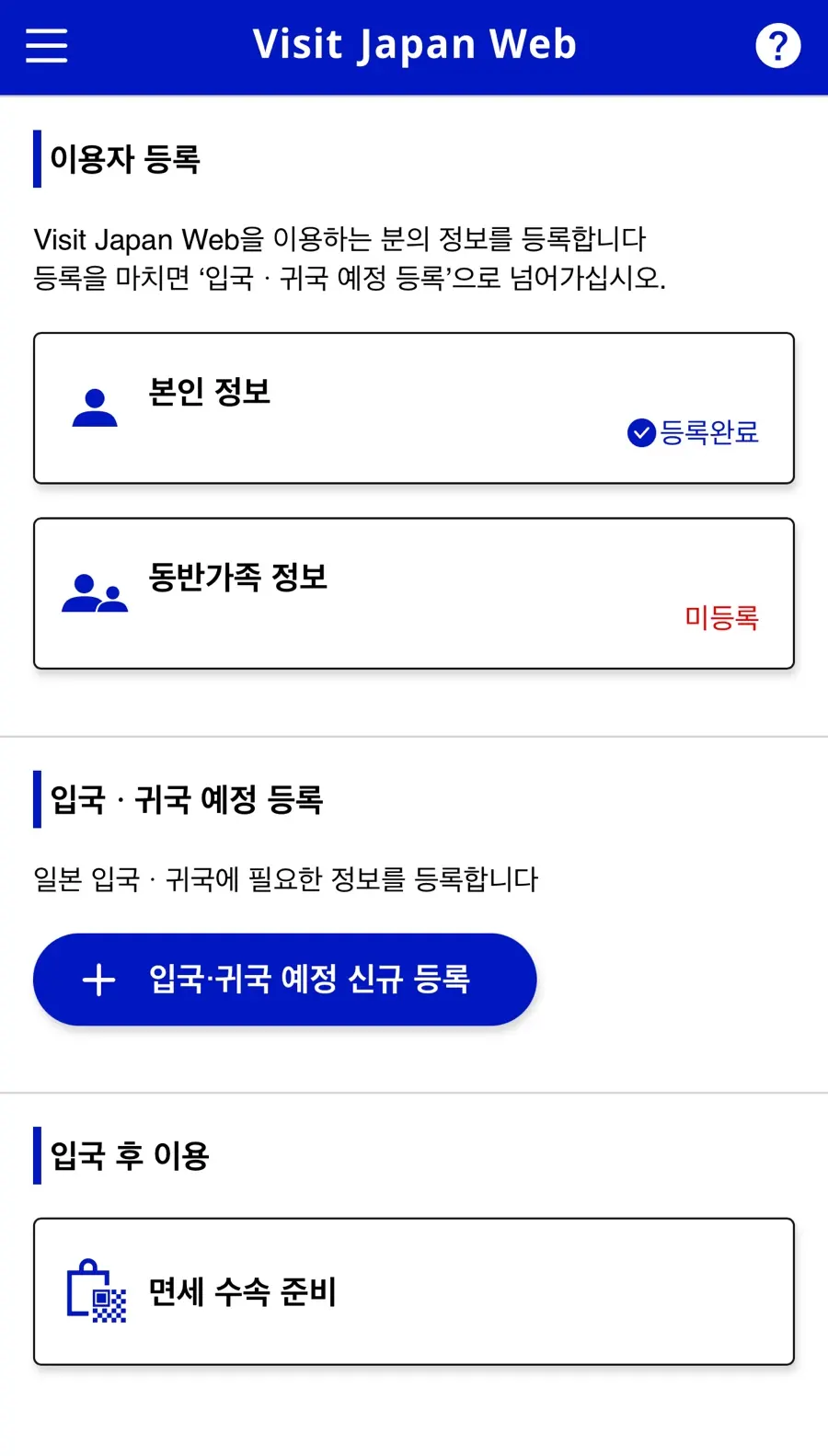
Once registration is complete, you'll see a blue "Registration Complete" message!
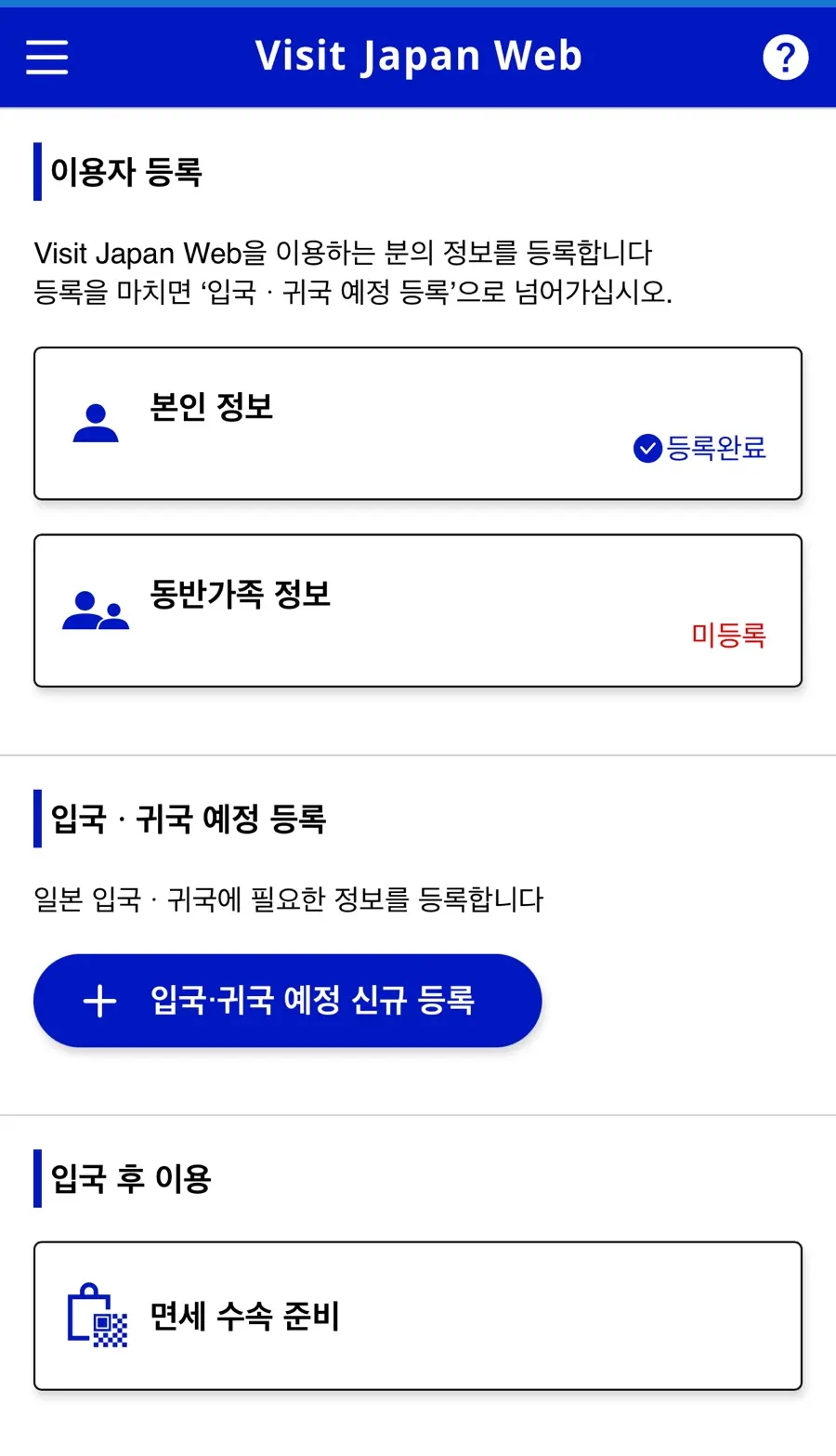
Registering Your Entry and Return Schedule
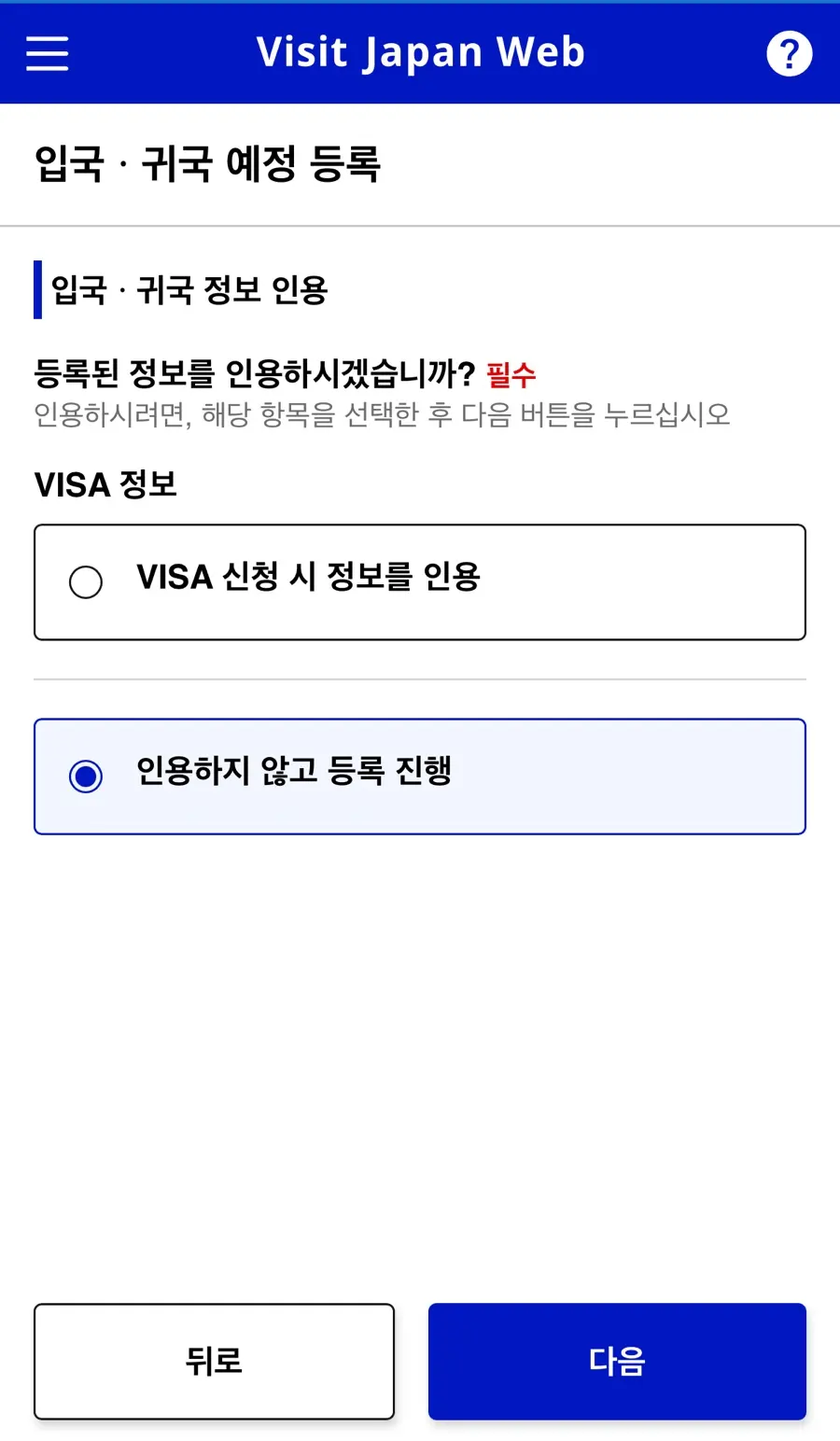
1. New Registration for Entry/Return Schedule → Register Without Referencing
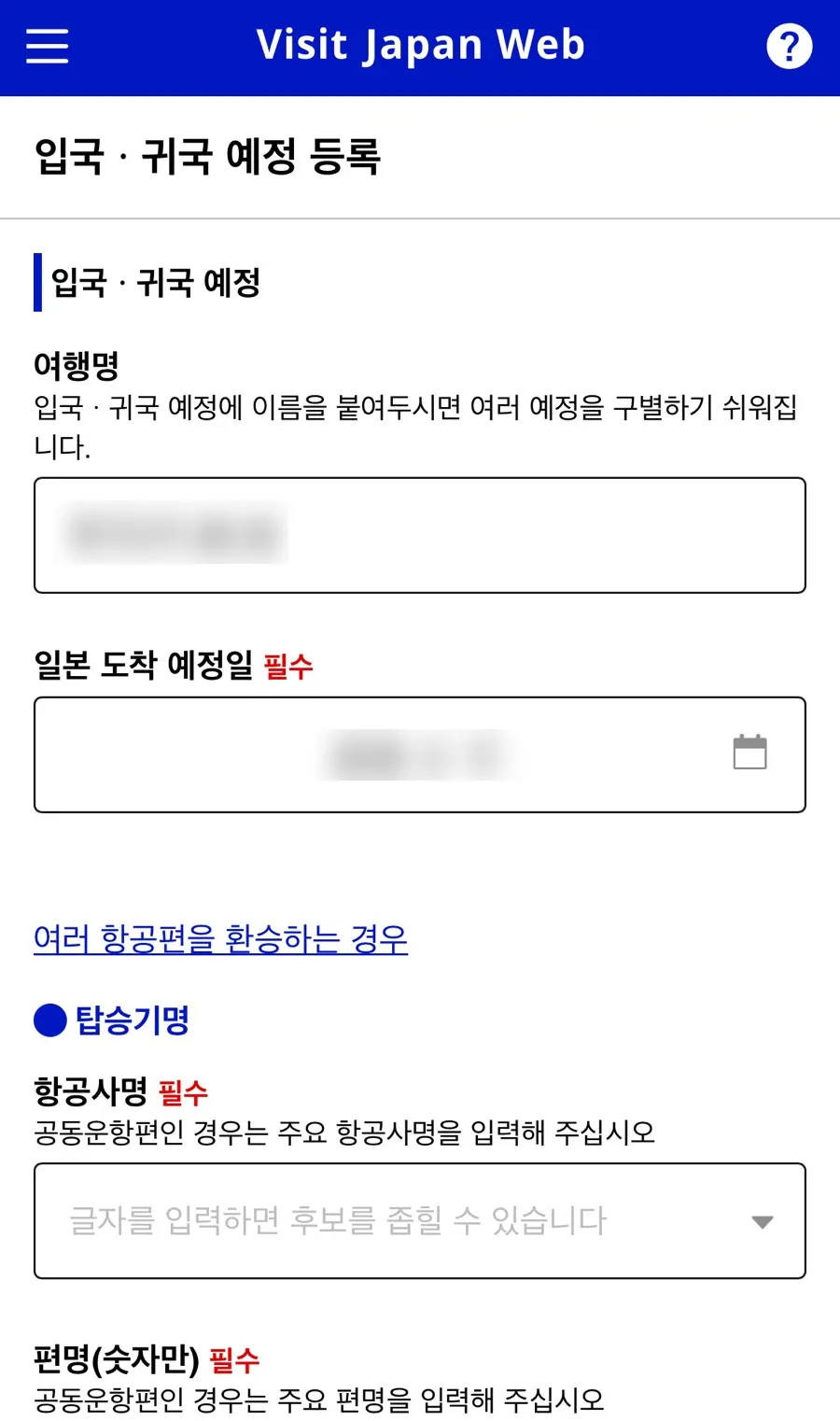
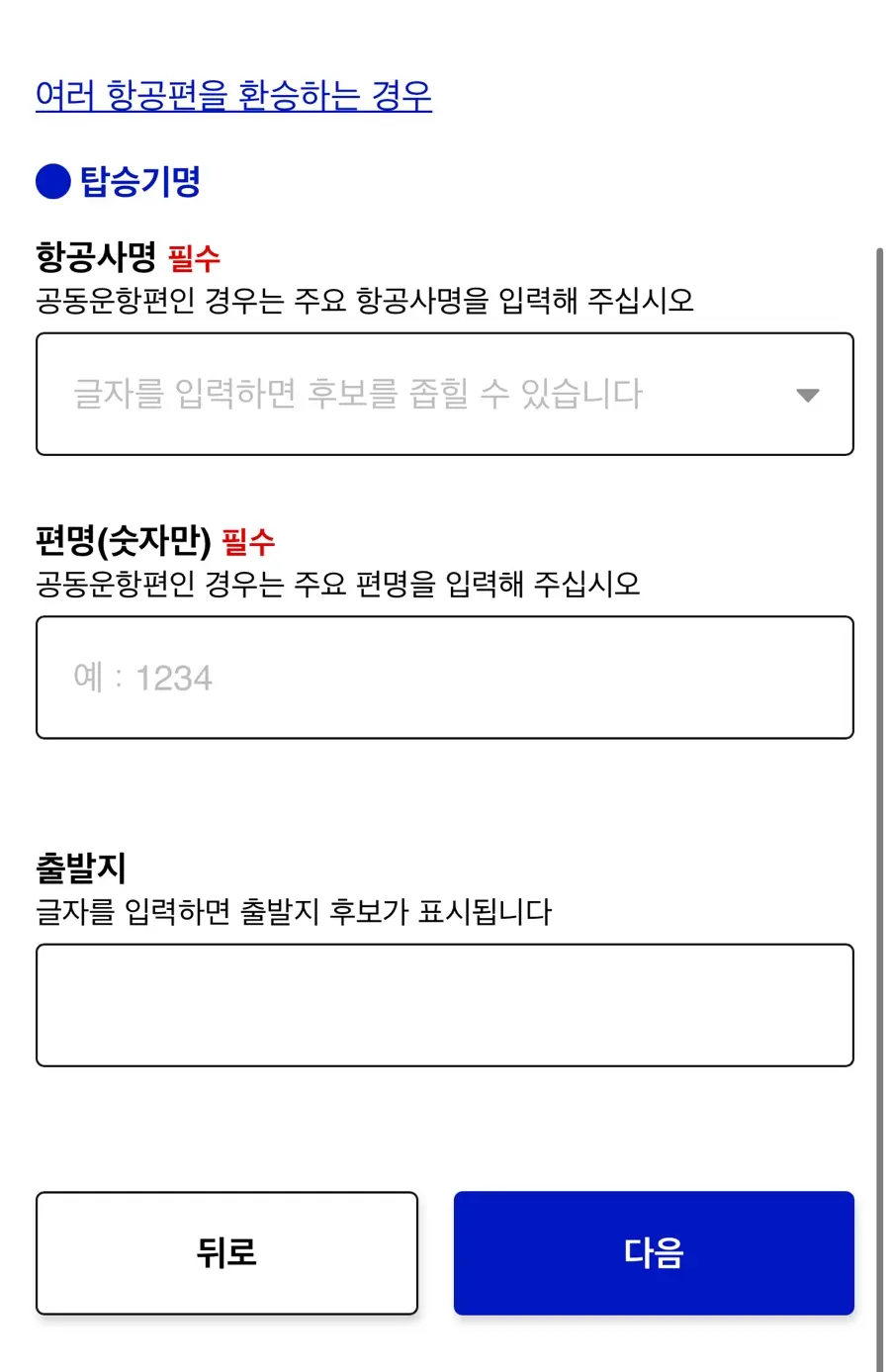
2. Enter Trip Name, Estimated Arrival Date, Carrier Name, and Departure Point
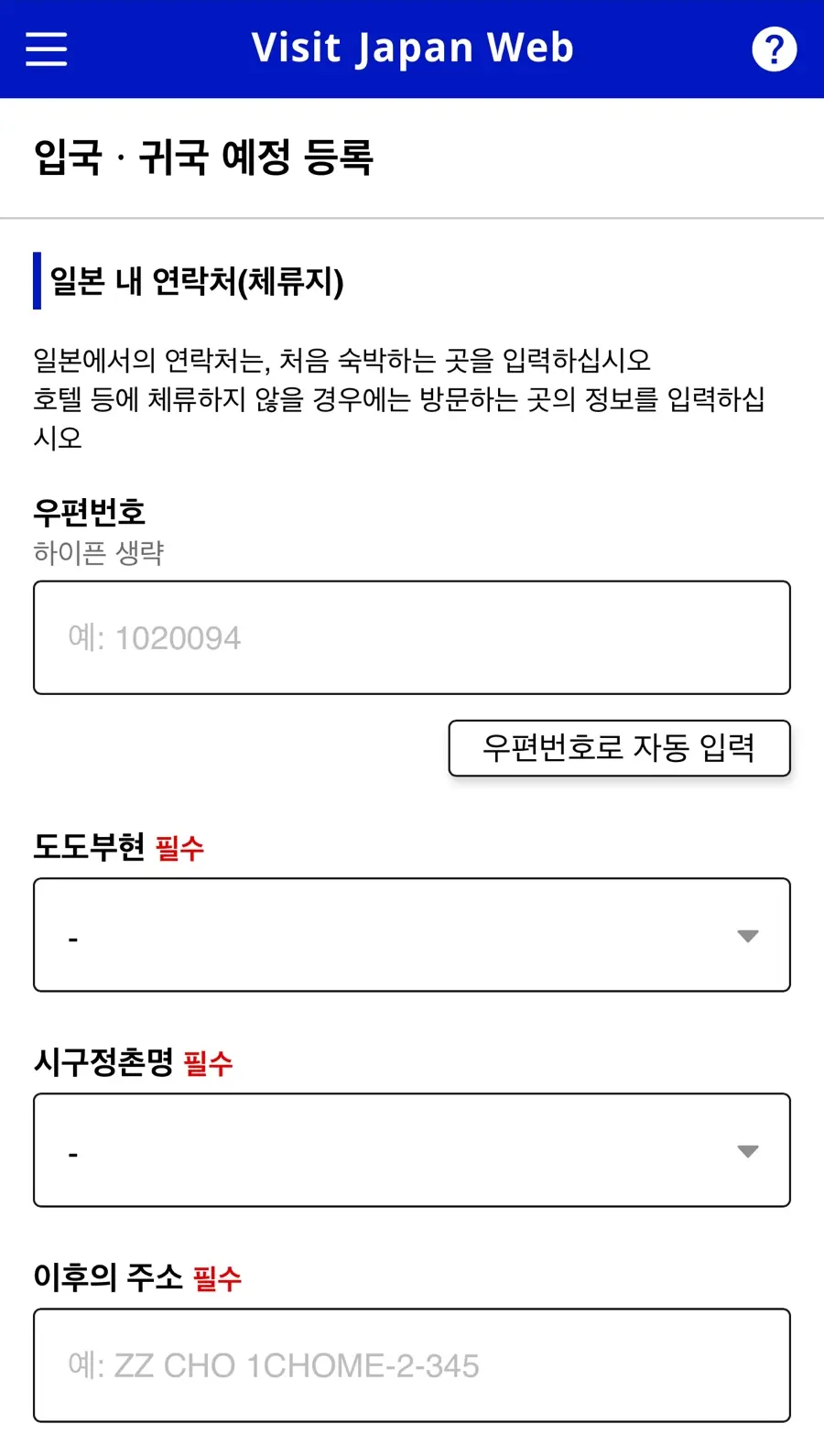
3. Enter Contact Information in Japan (Accommodation Details)
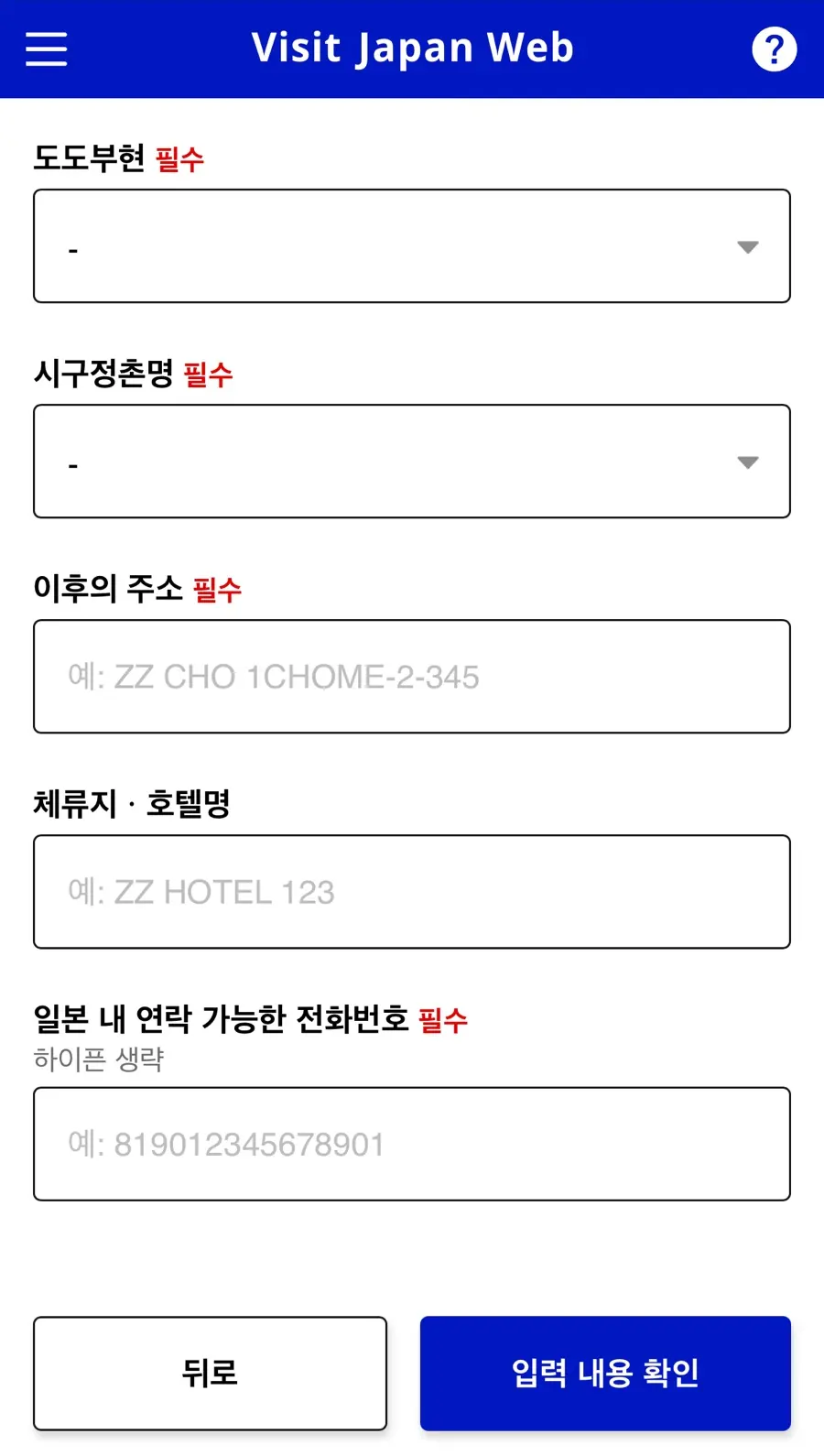
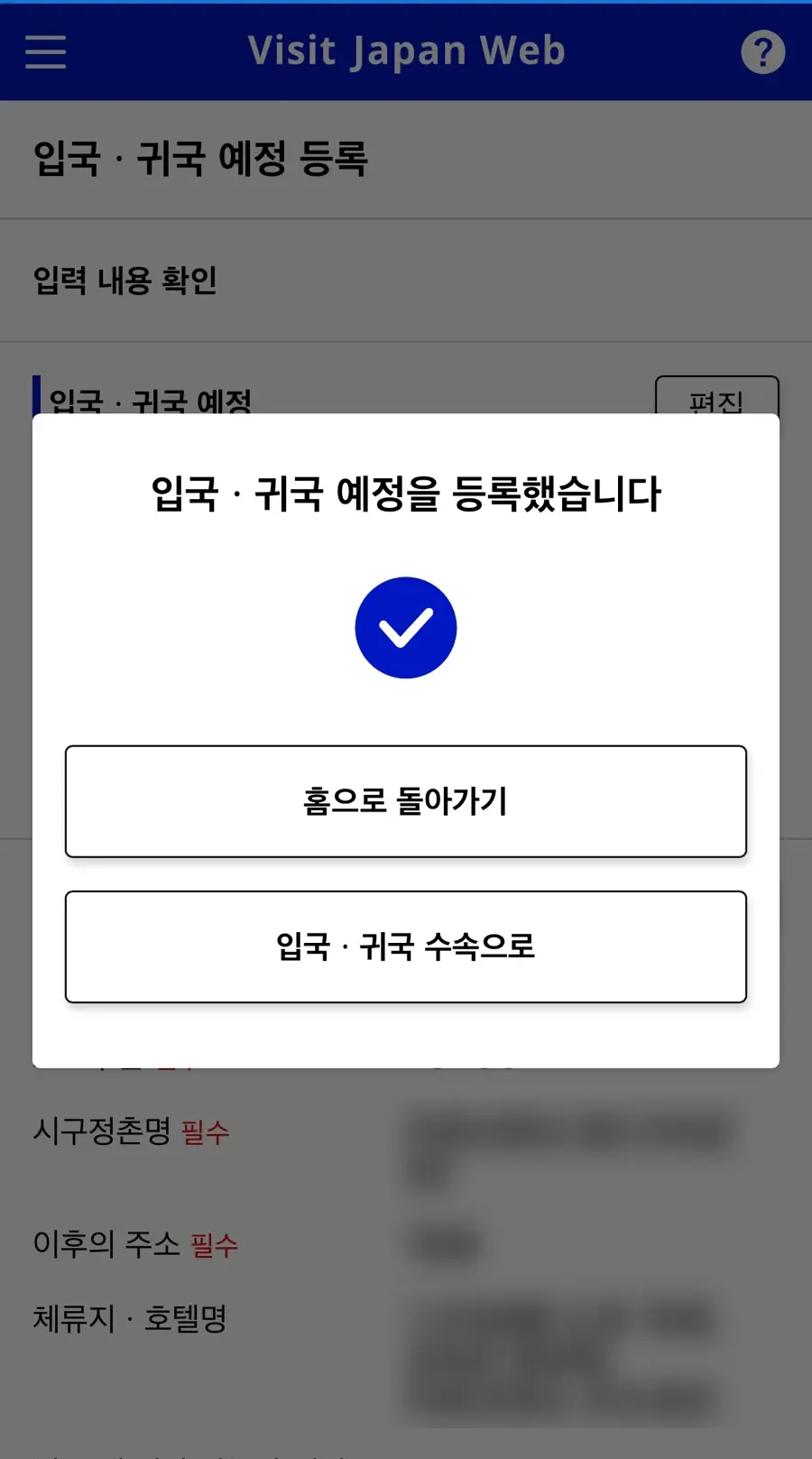
Once all information is entered, your registered schedule will appear on the screen!
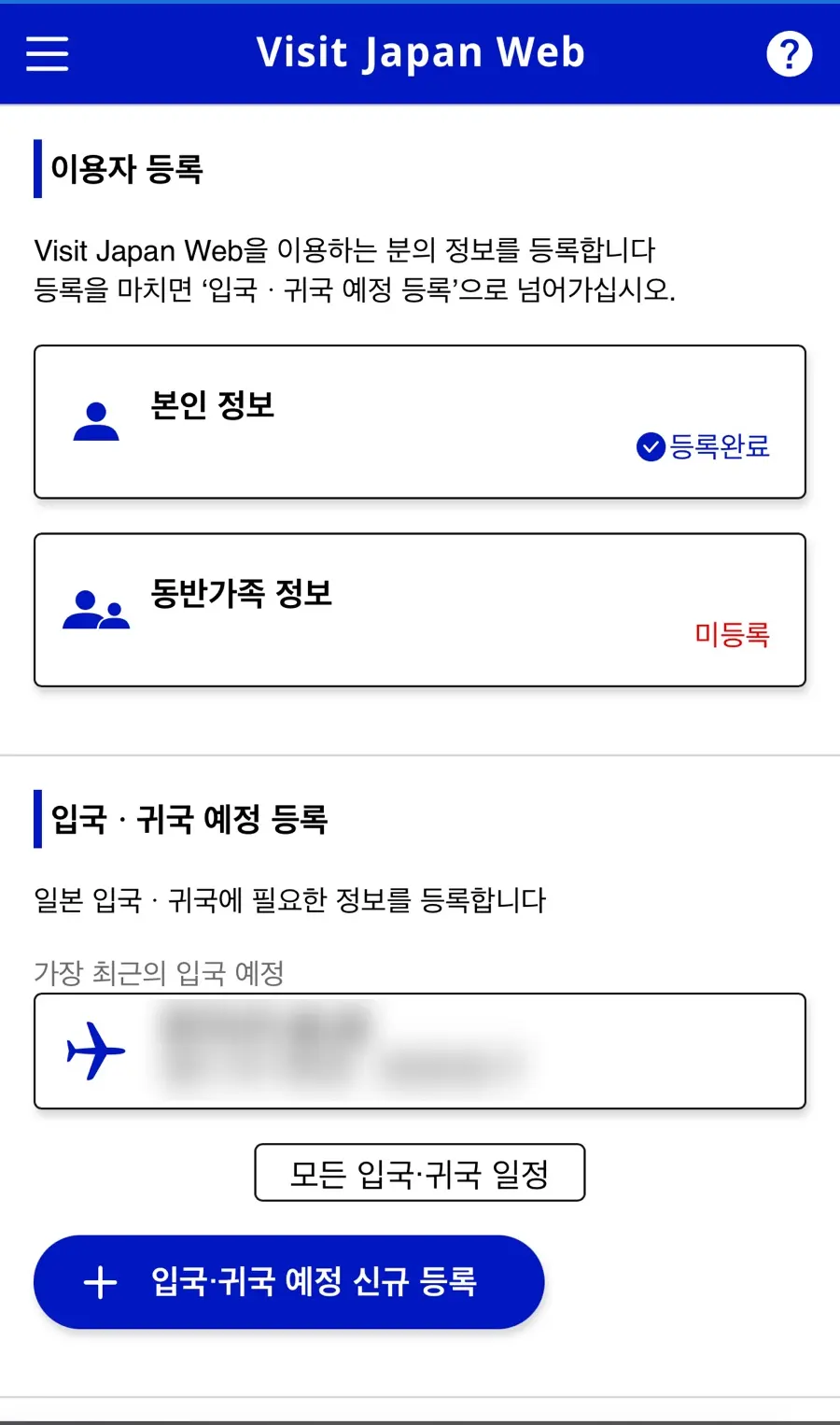
How to Register Accompanying Family & Friends
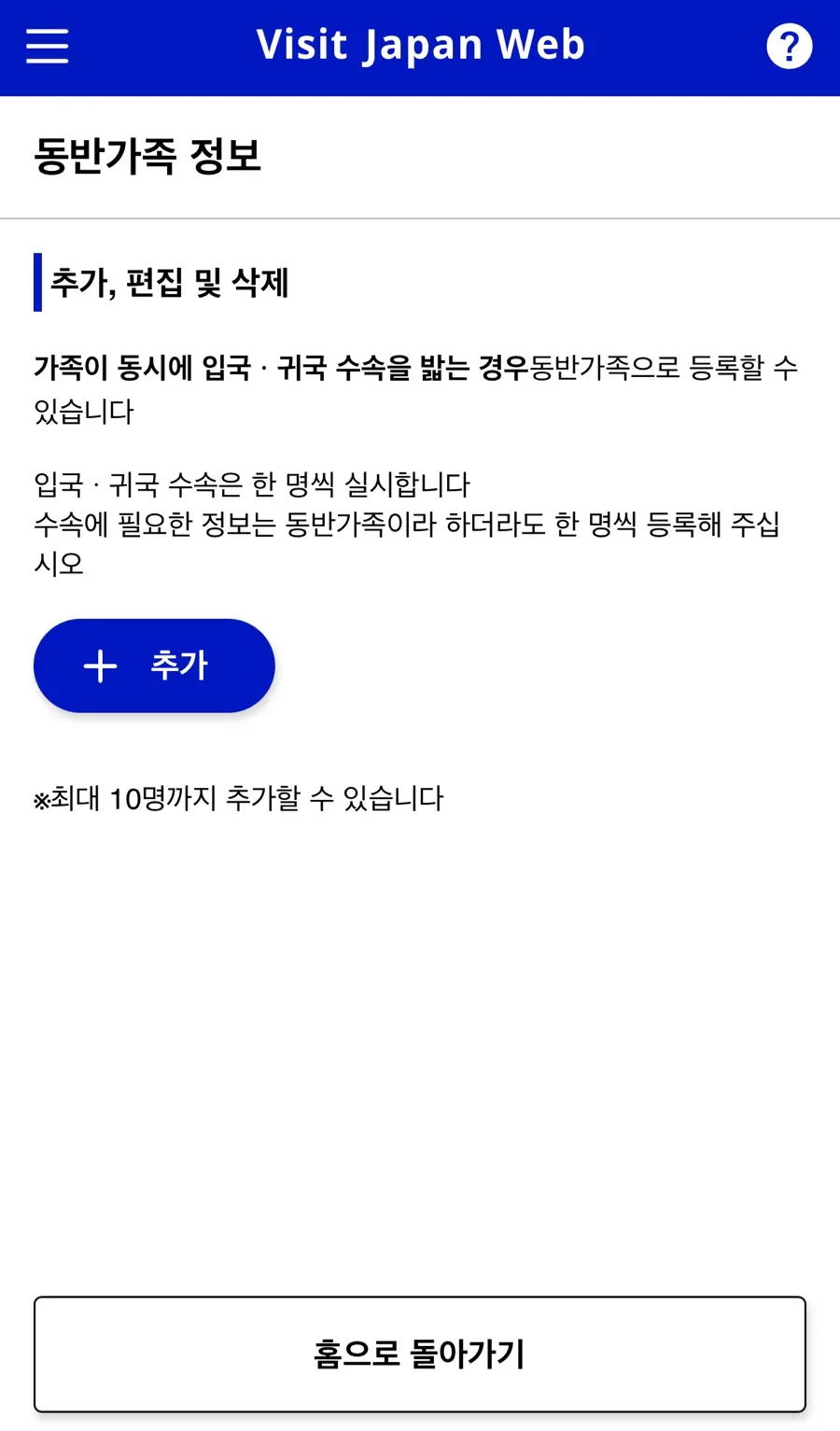
- I'm traveling with a friend, do we each have to register separately?
Yes, immigration procedures must be processed individually.
However, you can register up to 10 accompanying family members
under one account!
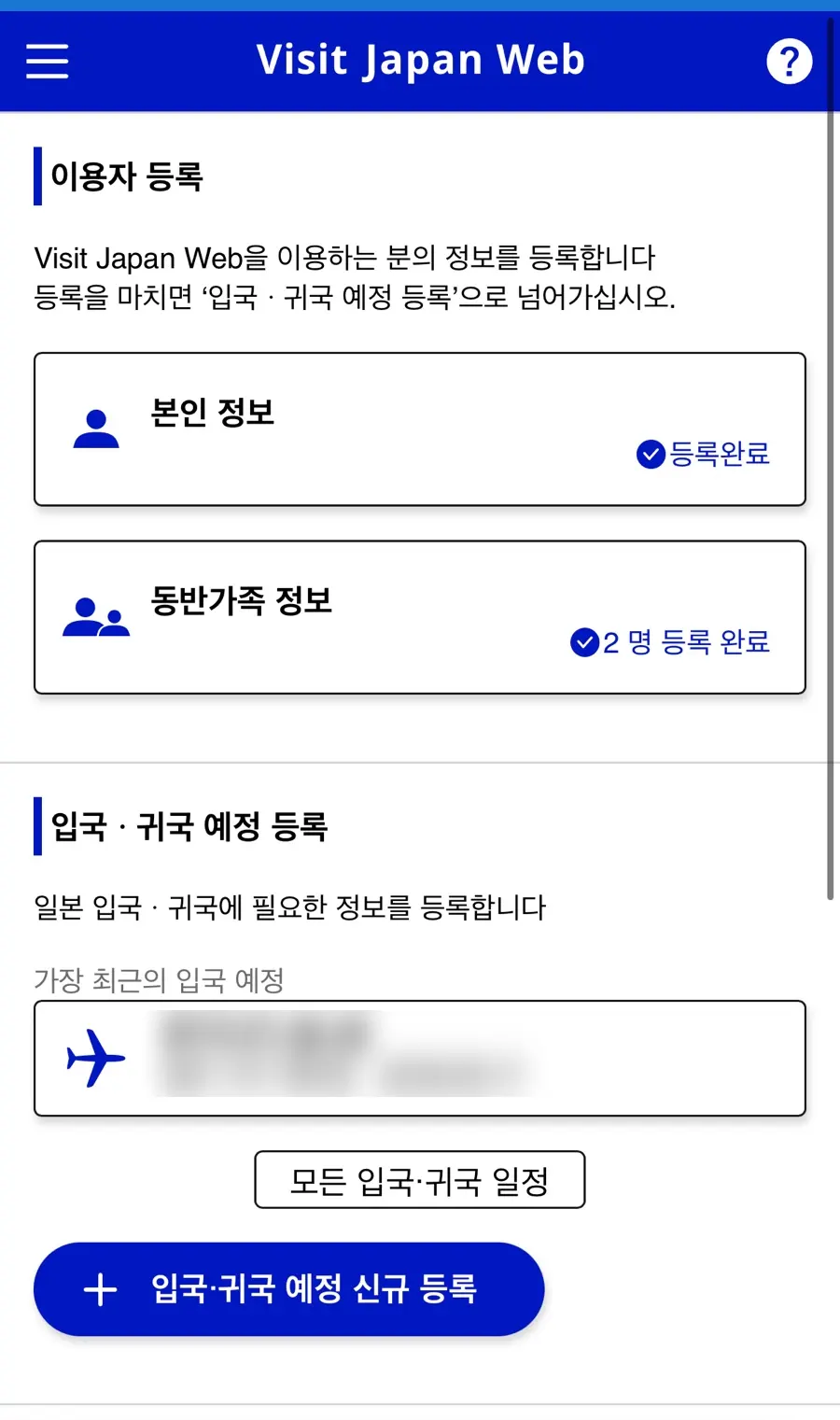
1. Click on "Accompanying Family Information"
This option is for families undergoing immigration procedures at the same time.
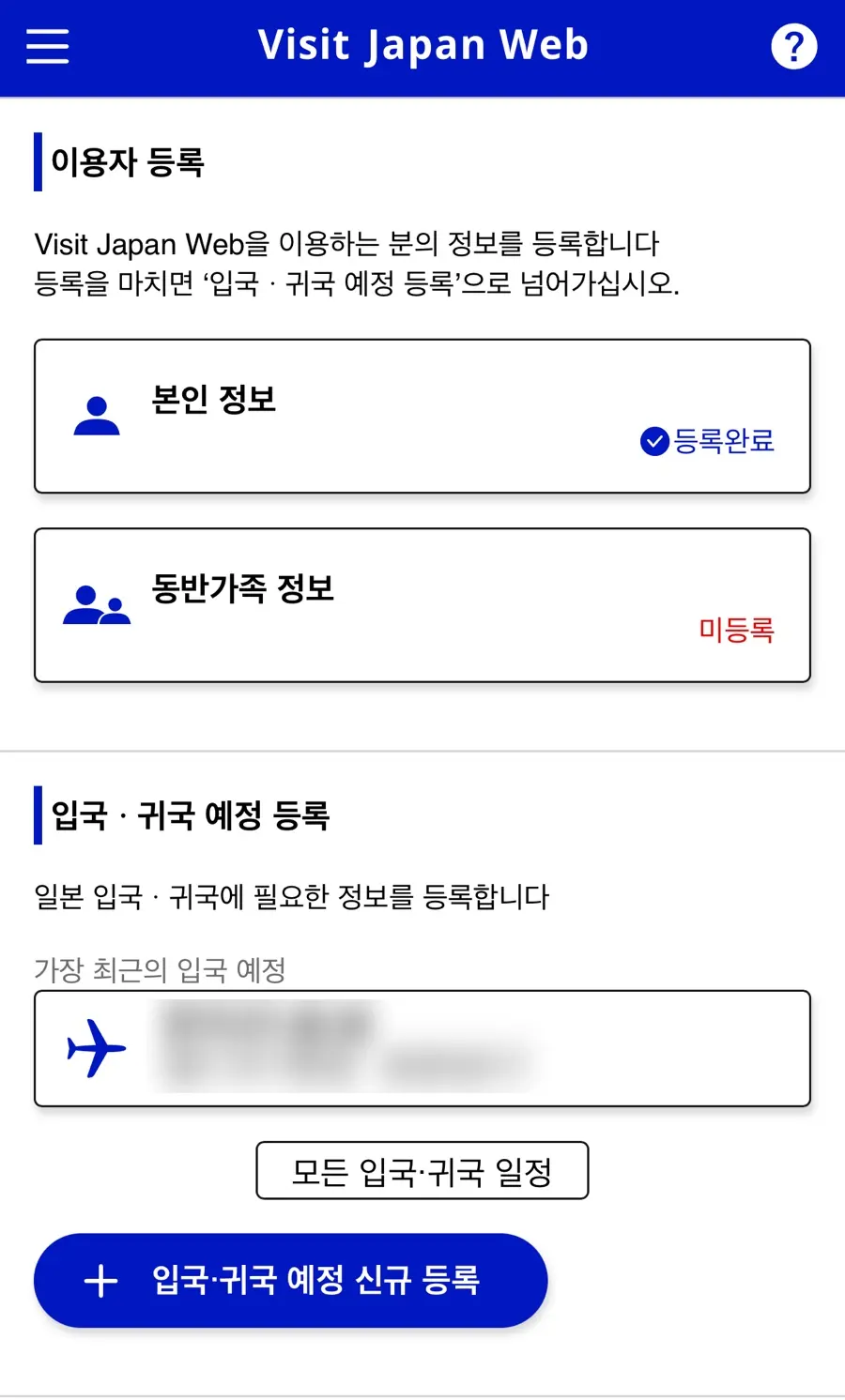
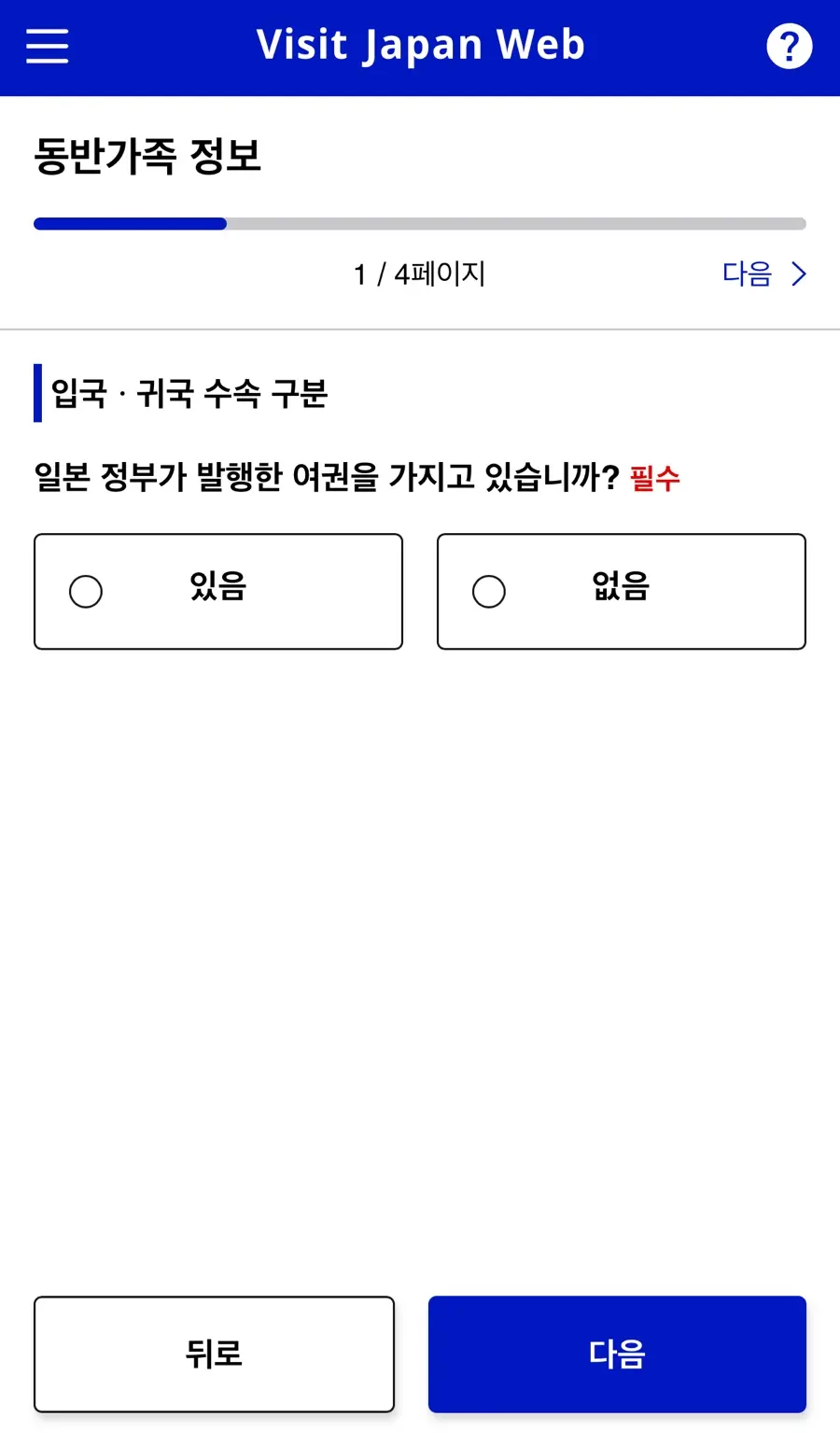
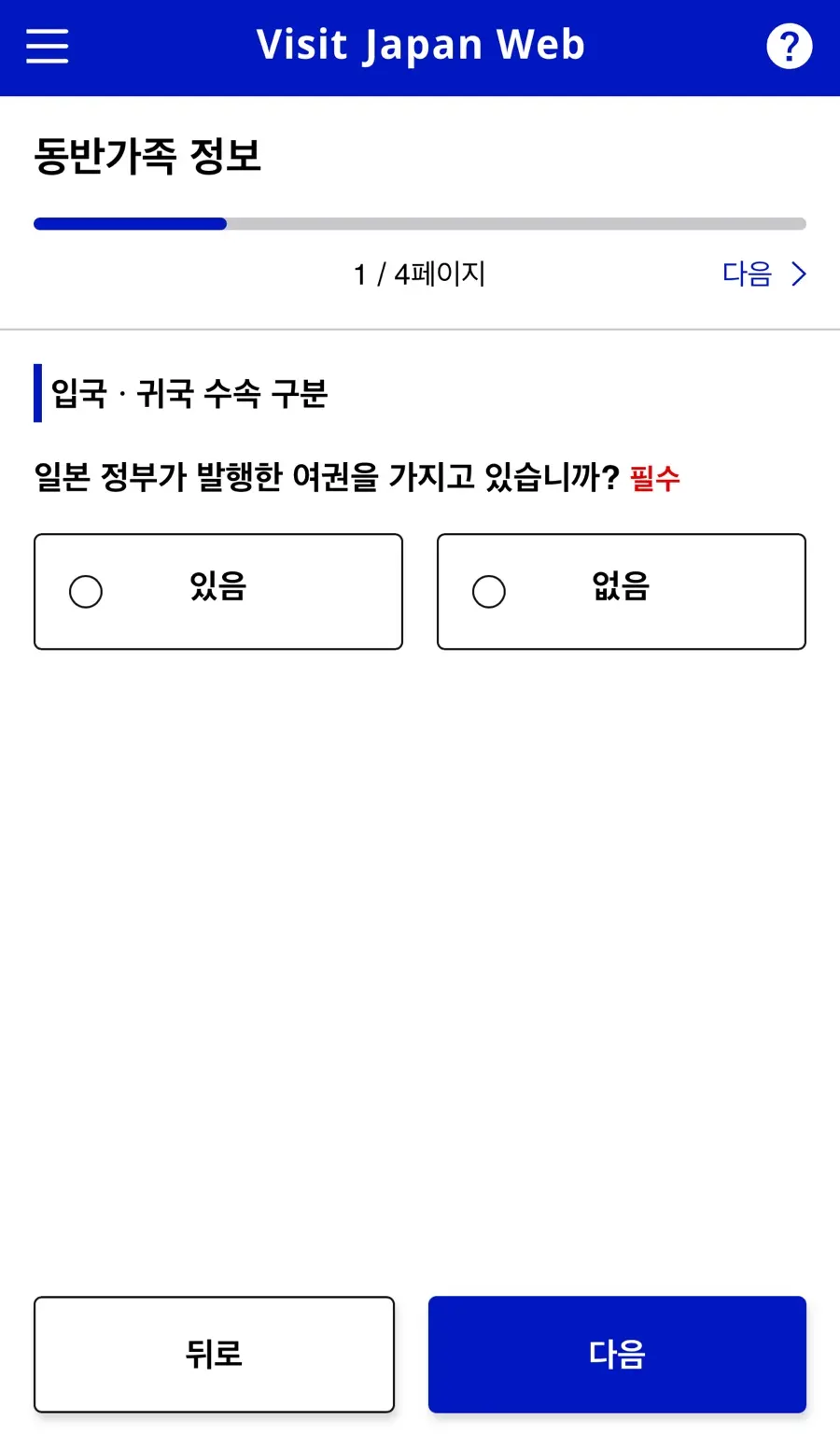
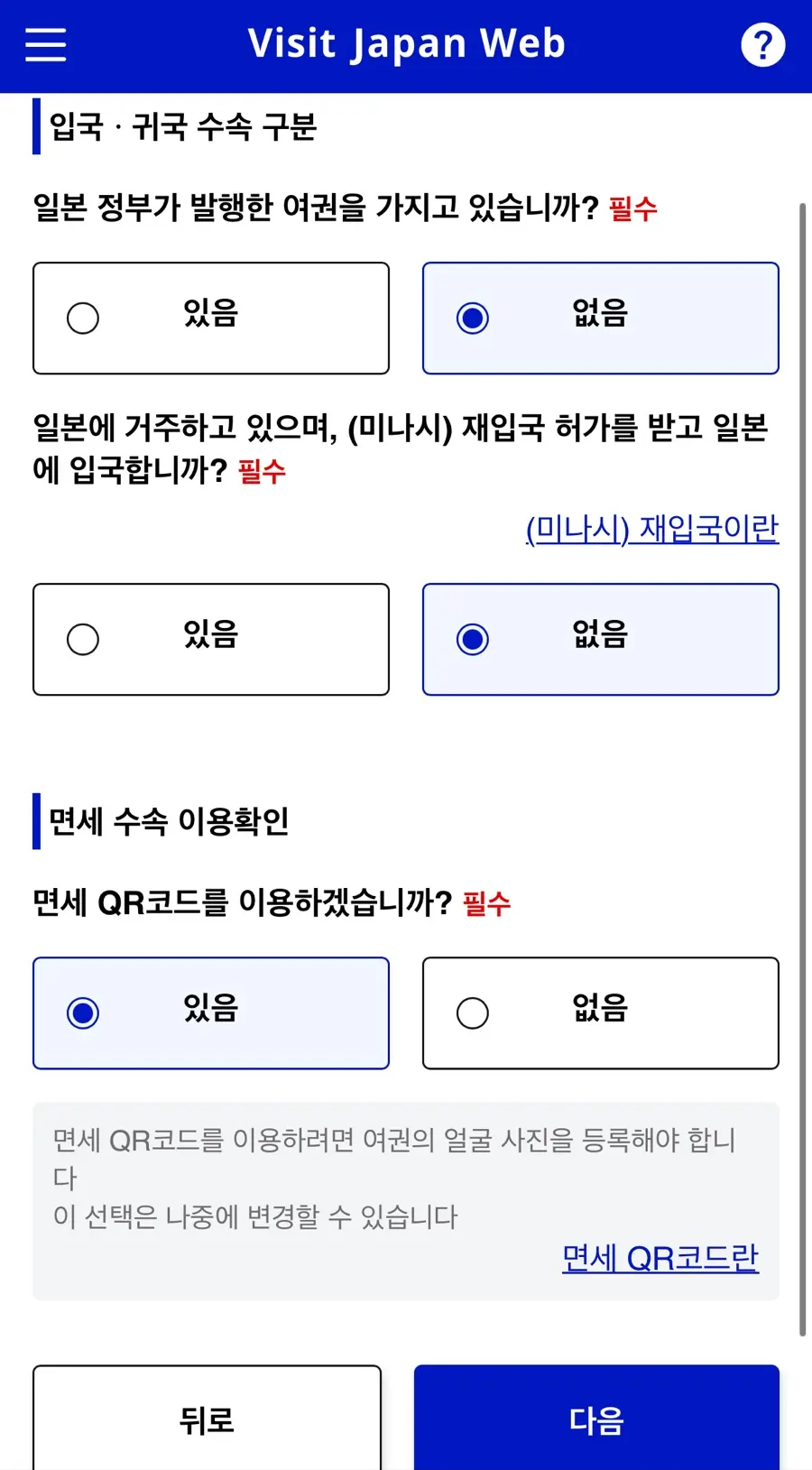
2. Check the Entry/Return Procedure Classification
3. Register Passport Information → Camera Scan
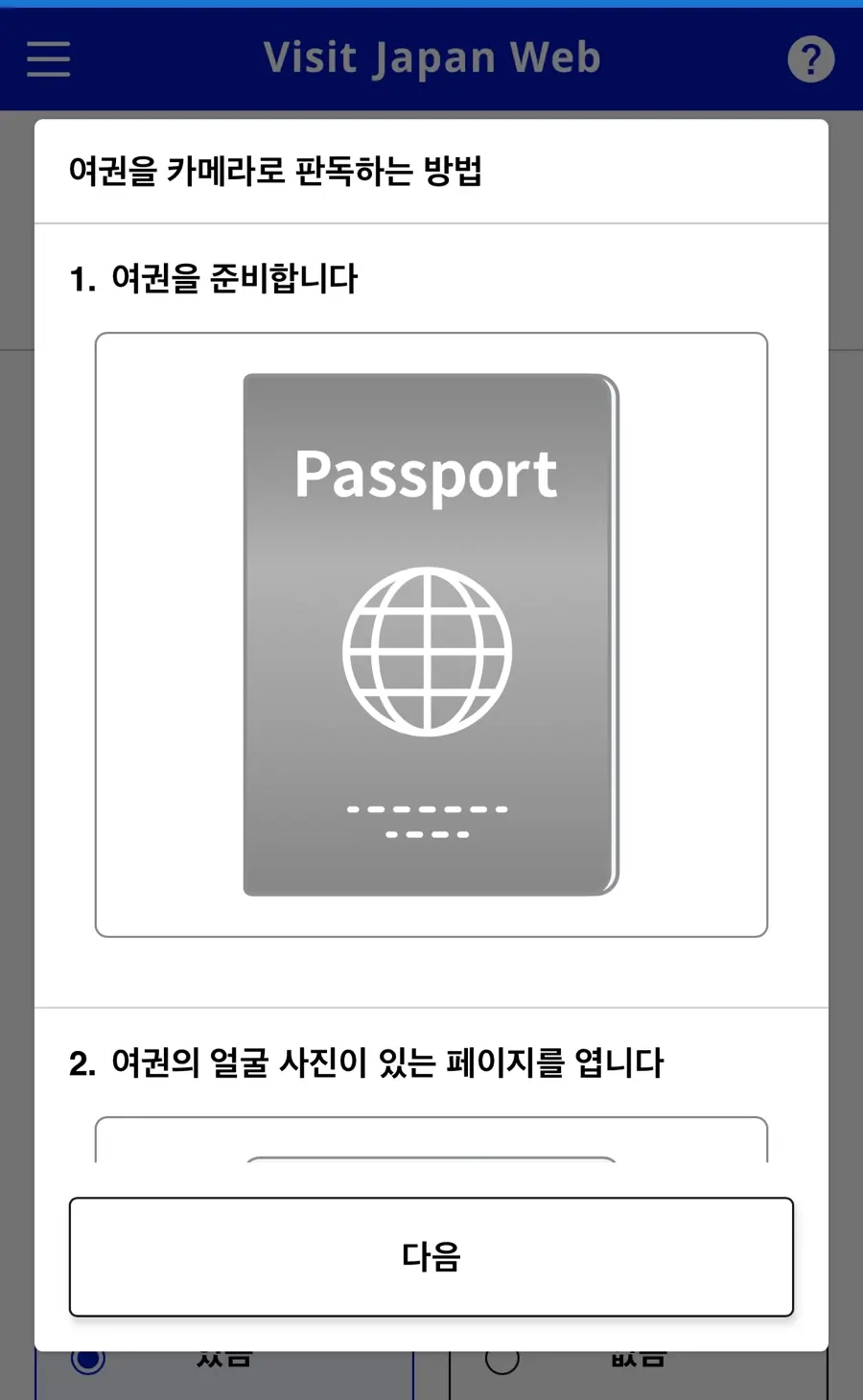
4. Register Basic Information
After registration, it will turn blue,
and you'll be able to add, delete, or edit the information.
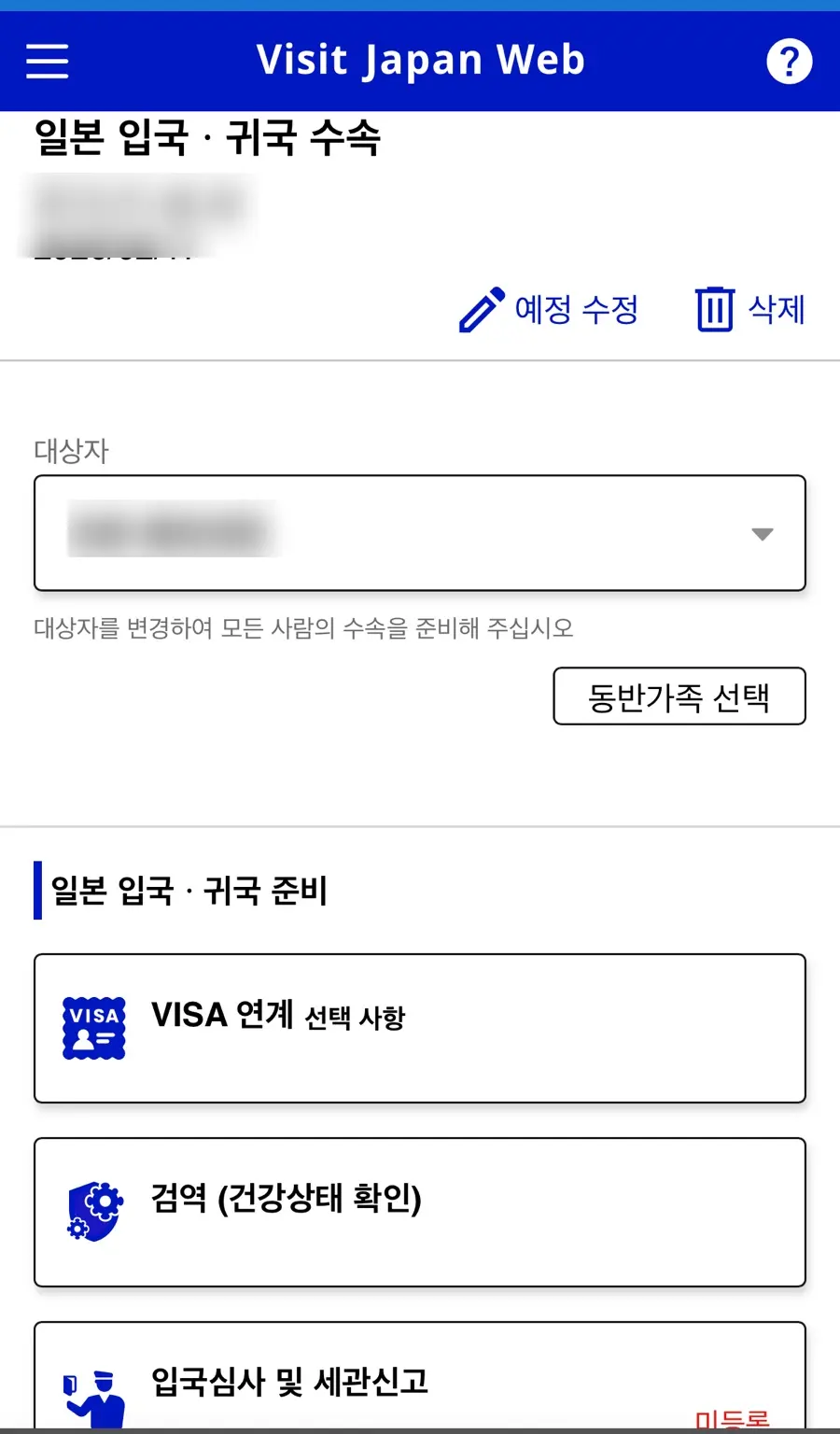
Immigration Inspection and Customs Declaration
1. Click "Immigration Inspection and Customs Declaration" - Then "Next"
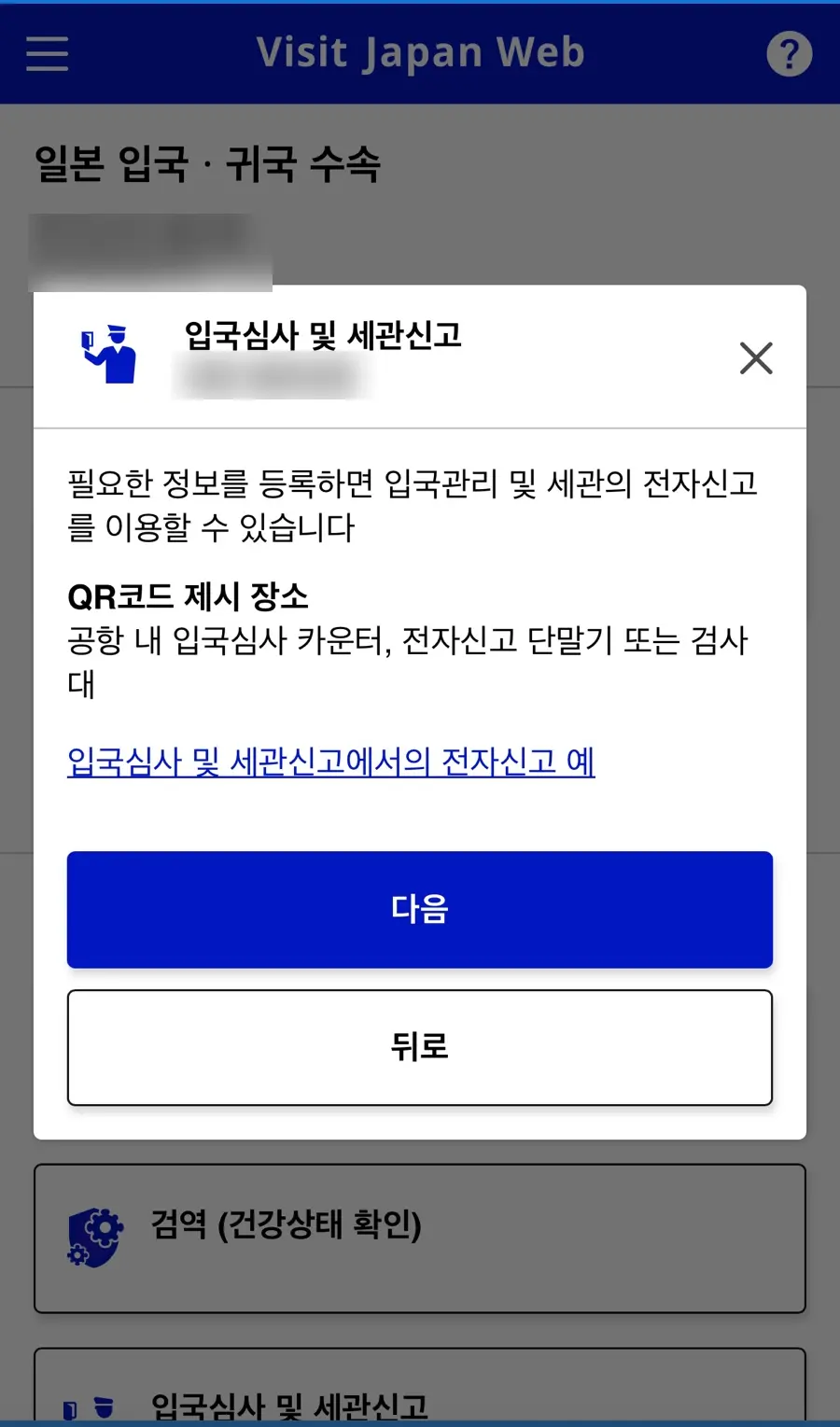
2. Register Basic Information
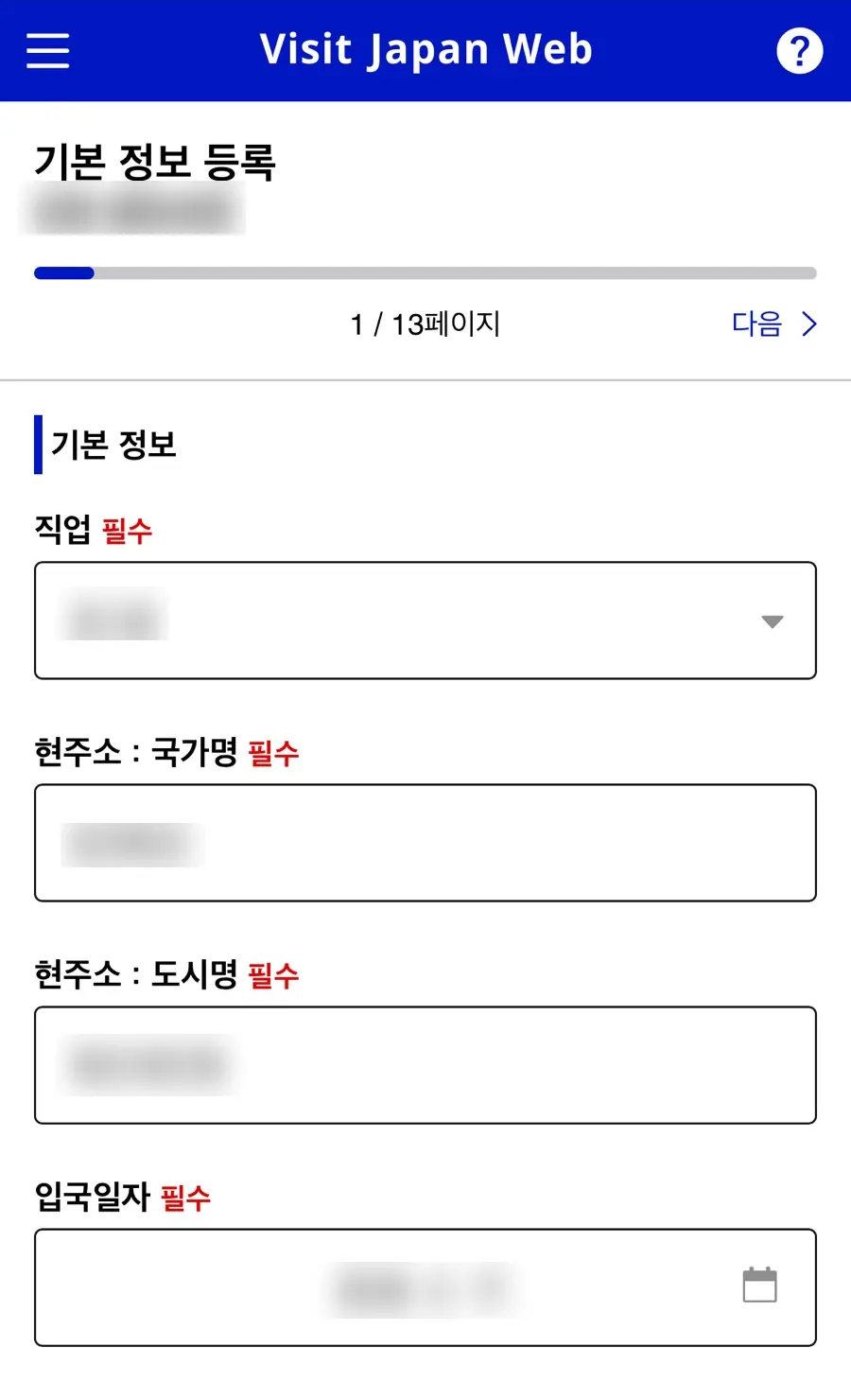
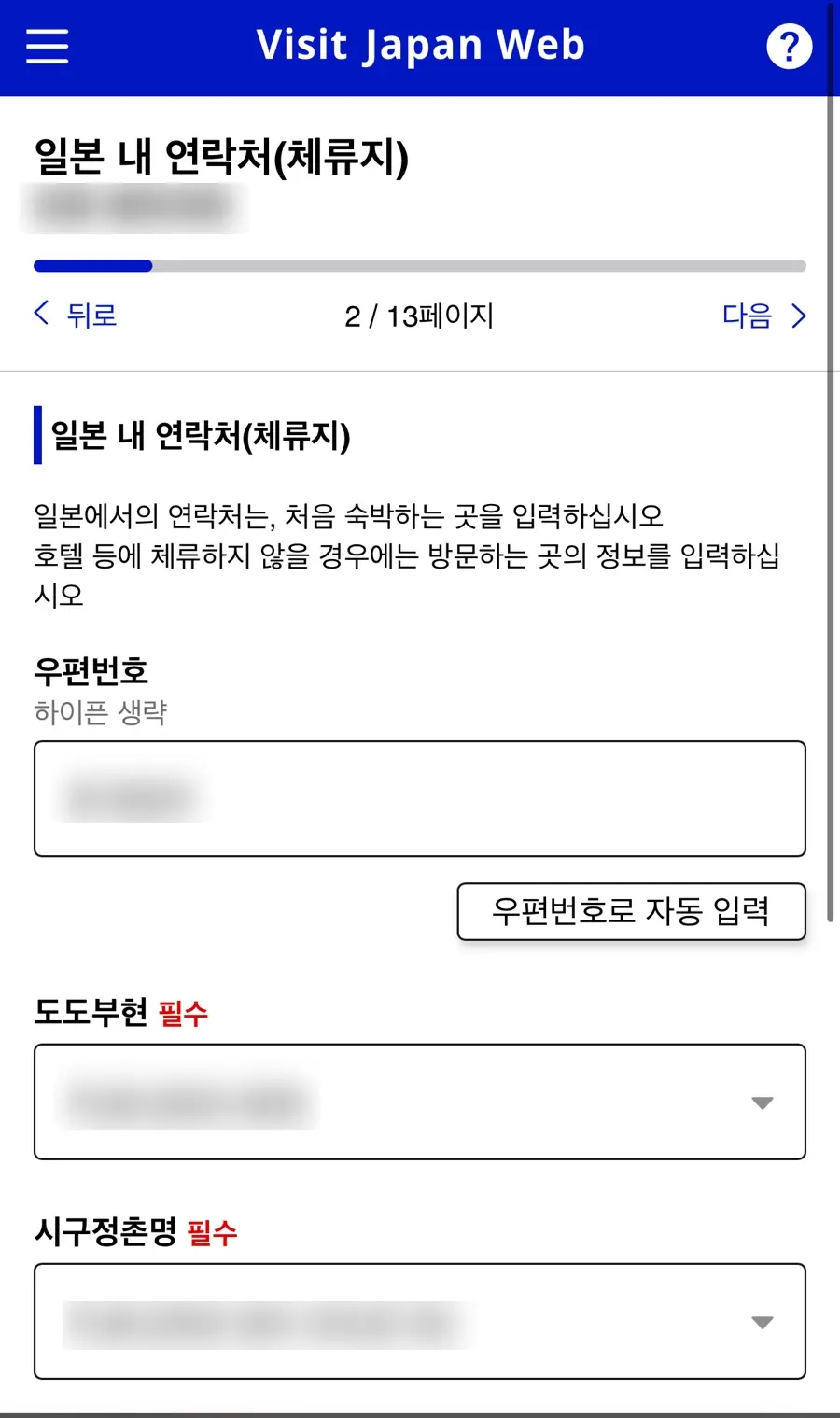
3. Contact Information in Japan (Place of Stay)
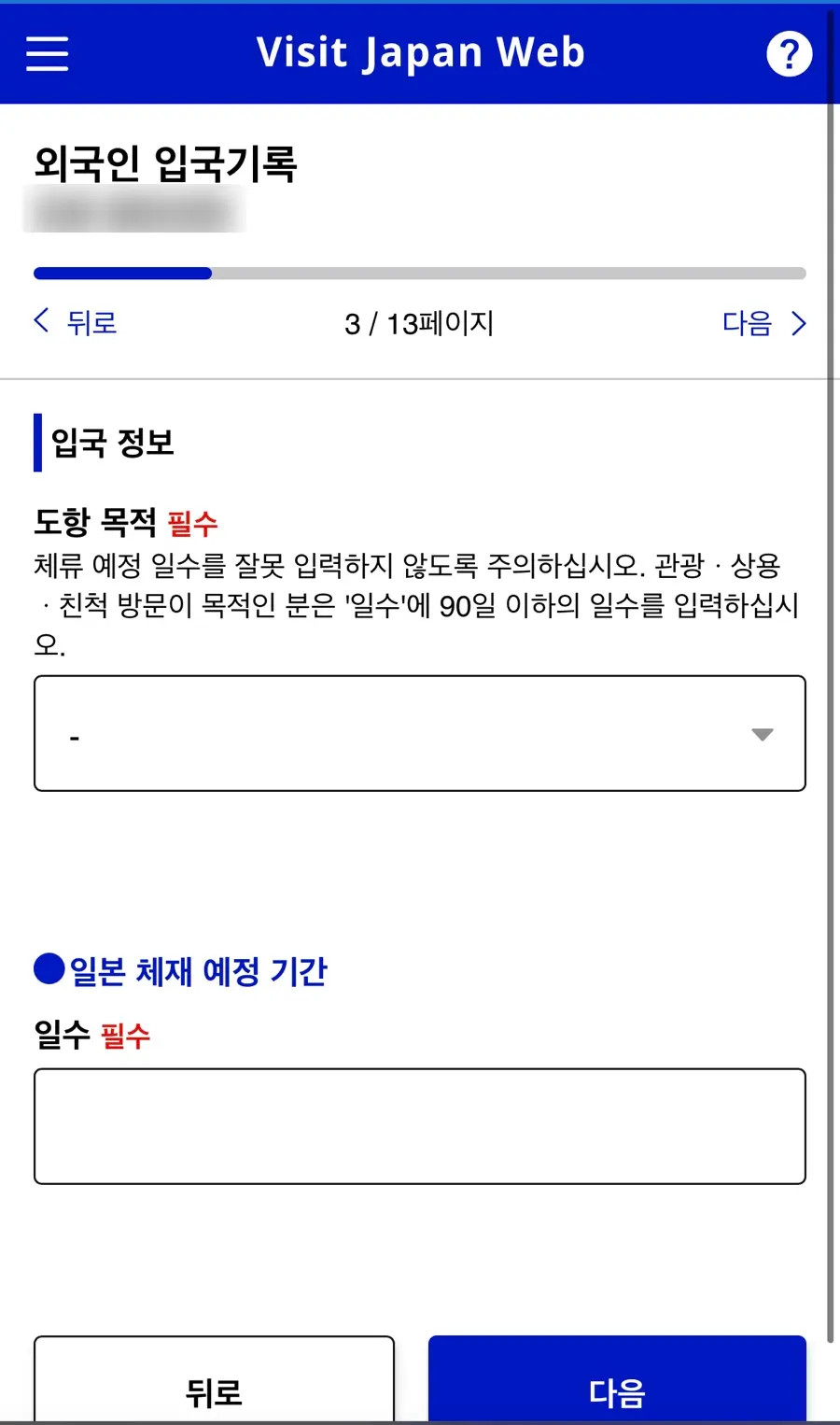
4. Foreigner Entry Record
Enter purpose of visit (tourism), length of stay, and check questions
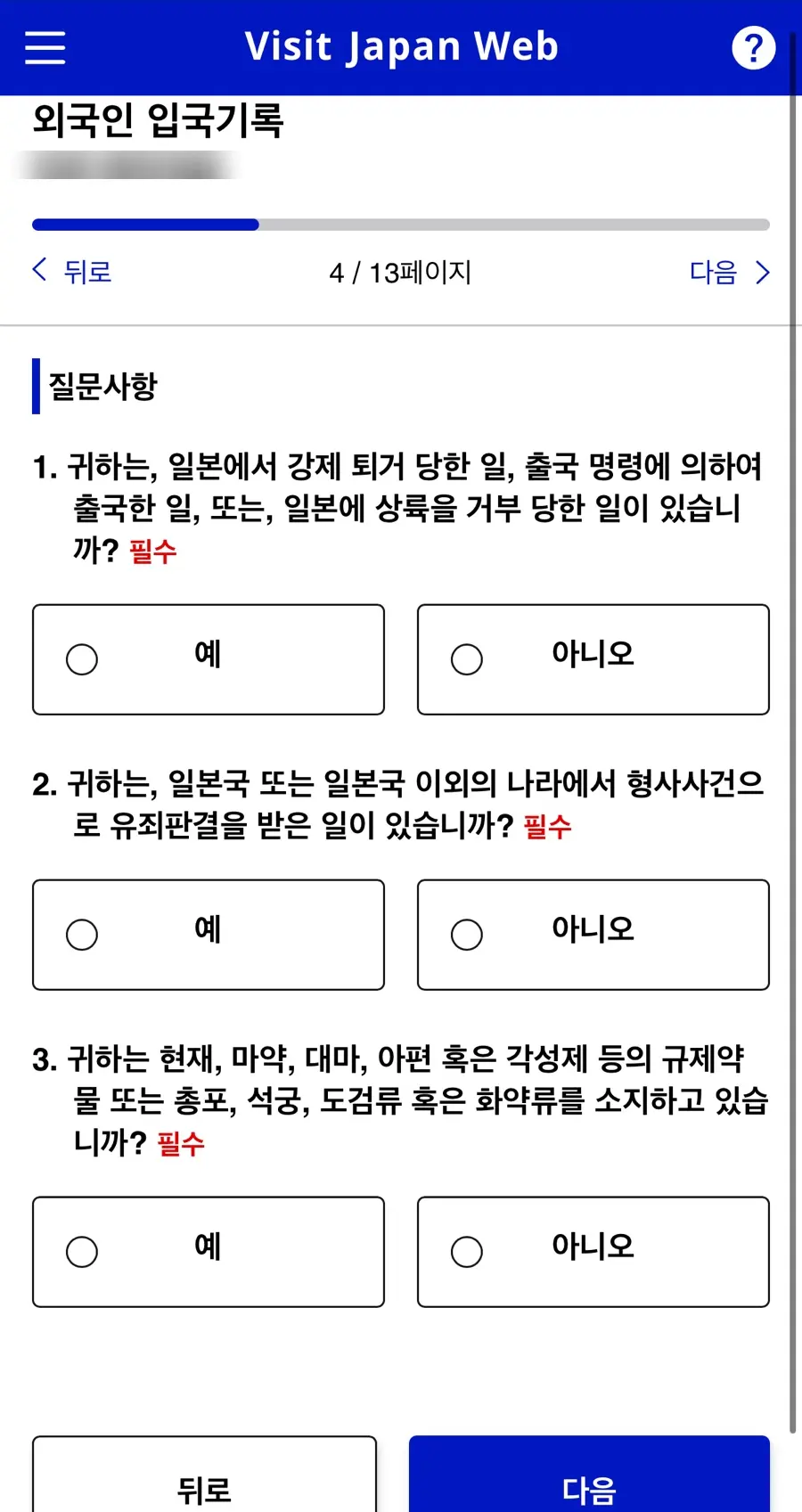
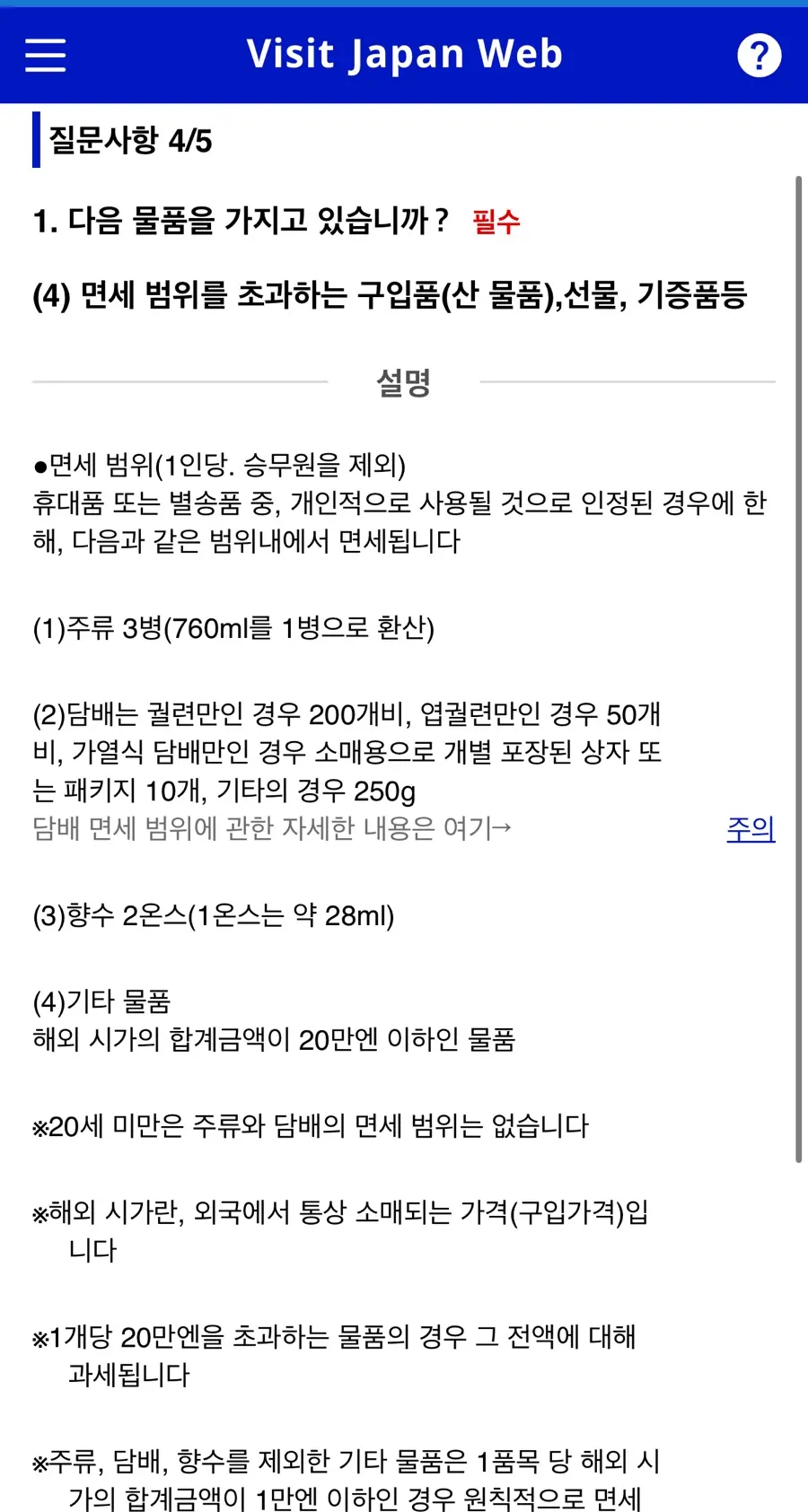
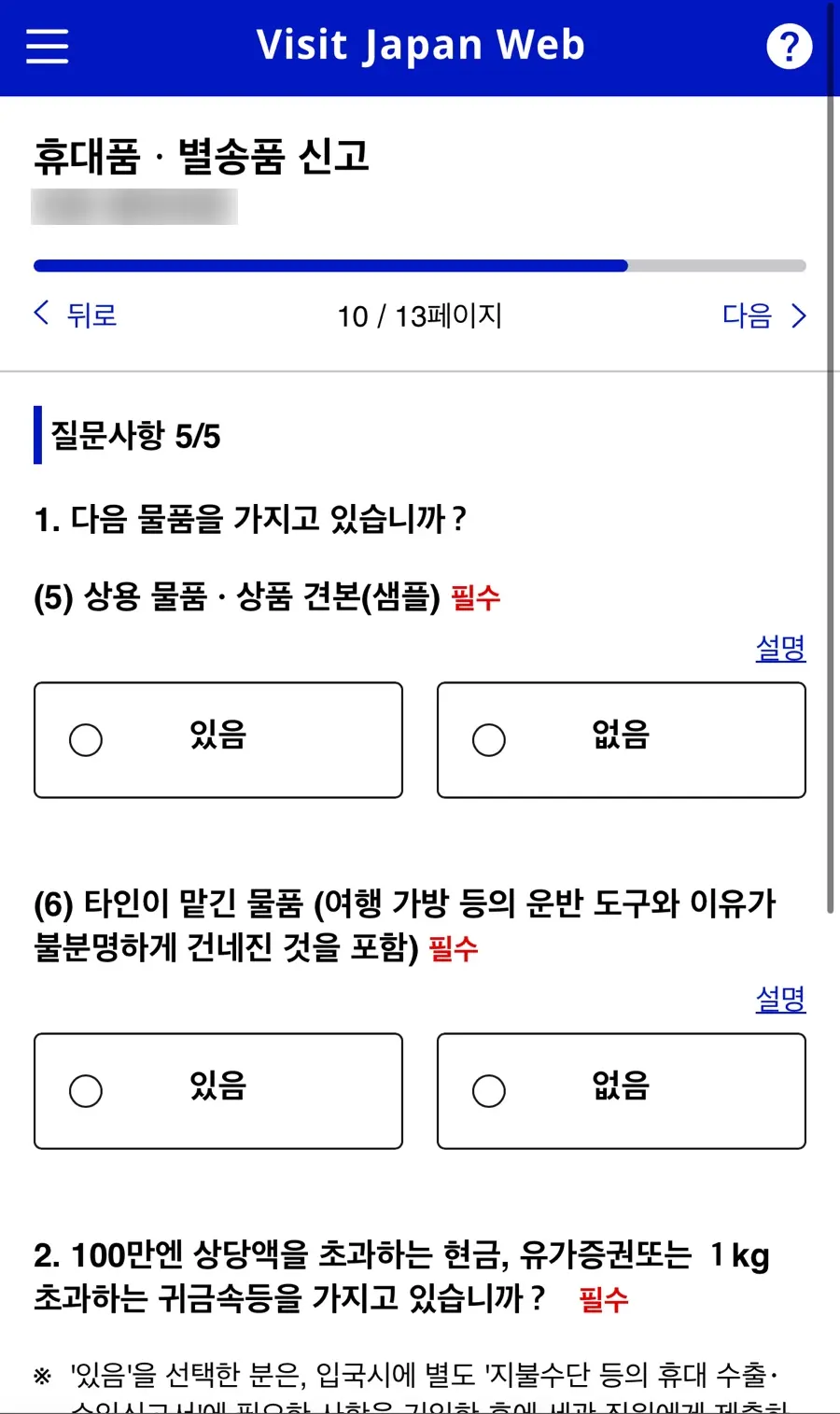
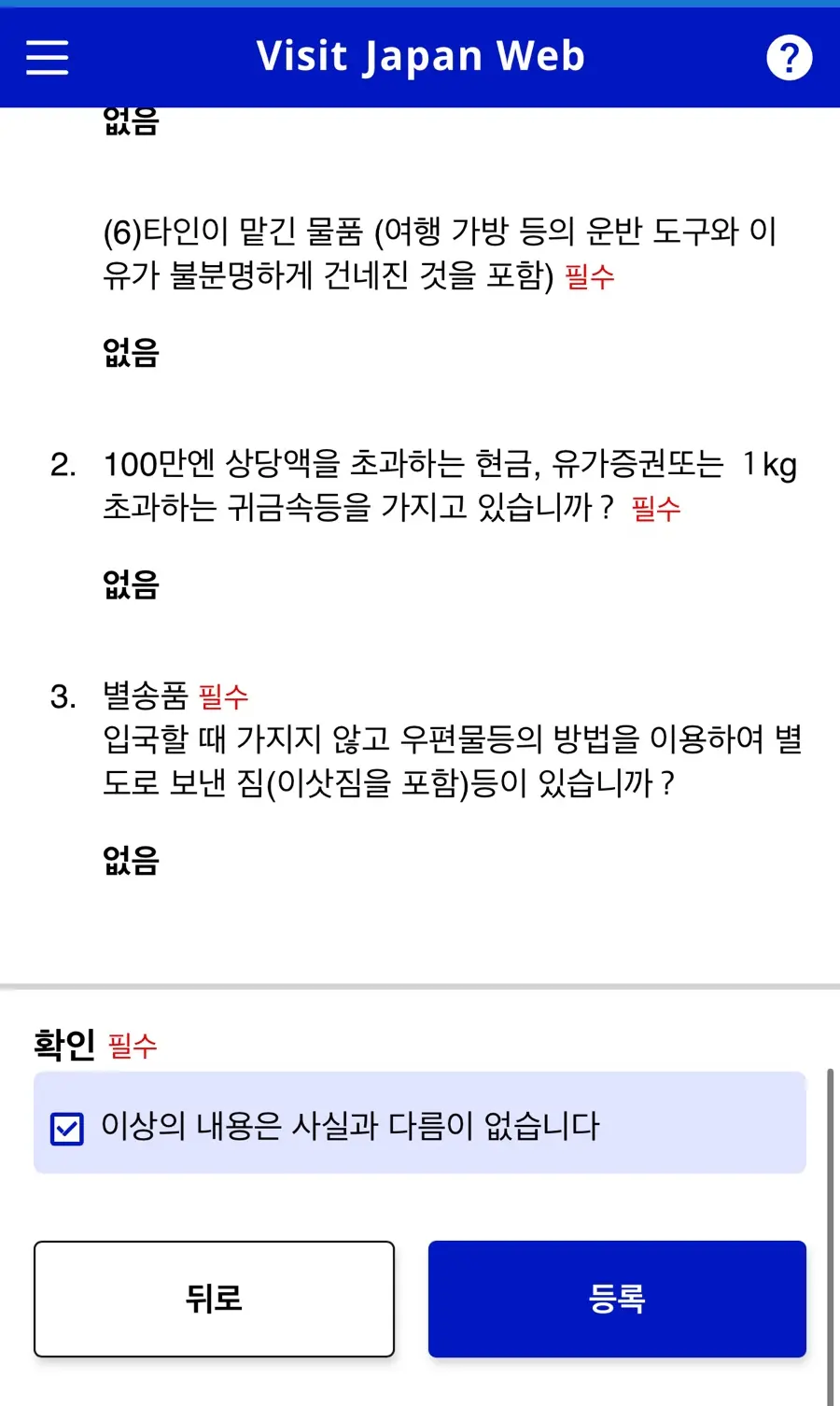
5. Declaration of Accompanied and Unaccompanied Baggage
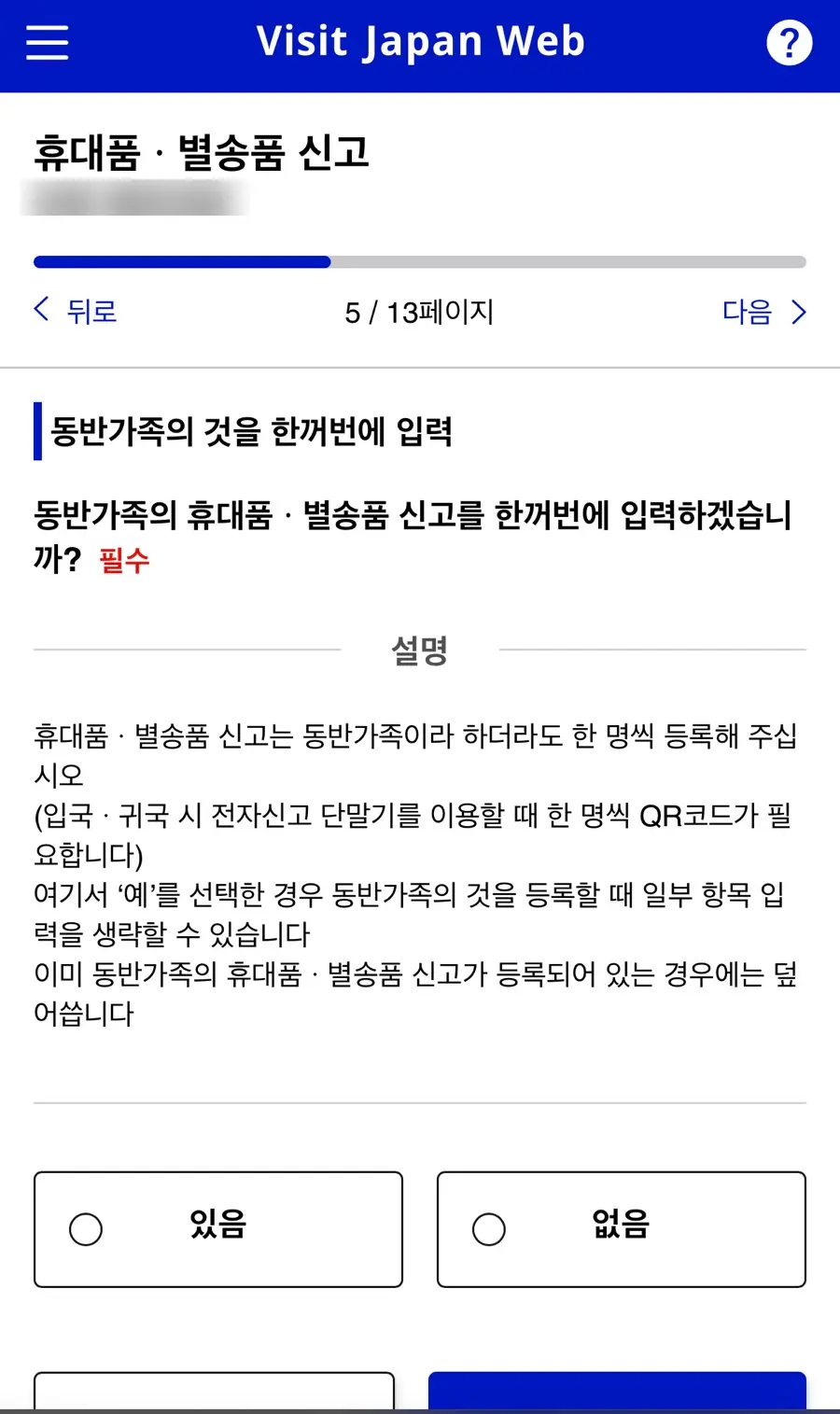
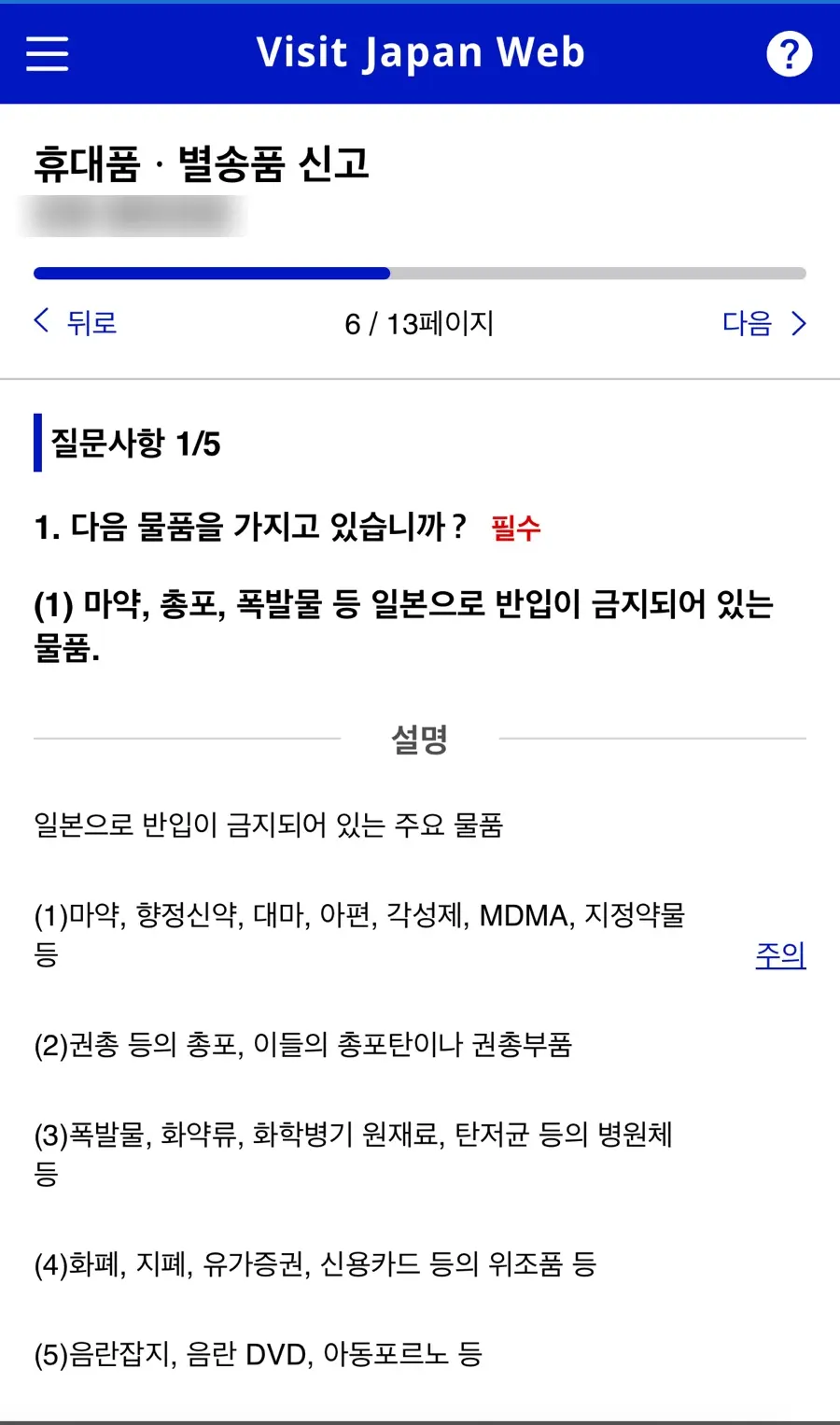
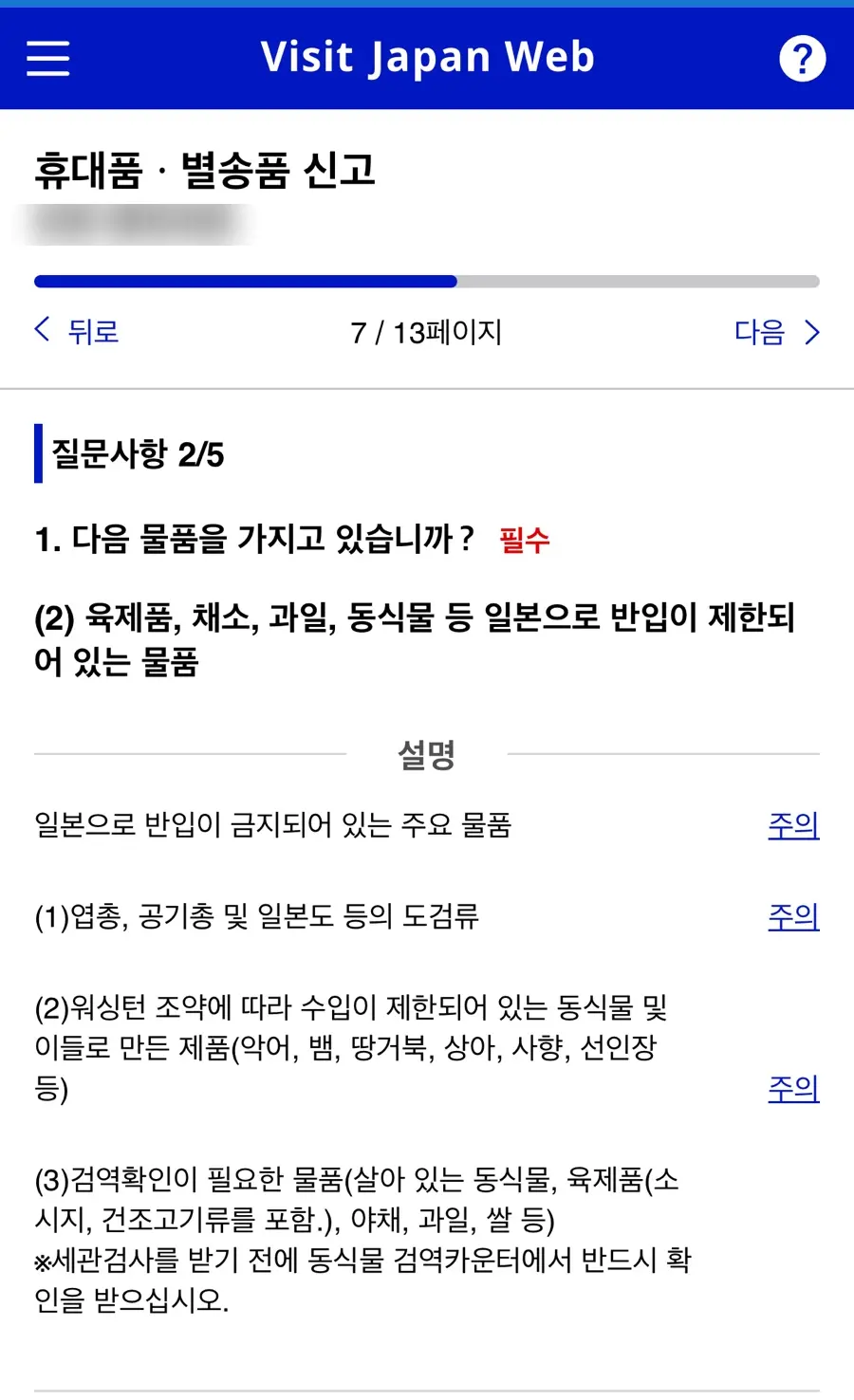
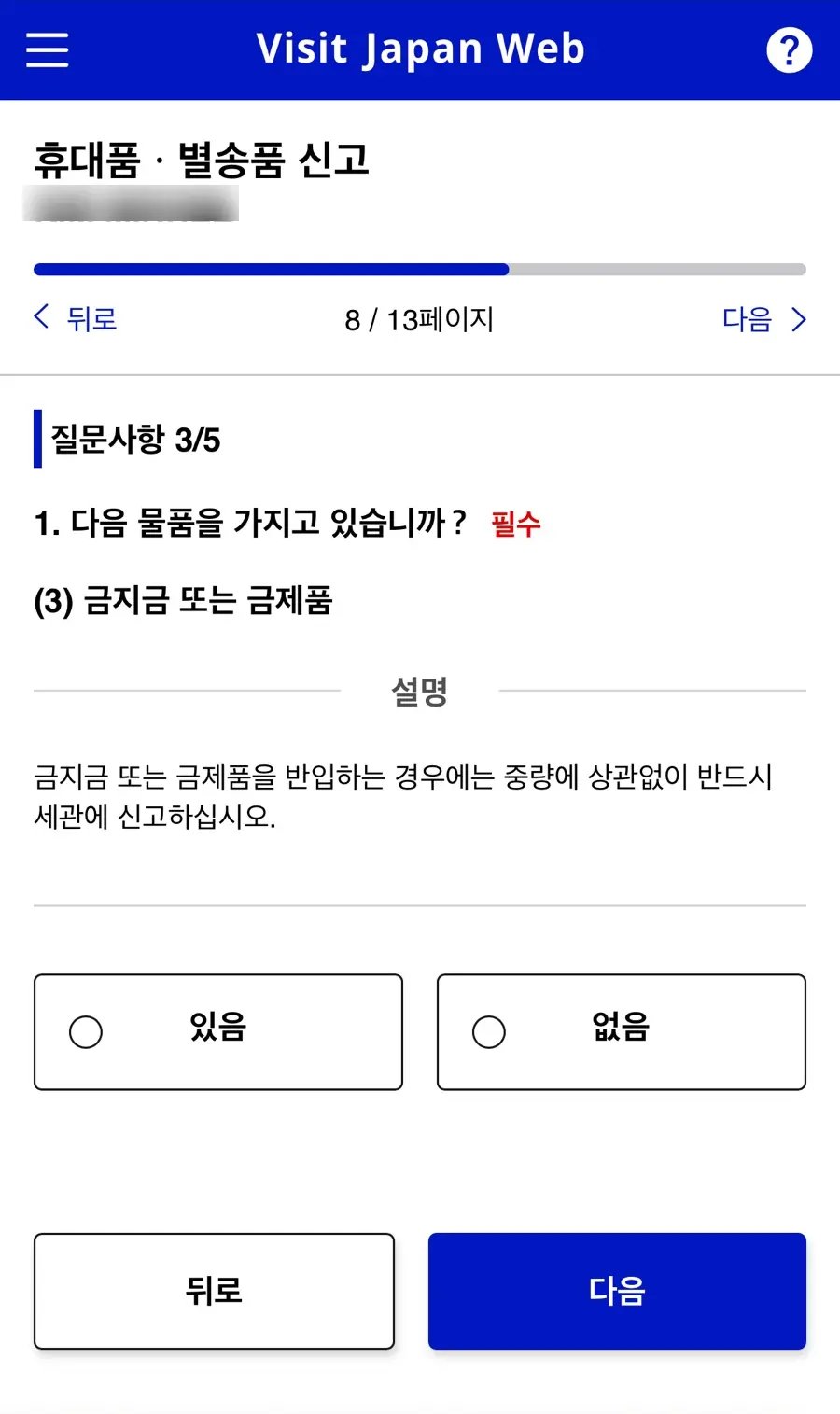
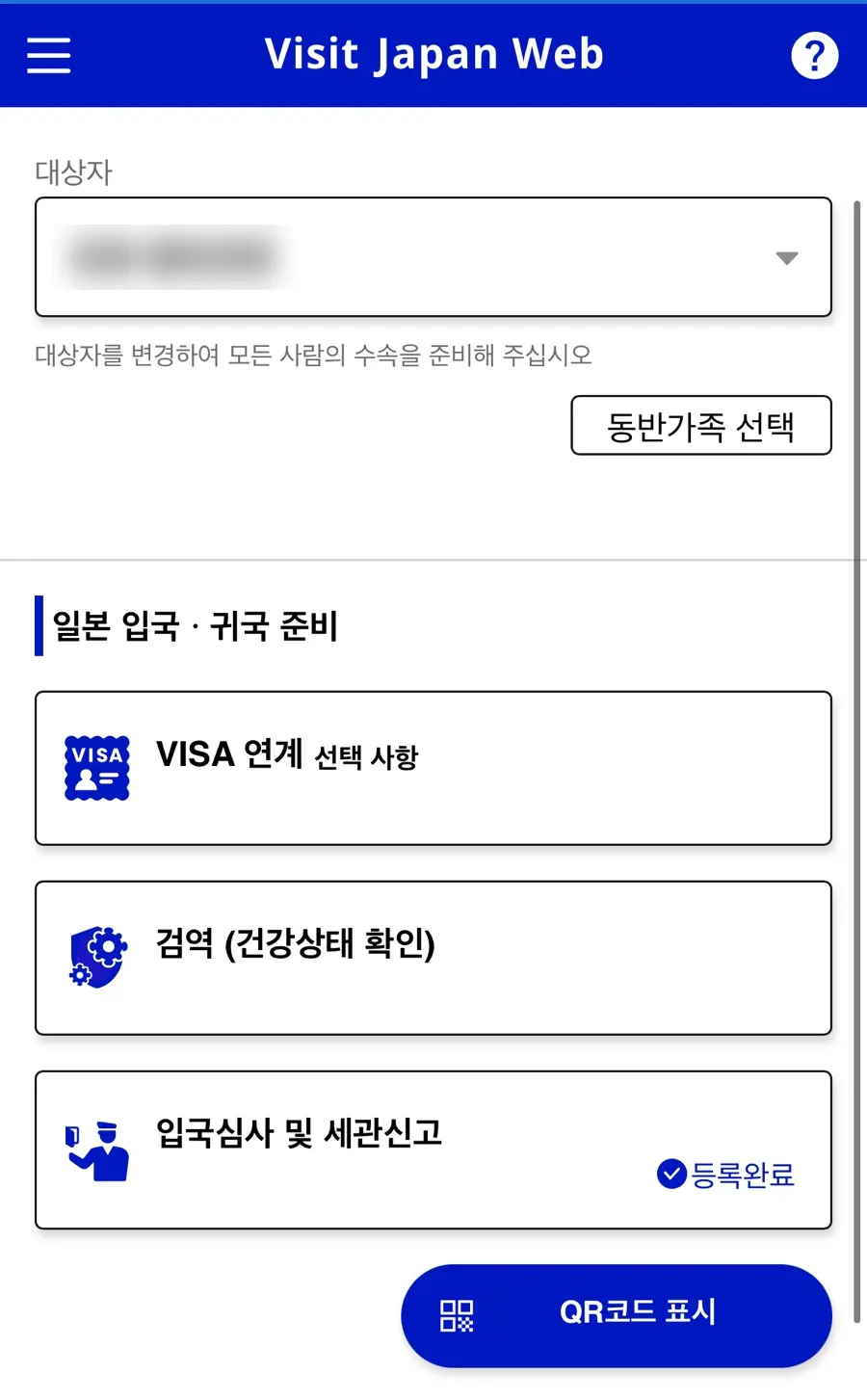
After registration is complete, you can check it by clicking on the QR code display.
You can also change the applicant and proceed by selecting accompanying family members.
Visit Japan Web is an essential item on your Japan travel preparation checklist.
Completing it in advance makes things much smoother at the airport.
If you're preparing for a free and easy trip to Japan, take your time and follow along!
Frequently Asked Questions
What organization operates Visit Japan Web, and what functions does it provide?
Visit Japan Web is an electronic entry and customs declaration system operated by Japan's Digital Agency. It allows you to conveniently complete immigration and customs procedures with a single QR code by pre-registering traditional paper forms online.
What should I do if I don't receive an email verification code when registering for Visit Japan Web?
If you don't see the email verification code when creating a new Visit Japan Web account, please check your spam folder. It might be there.
How do I register passport information on Visit Japan Web, and how is the registered information used?
Passport information can be registered using the camera scanning function. Once entered, you won't need to re-enter it for future trips.
What is the maximum number of accompanying family members or friends that can be registered per account on Visit Japan Web?
On Visit Japan Web, you can register up to 10 accompanying family members per account. However, immigration procedures must be completed individually.
After completing Visit Japan Web registration, how can I check the QR codes for immigration and customs declaration?
After completing registration, you can check them by clicking 'Display QR code'. You can also select accompanying family members by changing the target person and proceed.
Share this article
Featured in Collections
Discover more travel stories curated around the same theme.

Related Travel Stories

Fukuoka Yufuin Bus Tour 2026: Discover Charming Day Trips
Dreaming of a whimsical escape from Fukuoka? Discover the enchanting beauty of Yufuin, the majestic Yufudake, and the serene Hita village on a guided bus tour.

SUNQ Pass Fukuoka Review 2026: Save on Kyushu Buses
Explore Kyushu's hidden gems like Beppu and Huis Ten Bosch without breaking the bank. See how the SUNQ Pass can slash your travel costs in 2026!

Maizuru Park Fukuoka Cherry Blossoms 2026 Guide
Experience the magic of spring at the Maizuru Park Cherry Blossom Festival 2026 in Fukuoka. Discover light-up times, food stalls, and essential travel tips!

Asiana OZ134/OZ133 Incheon-Fukuoka Flight Review 2026
Explore our honest review of Asiana Airlines' OZ134 and OZ133 flights between Incheon and Fukuoka. Get insights on cabin comfort, delicious meals, baggage, and expedited immigration for your 2026 Japan trip!

Fukuoka Airport to Tenjin Transit Guide 2026
Navigate Fukuoka Airport to Tenjin Station like a local. Here is the fastest, cheapest way to reach downtown Fukuoka using the free shuttle and subway in 2026.

Hotel Monterey La Soeur Fukuoka Review 2026: Tenjin's Convenient Stay
Searching for a fantastic Fukuoka hotel in Tenjin? Hotel Monterey La Soeur offers spacious rooms, unbeatable convenience, and easy access to local delights.