

Tsushima Island eSIM: My USIMSA Review for Seamless Travel
Don't let spotty internet ruin your Tsushima Island adventure! See my honest review of USIMSA eSIM for Japan, offering seamless connectivity and peace of mind.
Hey there, fellow travelers!
When you're gearing up for an international trip, beyond flights and accommodations, what's the first thing you absolutely make sure to pack?
For me, it's hands down **internet data**. The thought of being in a foreign country without reliable internet? Honestly, it's a nightmare scenario.
Without internet, I'd feel completely lost. From my adventures in Vietnam and China to my recent trip to Tsushima Island, I've consistently relied on USIMSA's eSIM.
In this post, I'm excited to share why USIMSA eSIM has become my go-to for international travel and give you an honest rundown of my experience using it on Tsushima Island.
Why Choose USIMSA?
Initially, I picked USIMSA from a bunch of different platforms, but over time, I naturally gravitated towards using it exclusively. There are a few key reasons why.
First, their country selection is incredibly diverse. Whether I'm heading to Vietnam, China, Japan, or pretty much anywhere else globally, USIMSA has a plan that covers it. It's a one-stop shop for all my data needs.
Second, the convenience of an eSIM is unmatched. No more fumbling with physical SIM cards! Installation is as simple as scanning a QR code. Your existing home country SIM remains active, meaning you can still receive calls and texts on your regular number without any hassle. Plus, there's no risk of losing a tiny physical SIM card.
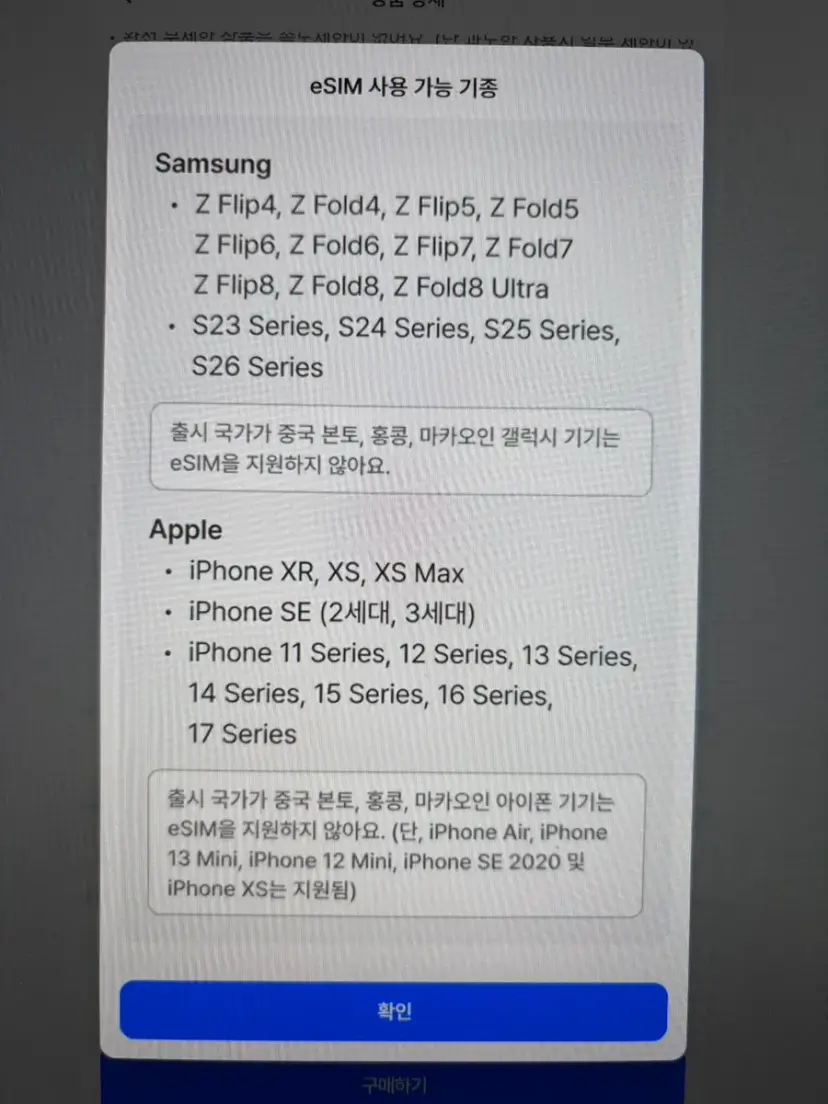
Remember, eSIMs require compatible devices, so make sure to check your phone model before purchasing! (If your device isn't eSIM compatible, you can always opt for a physical SIM card instead).
Third, you can install it before you even leave home. Once you purchase, your eSIM information is sent to you via a messaging app. Installing it while you're still in your home country means you'll have instant connectivity the moment you land at your destination.
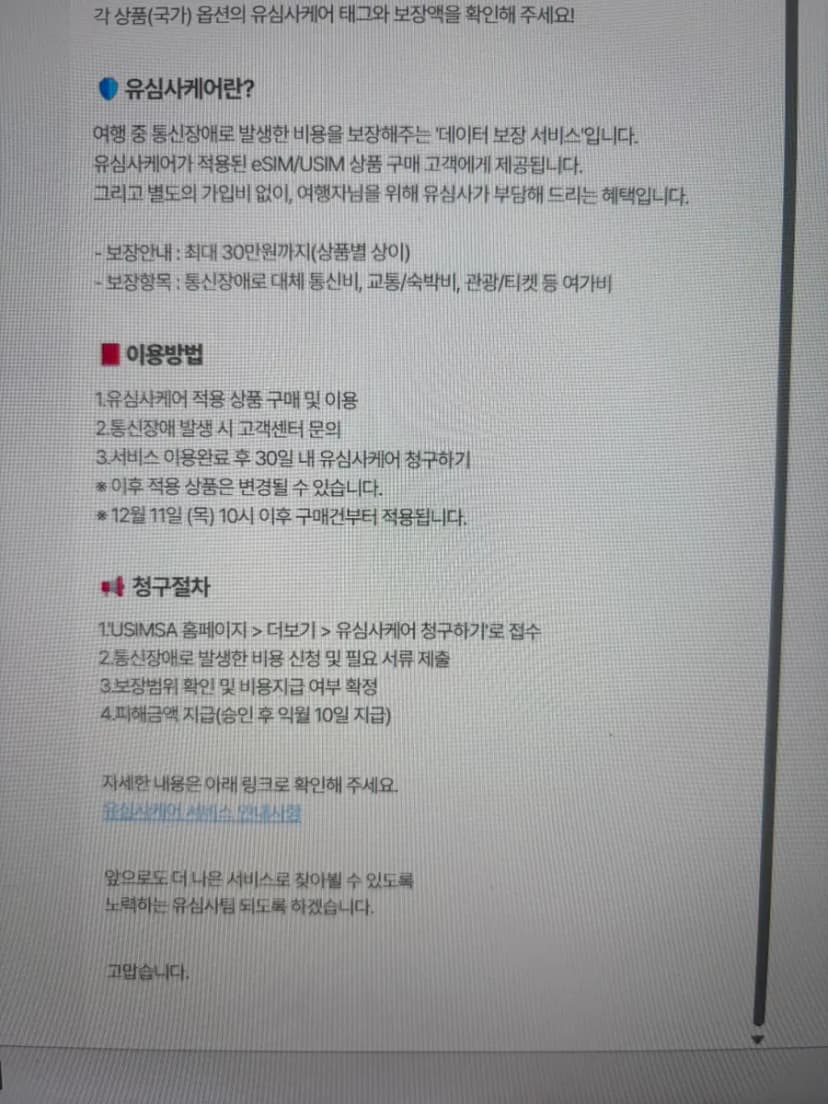
Fourth, USIMSA offers a unique Care Service. This service provides coverage for expenses incurred due to data communication failures. It's automatically applied when you purchase a USIMSA Care-enabled product, no separate signup required. You can get reimbursed for communication costs, transportation, accommodation, and even leisure expenses!
I've Used It in Vietnam and China Too!

Beyond my recent Tsushima trip, I've also used USIMSA eSIM in Vietnam and China.
In Vietnam, I clocked speeds of up to 140Mbps, which is incredibly fast for travel data. Google Maps, translation apps, and messaging apps all worked flawlessly without any interruptions. It worked perfectly not just in Hanoi but also in more remote areas like Sapa.
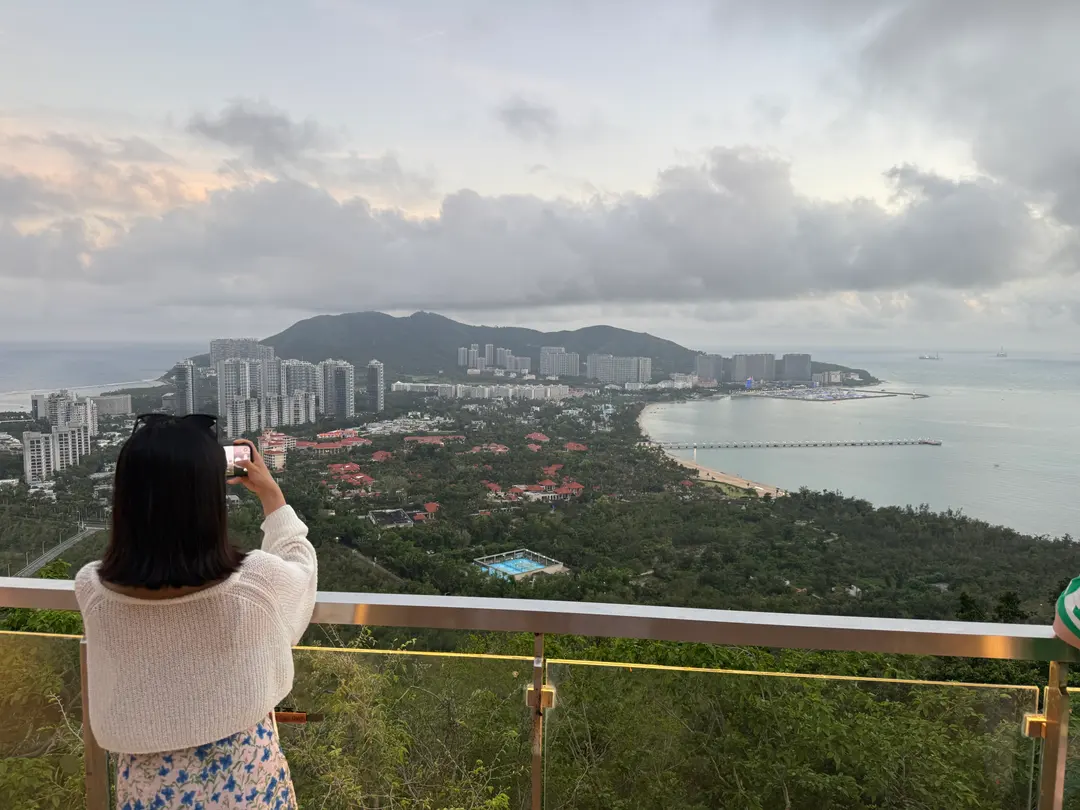
In China, using the **USIMSA eSIM meant I could access apps like WhatsApp, Google, YouTube, and Instagram without needing a VPN.** This is a massive advantage! Typically, general Wi-Fi in China blocks most international apps. Setting up a VPN can be complicated and often results in unstable speeds, but with USIMSA's eSIM, it felt just like using my phone back home, which was incredibly convenient.
I'm actually planning a trip to Beijing in 2026, and I'll definitely be using USIMSA eSIM again!
Tsushima Island eSIM: Why Do You Need It?
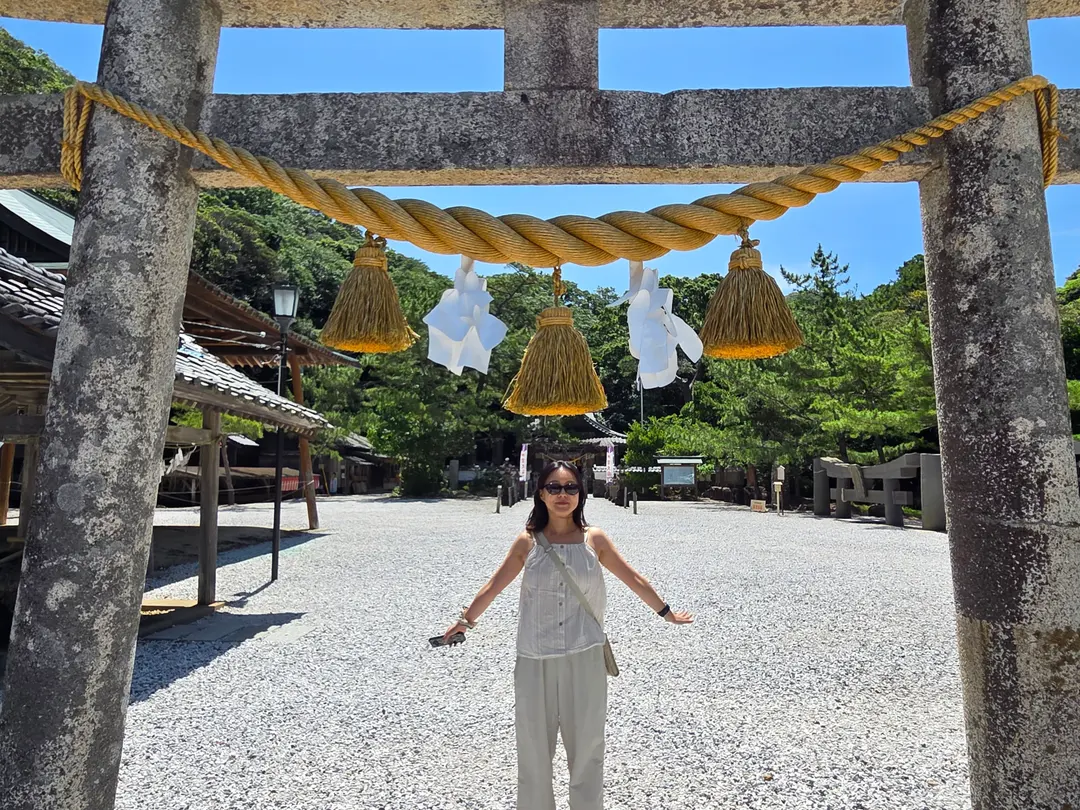
Tsushima Island is just a quick 1 hour and 10 minute ferry ride from Busan, South Korea, and it's a popular destination for many. Some might underestimate the need for internet here, thinking it's close enough not to matter, but trust me, not having internet on the island can be surprisingly inconvenient.
You'll find yourself needing data for Google Maps, searching for local restaurants, using messaging apps, and translation tools more often than you think. Especially when driving a rental car from Hitakatsu to Izuhara, navigating through the mountain roads is essential. Without internet for navigation, you could really be stuck!
Tsushima is still an international destination, so preparing an eSIM in advance will make your trip much smoother and more enjoyable.
How to Purchase a USIMSA eSIM
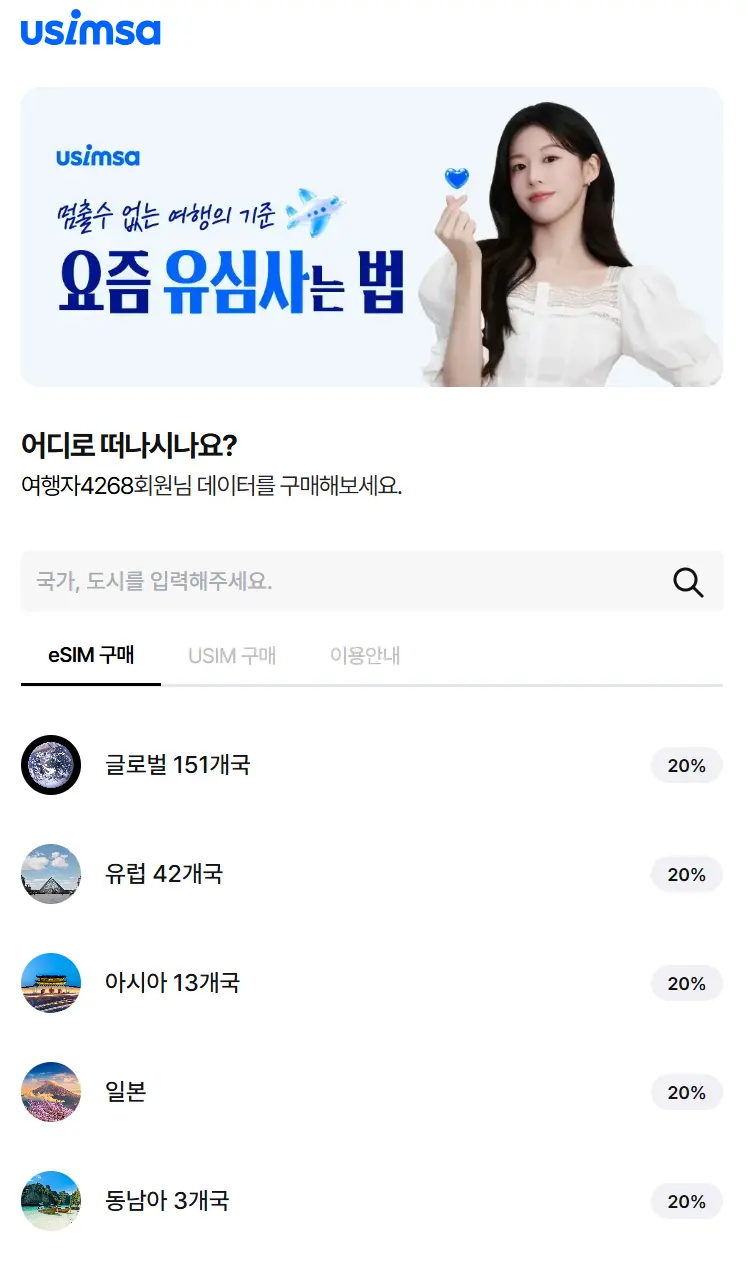
Purchasing is straightforward. Just visit the USIMSA website, select your travel destination (Japan for Tsushima), and choose a plan that fits your itinerary.
For my 2-day trip to Tsushima, I selected a Japanese plan that offered 3GB of data per day. This was more than enough for my short stay. In fact, I ended up using less than 1.5GB per day!
eSIM Installation Guide (iPhone)
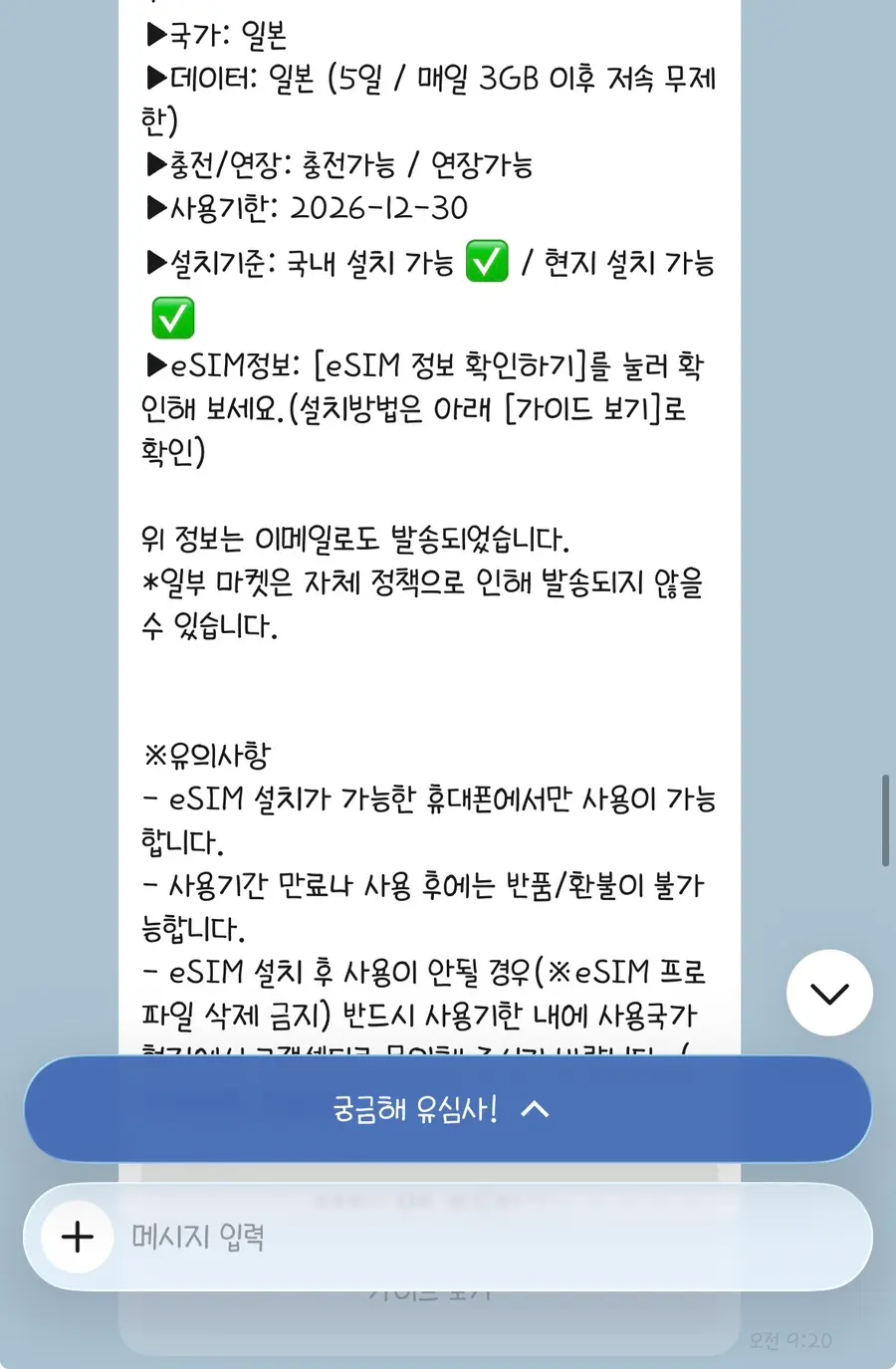
Installation is surprisingly simple.
After purchase, you'll receive your eSIM information via a messaging app.
✔️ Click to check your eSIM information in the message.
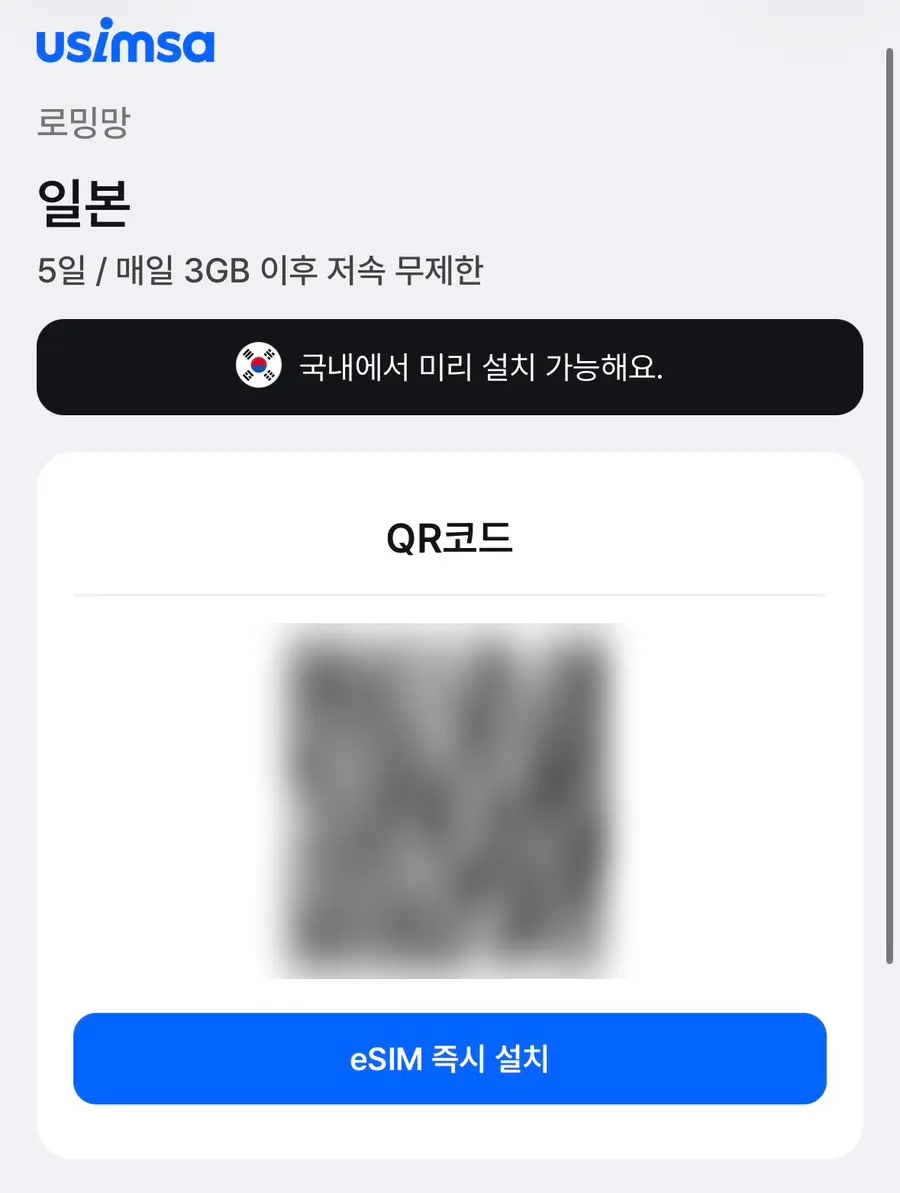
✔️ Confirm the QR code, then click to install the eSIM instantly.
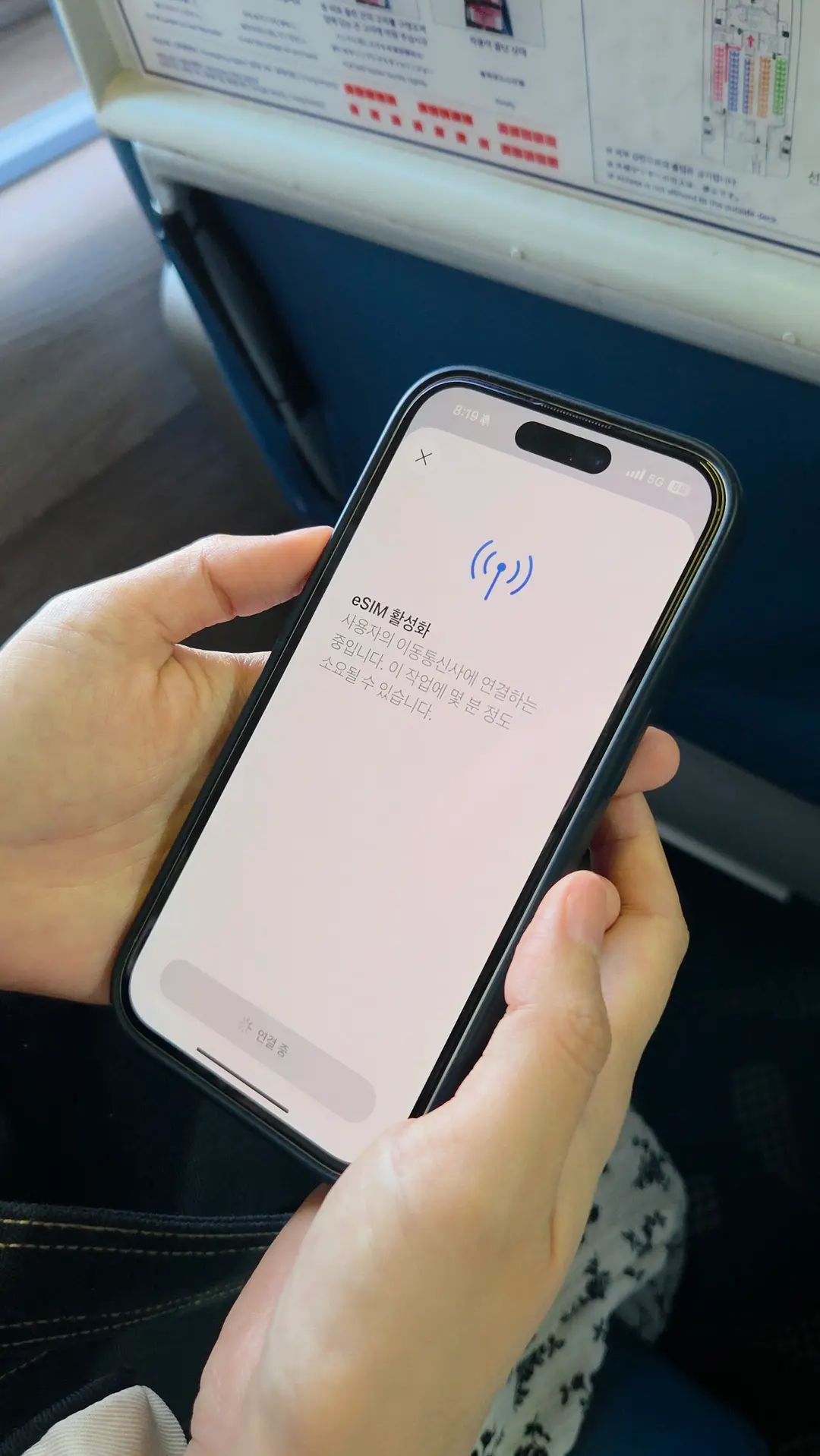
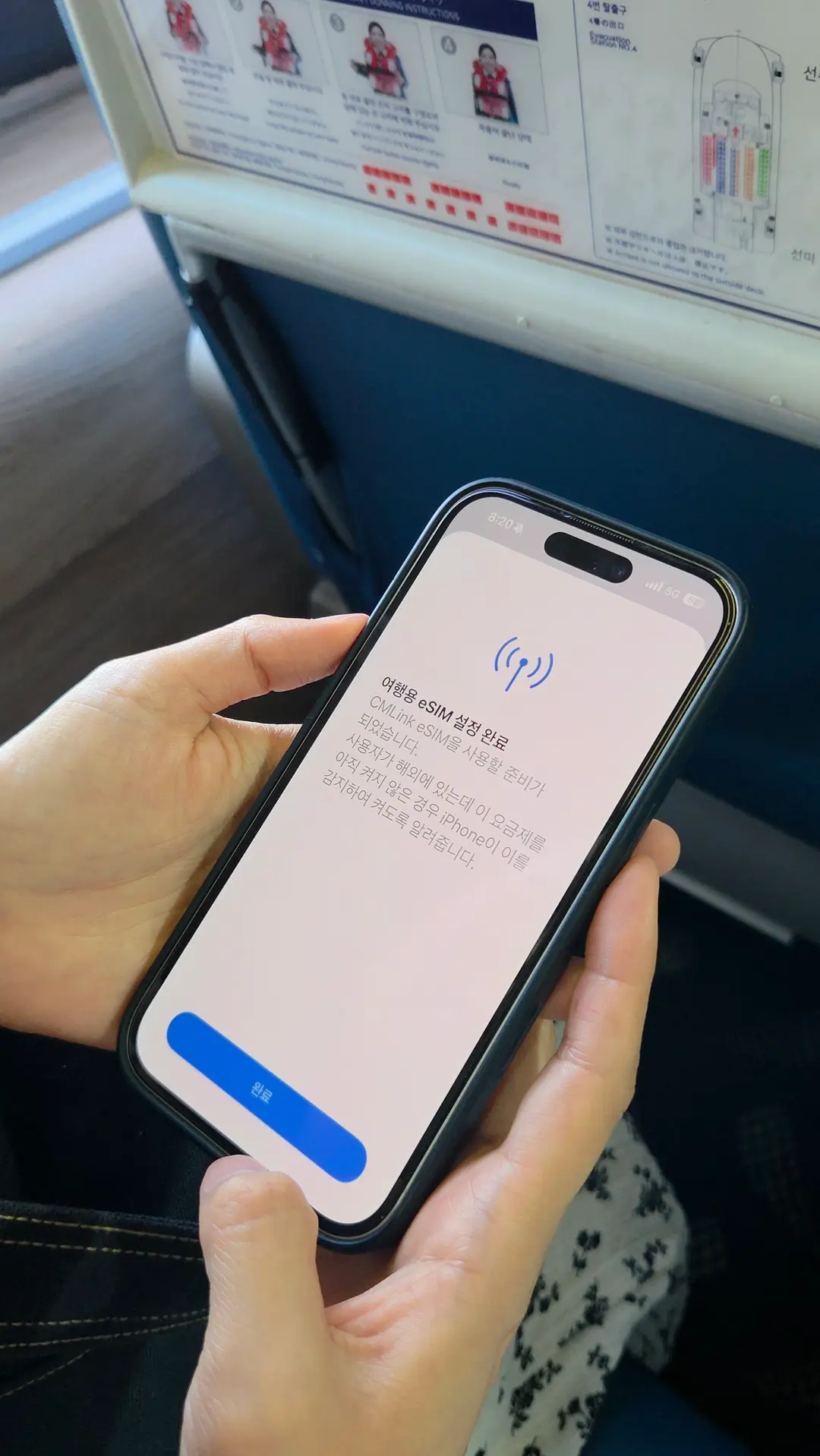
✔️ Press the activation button, and installation will complete automatically.
The entire installation process takes about 2-3 minutes. By installing it before you depart, you'll be ready to use it the moment you arrive at your destination!
Settings Upon Arrival
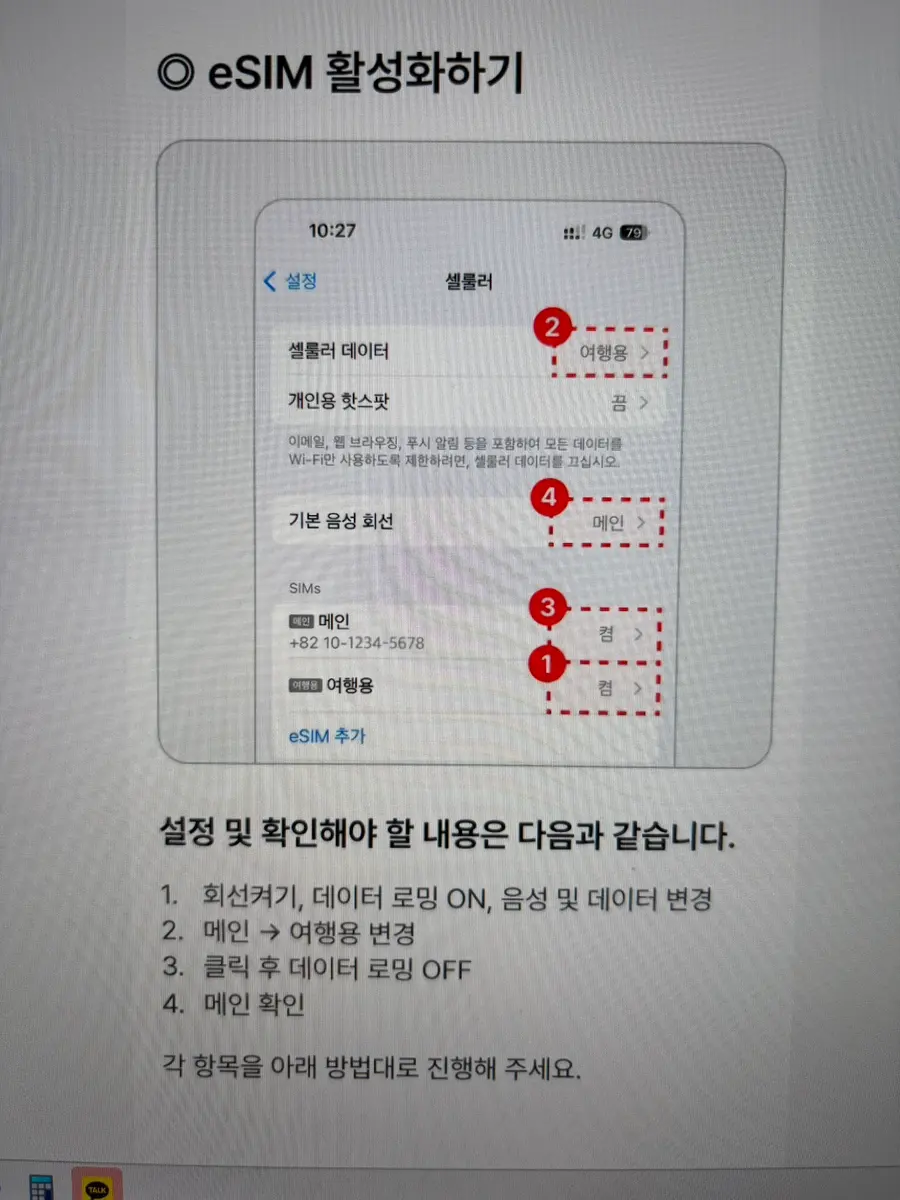
Once you arrive at your destination, simply turn off airplane mode and follow these steps:
✔️ Go to Settings - Cellular.
✔️ Turn on your eSIM line (labeled 'Travel' or similar).
✔️ Turn ON Data Roaming for your travel line.
✔️ Turn OFF Data Roaming for your main line.
✔️ Change Cellular Data from your main line to your travel line.
Make sure to keep your default voice line set to your main (home country) SIM if you want to receive calls and texts on your original number!
My Actual Tsushima Usage Review
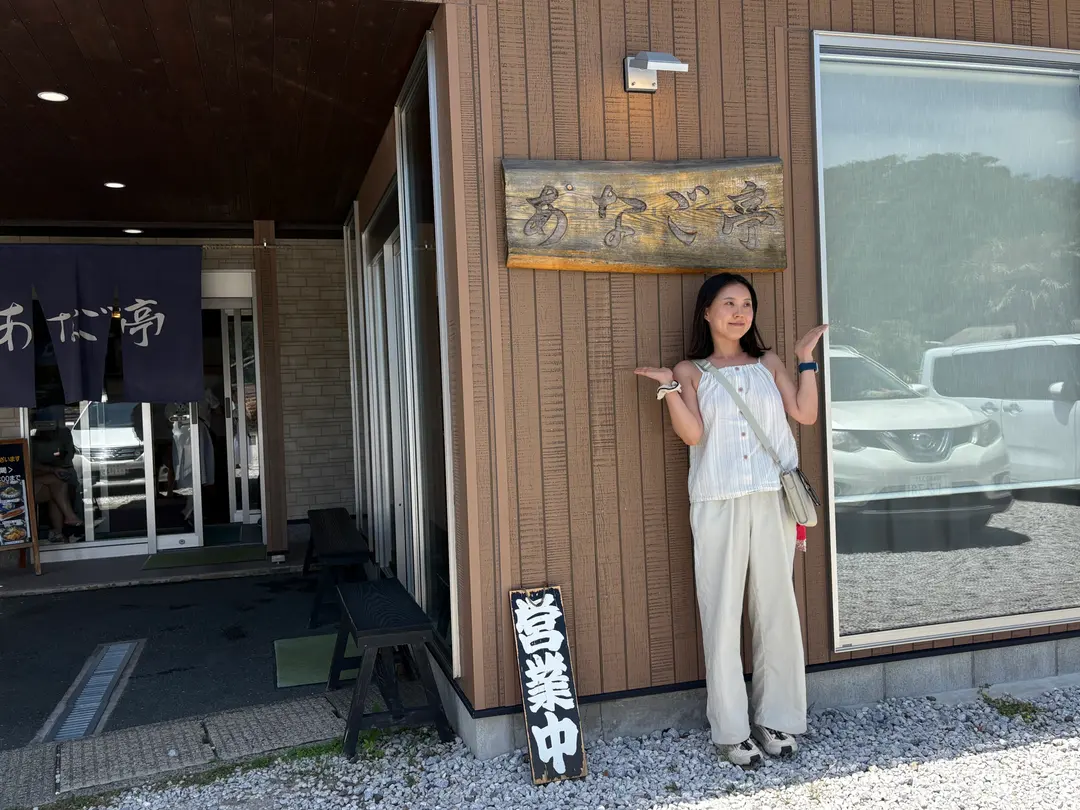
To be honest, I was a little worried about internet connectivity in Tsushima, as it's more of a rural coastal area rather than a bustling Japanese city. However, the service was much better than I expected.
I could use banking apps, social media, messaging, and even stream videos without any interruptions.
There were a few moments of no data in certain mountain sections when driving from Hitakatsu to Izuhara, but that's typical for rural areas and something you'd expect. Overall, the coverage was excellent.
Another helpful feature was receiving notifications via my messaging app when my daily data usage dropped below 30%, which made managing my data consumption a breeze.
Who Should Use USIMSA eSIM?
I highly recommend USIMSA eSIM to:
✅ Anyone planning a trip to Tsushima or Japan in 2026.
✅ Travelers who prefer the convenience of an eSIM over physical SIM card swapping.
✅ Those who want to keep their home phone number active while using local data abroad.
✅ Travelers heading to countries like China who want to use their favorite apps without VPN hassles.
I'll definitely continue using USIMSA for all my future international travels. Once you try it, you'll find it hard to go back to anything else!
👉 Get Your USIMSA eSIM Ready Now
#TsushimaEsIM #USIMSAeSIM #USIMSA #TsushimaTravelPrep #TsushimaSIM #JapanESIM #JapanSIM #eSIMRecommendation #TsushimaData #InternationalTravelESIM #InternationalTravelSIM #TsushimaSoloTravel #BusanToTsushima #ChinaESIM #VietnamESIM #USIMSAReview #TravelPrep
Frequently Asked Questions
What specific situations require Usimsa eSIM when traveling to Tsushima Island?
In Tsushima Island, data is often needed for various purposes such as Google Maps, searching for restaurants, KakaoTalk, and translation functions. Internet access is especially essential for navigation on mountain roads when traveling by rental car from Hitakatsu to Izuhara.
What is the specific method to install Usimsa eSIM on an iPhone and use it locally in Tsushima Island?
First, scan the QR code from the eSIM information received via KakaoTalk and complete the installation. After arriving on Tsushima Island, you need to go to the Cellular menu in your iPhone settings, turn on 'eSIM Line (for travel)', and change 'Travel Data Roaming' to ON.
What are the special advantages of using Usimsa eSIM in China?
When using Usimsa eSIM in China, you can freely use Korean apps such as KakaoTalk, Naver, YouTube, and Instagram without needing to set up a VPN. This resolves issues where Korean apps are blocked when using general Wi-Fi, and avoids the complexity and unstable speeds of VPN settings.
What was the author's actual data usage and data management method when using Usimsa eSIM during a 2-day, 1-night trip to Tsushima Island?
The author purchased a 3GB per day plan for the 2-day, 1-night trip to Tsushima Island, but the actual usage was less than 1.5GB per day. Usimsa eSIM conveniently sent notifications via KakaoTalk when the daily data remaining dropped below 30%, making data management easy.
Share this article
Related Travel Stories
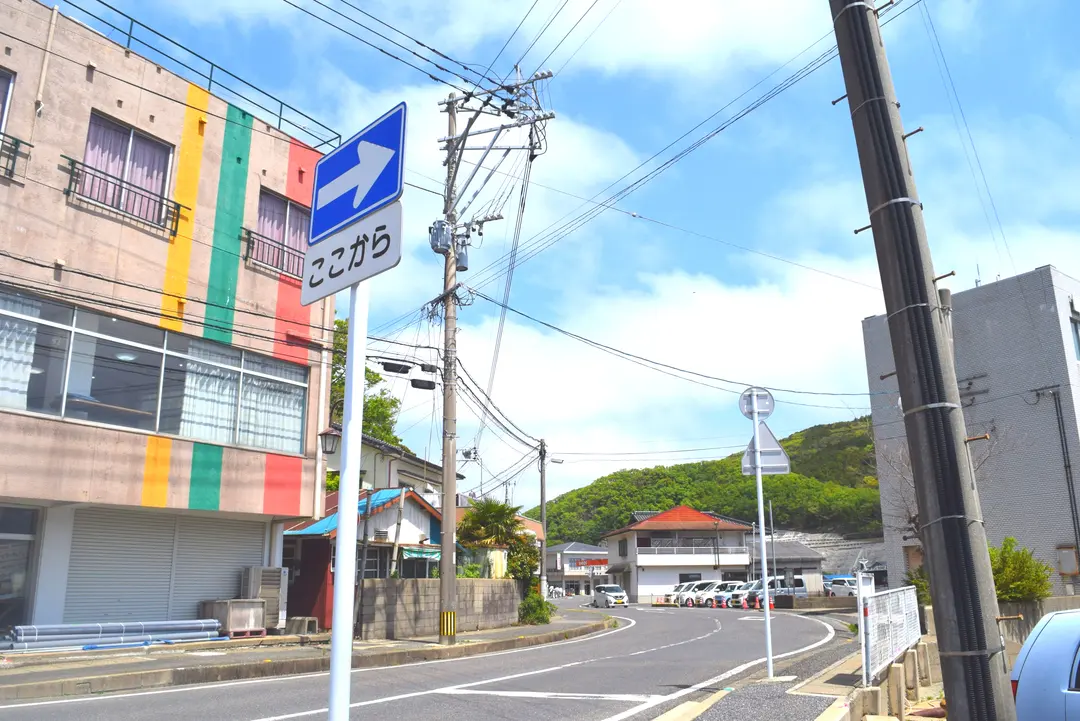
Tsushima Island Hotels 2026: Hitakatsu or Izuhara?
Choosing the right hotel in Tsushima is key to your adventure! Our 2026 guide breaks down Hitakatsu and Izuhara accommodations, helping you pick the ideal base for exploring this Japanese gem.
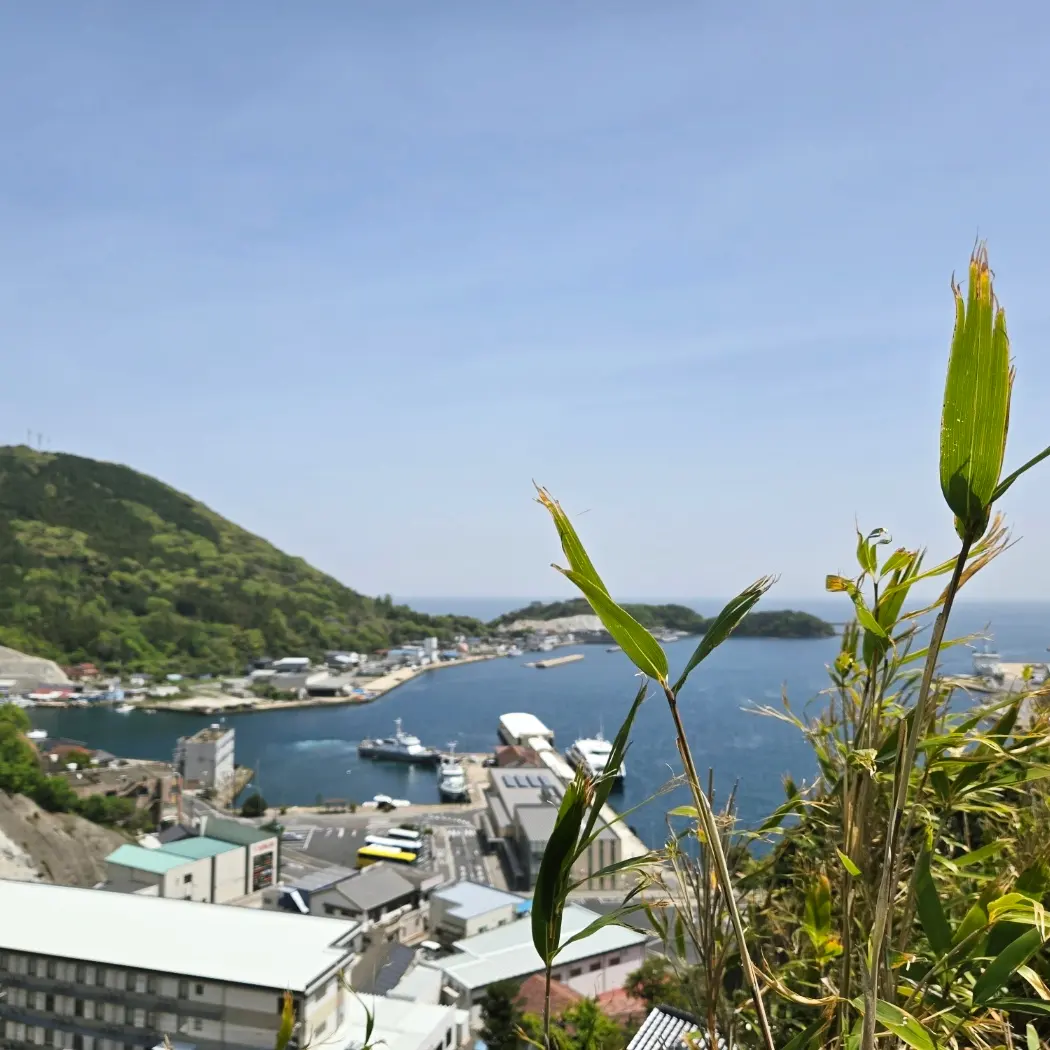
Tsushima Island Itinerary 2026: Day Trip to Hitakatsu or Overnight in Izuhara?
Planning a trip to Tsushima Island in 2026? Discover if a day trip is enough for Hitakatsu or if you need an overnight stay in Izuhara. Get essential tips on transportation, attractions, and updated departure taxes.
Tsushima Island eSIM: Avoid Data Mishaps & Get 20% Off!
Make your 2026 Tsushima Island trip seamless! Wi-Fi rentals are history. An eSIM is essential for data, navigation, and communication. Stay connected and get 20% off!
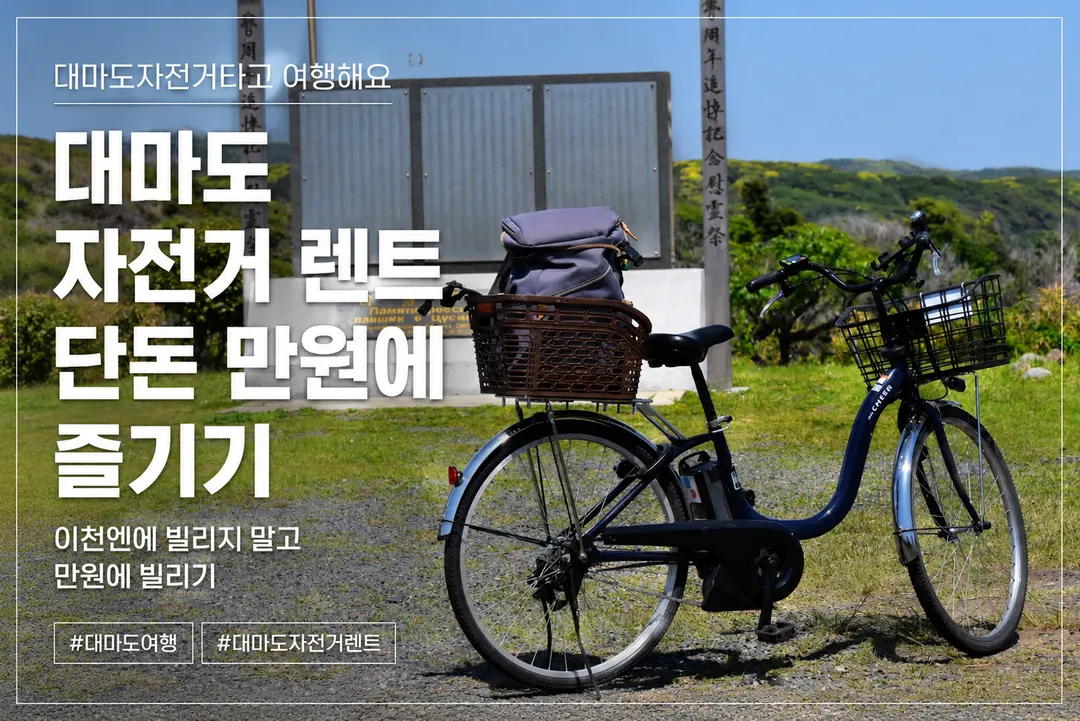
Hitakatsu Bike Rental 2026: ~$7 & Free Luggage Storage
Planning a day trip to Tsushima's Hitakatsu port in 2026? Discover why renting an electric bike for just ~$7, with free luggage storage, is essential for exploring its charming sights.

Izuhara, Tsushima Hotels 2026: Top Budget-Friendly Stays
Planning a trip to Izuhara, Tsushima? Finding the right hotel can be tricky. We've handpicked the best budget-friendly accommodations for independent travelers in 2026.
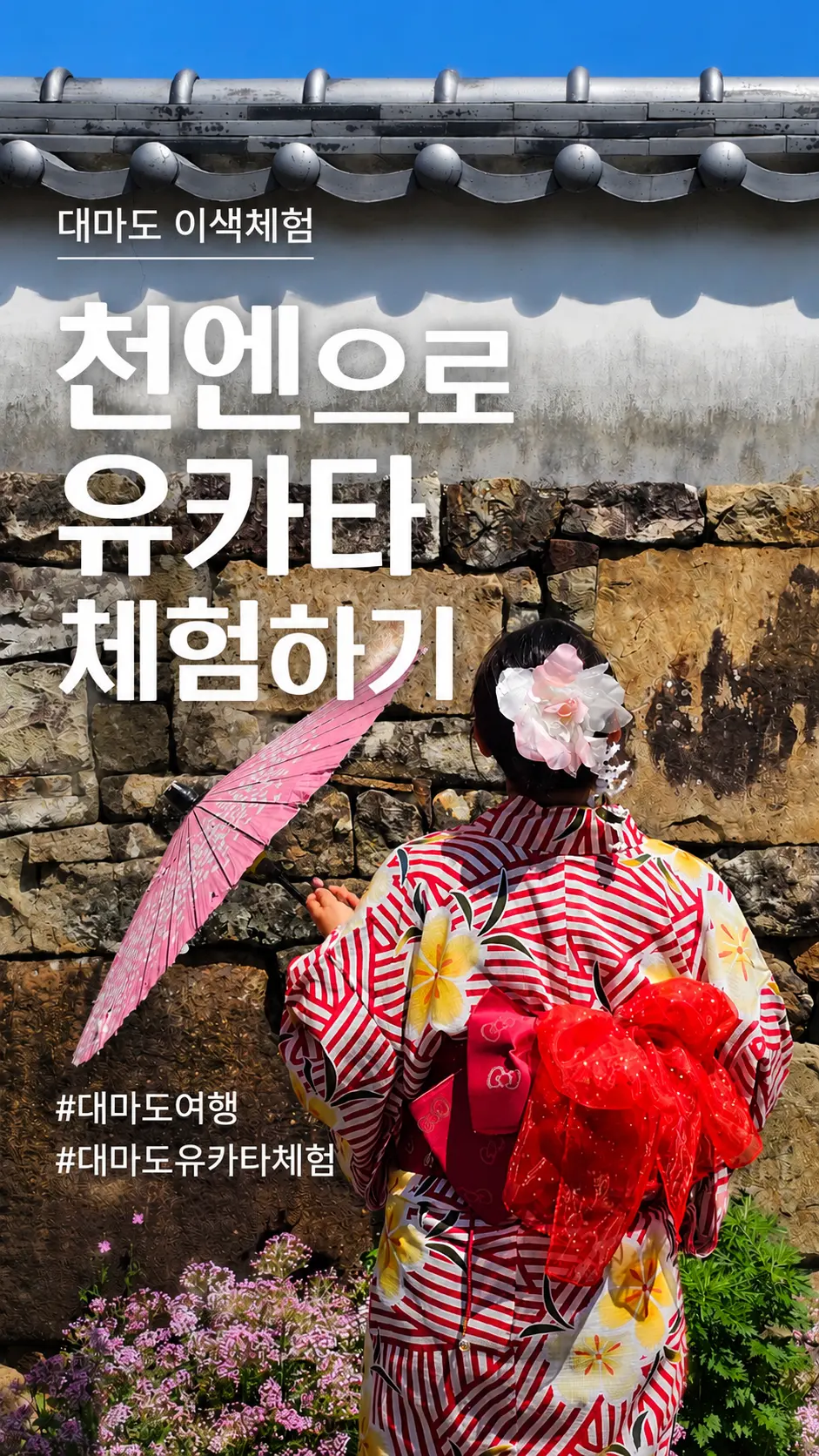
Izuhara Yukata Experience in Tsushima: Your 2026 Guide
Looking for a unique cultural experience in Tsushima? Learn how to rent a beautiful Yukata in Izuhara for just ~$6 an hour. Capture stunning photos and immerse yourself in Japanese tradition!