

Tokyo Disneyland App Guide 2026: Tickets, DPA & Group Setup
Heading to Tokyo Disney Resort? Don't just show up! Learn how to use the essential Tokyo Disney app for ticket linking, group setup, and DPA to skip lines and maximize your magic!

Tokyo Disneyland & Sea
How to Register Tickets as a Group on the App
© Ssoejini
Hello everyone! I'm Ssoejini, your go-to expert for travel in Japan & China :)
I recently visited Tokyo Disneyland!
"I've booked my tickets, so I guess I'm all set to go?"
Is that what you thought?
To purchase paid passes (DPA) on-site and
minimize your wait times, setting up the official app isn't an option –
it's an absolute must.
Especially if you're with companions,
you shouldn't register individually.
You need to link up as a 'group' so you can handle
all reservations and payments at once with just one admission ticket.
✔️ How to Register Tickets on the Disney App
✔️ How to Create a Group
✔️ How to Pay for DPA with a Card
I'll give you a complete rundown of how to use the app,
hitting just the key points!
Table of Contents |
1. How to Register Tickets on the Tokyo Disney Resort App |
2. Creating a Group and Sharing Tickets with Companions |
3. Comparing DPA & 40th Anniversary Pass to Reduce On-Site Wait Times |
4. Card Payments at Tokyo Disneyland & Sea |
1. How to Register Tickets on the Tokyo Disney Resort App
First, you'll need to purchase your tickets, right?
After comparing, Klook seems to have the best prices right now!
Prices vary depending on the date, but
You can buy them for around ~$52 to ~$59!
Platform | Peak Season Price |
MyRealTrip | Around ~$70 |
Klook | Around ~$70 → ~$54 ~ |
 Tokyo Disneyland & Tokyo DisneySea Tickets - Klook Korea
What's surprising is that I bought mine for about ~$70;;
I hope you all get a discount.. lol
Now, ahead of time, install the
'Tokyo Disney Resort App' via the App Store or Google Play
in your home country and complete your membership registration.
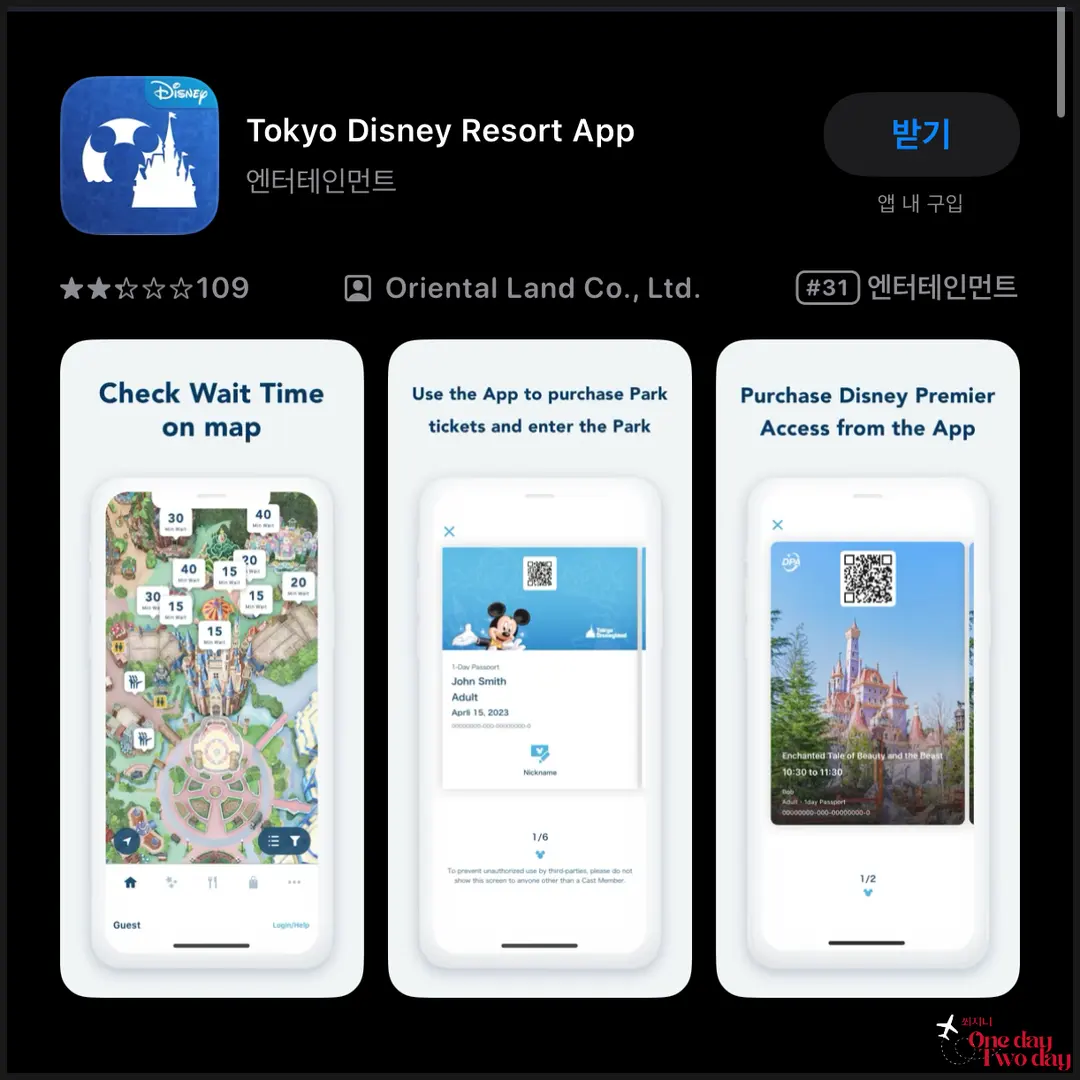
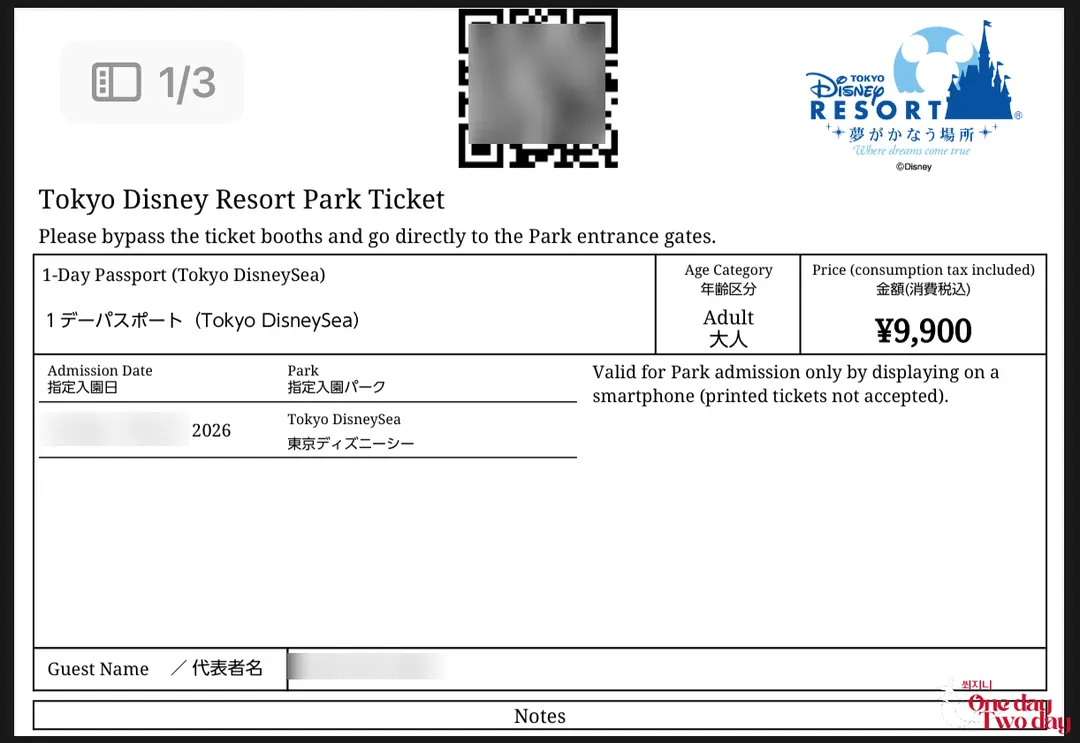
Once you purchase your tickets, a QR code voucher will be issued.
Now, let's add the tickets to the app!
[Super Easy Ticket Registration Checklist]
1️⃣ On the app's main screen, tap [Scan Ticket].
2️⃣ Scan the QR code of your purchased ticket with your camera.
3️⃣ If you only have the voucher file (PDF) on your phone,
you can import a screenshot to recognize it – and you're done!
Once done, your ticket will appear right in the My Plan menu.
Many people have asked in Disneyland reviews
about tickets not being recognized easily.
The best way is to display the QR code on a laptop or any screen
and then scan it with the app!
If you're traveling solo, this is where you'd stop.
But if you're going with family or friends, what comes next is truly important.
2. Creating a Group and Sharing Tickets with Companions
Why do you need to use the group function?
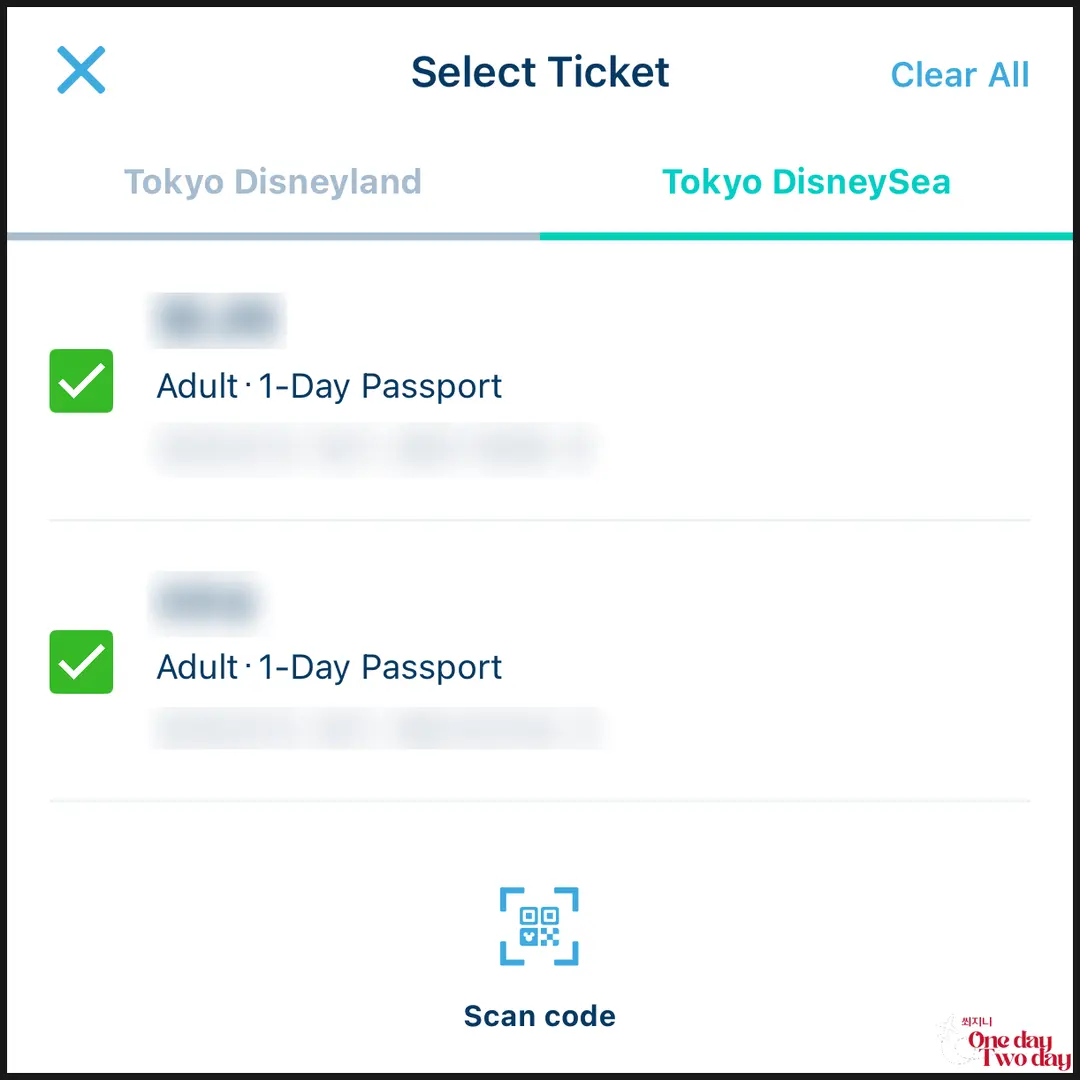
Because when you're paying for DPA or reserving the 40th Anniversary Priority Pass,
all your companions' tickets need to be linked in one group
so you can reserve the same time slot simultaneously.
Step | What the Group Leader Does | What Companions Do |
Step 1 | On the app, tap [Create Group] | Each companion logs into their Disney app |
Step 2 | Share the generated KakaoTalk/URL link | Click the link sent by the group leader |
Step 3 | Confirm companion acceptance and consolidate tickets | Tap 'Complete Group Participation' |
It doesn't matter if everyone registered their tickets separately on their own apps.
Booking the same ride at the same time is absolutely the best!
If you try to do it separately and can't snag a spot together, it's a disaster 🥲
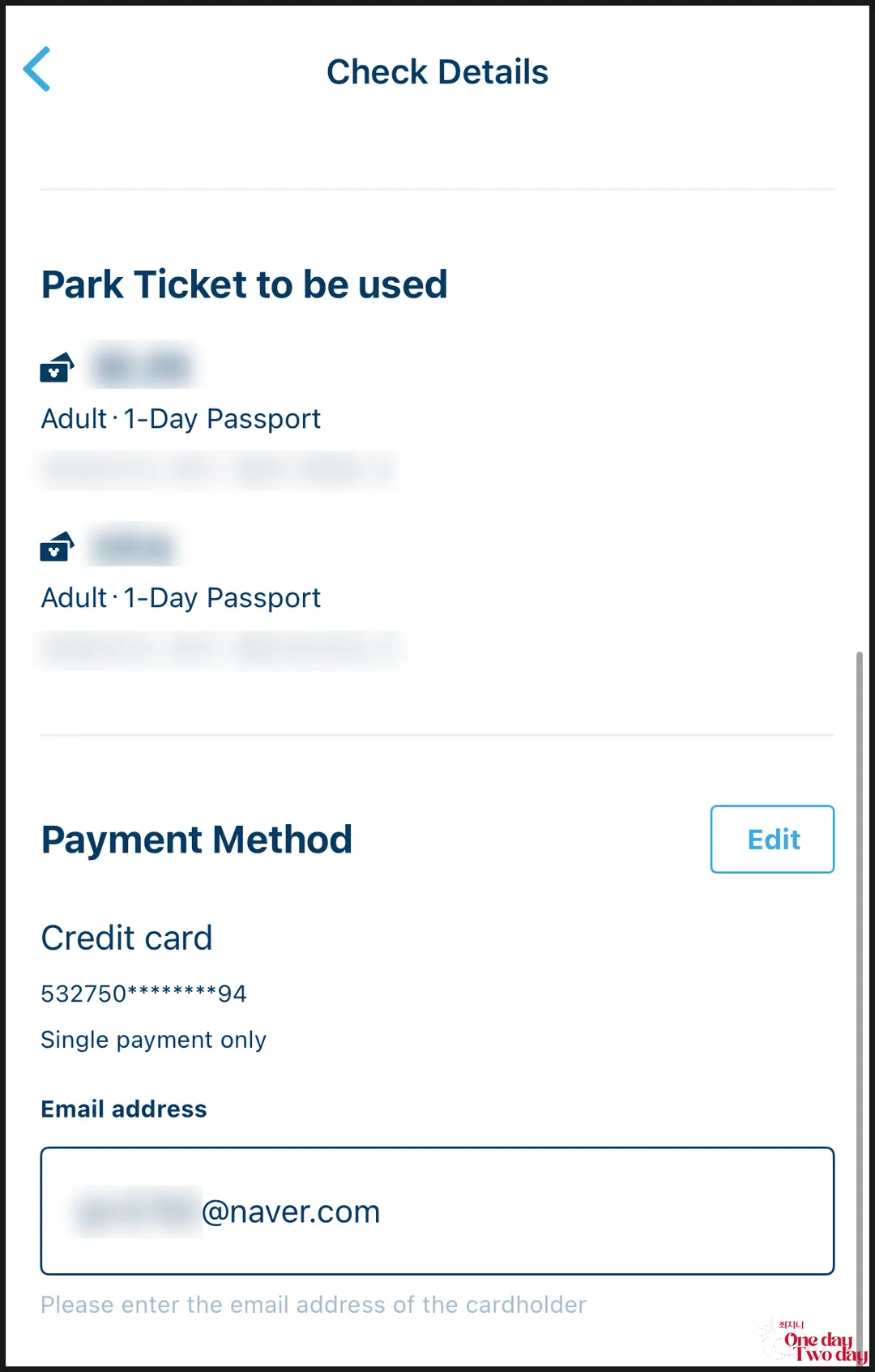
Even if you link your group, you can still book and pay for DPA and the 40th Anniversary Pass
simultaneously with your companions! Make sure to do it at the exact same moment!
Also, when paying for DPA, you can use one card to swipe for everyone in your party at once,
which gives you a huge advantage in saving precious time.
3. DPA & 40th Anniversary Pass: Mastering the Queues On-Site
Even before you enter with an "open run" strategy (being there at opening),
you absolutely need to **turn on the app and be super alert**
to do these two things below:
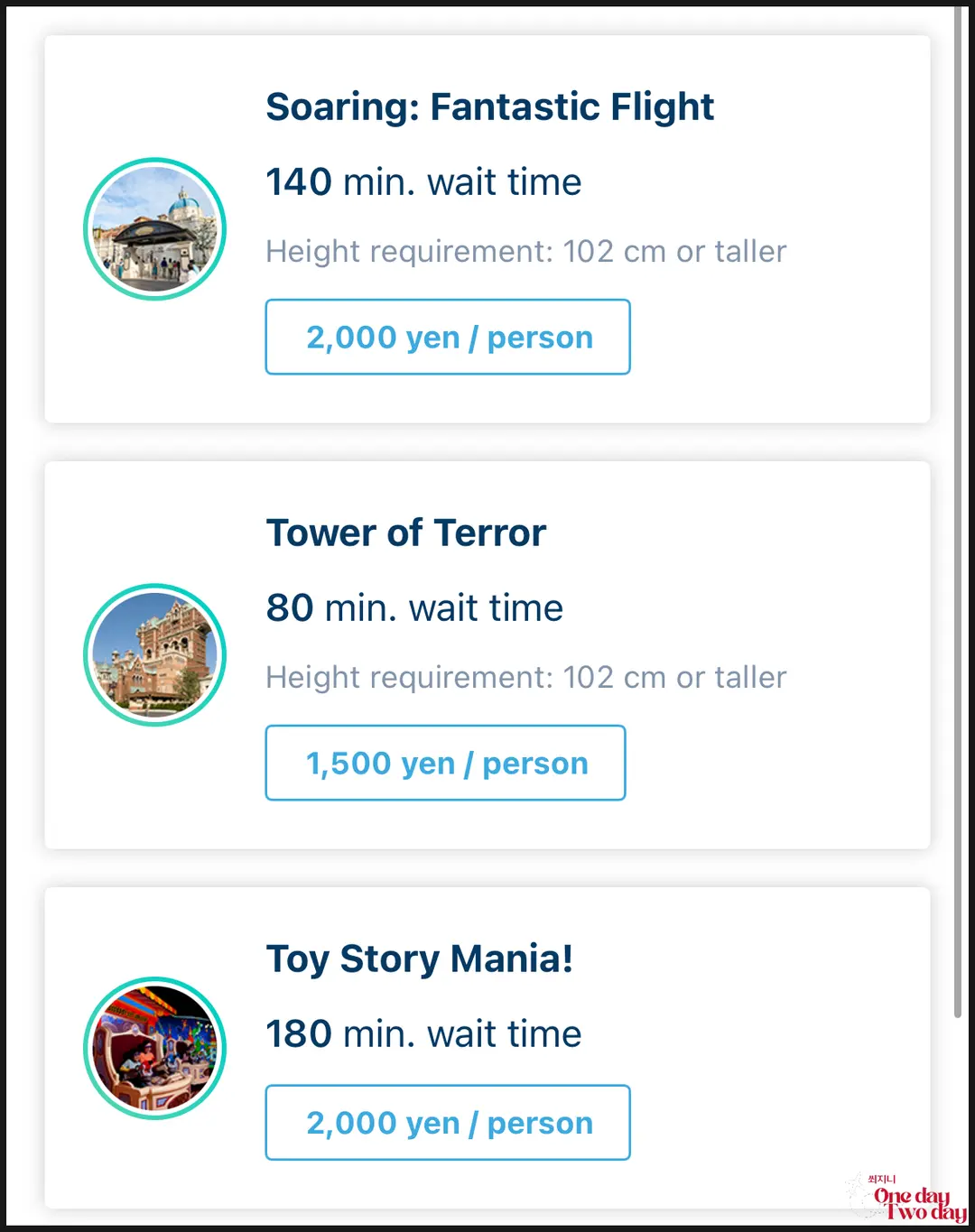
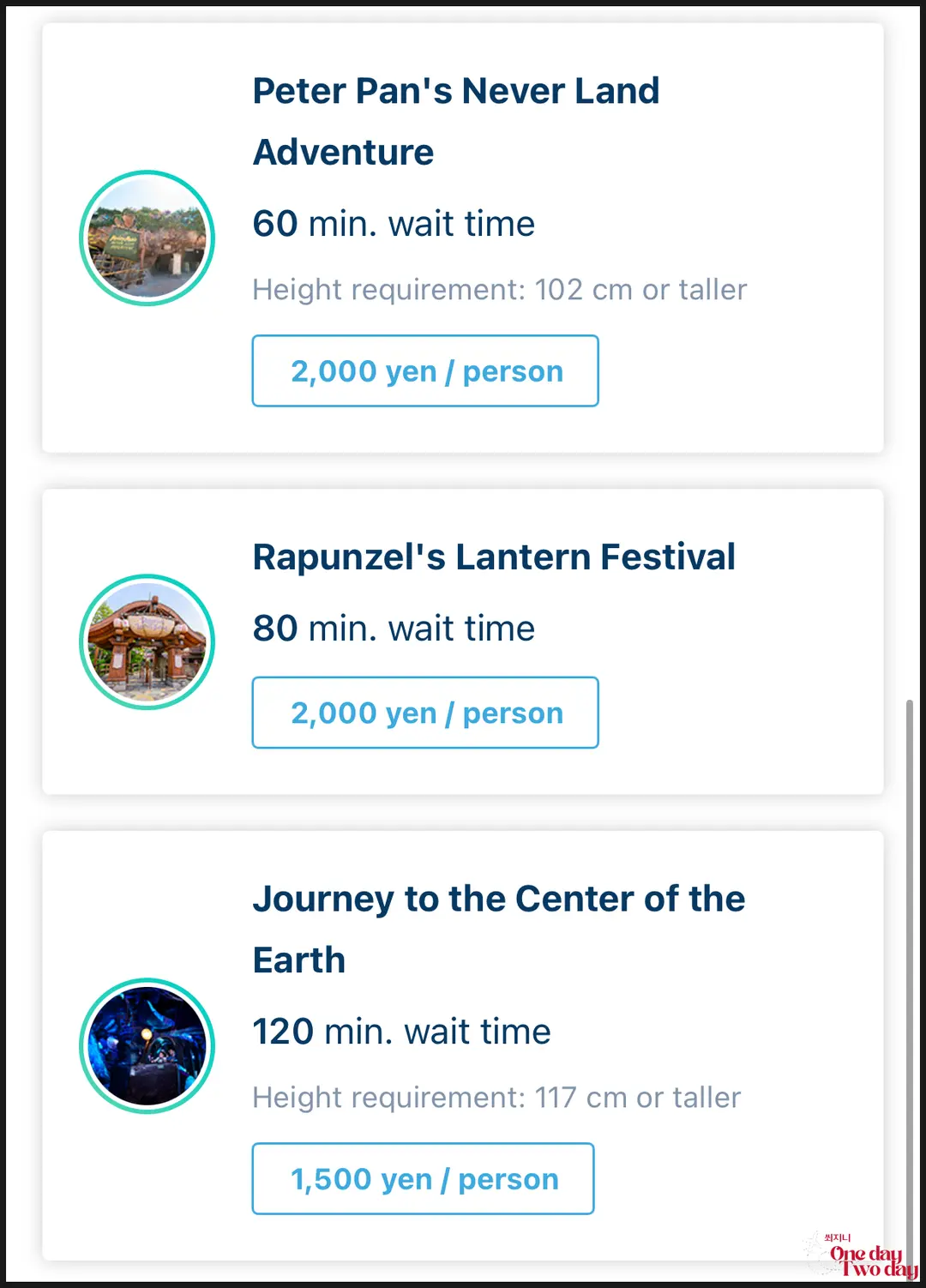
DPA (Paid Pass)
This is your **cheat code for buying time with money**.
You choose popular attractions and your desired time slot,
then simply pay by card.
40th Anniversary Pass (Priority Access Ticket)
This is a **free fast pass** available on a first-come, first-served basis.
Since quantities are limited, if you don't apply immediately after entering,
it will be completely sold out by morning.
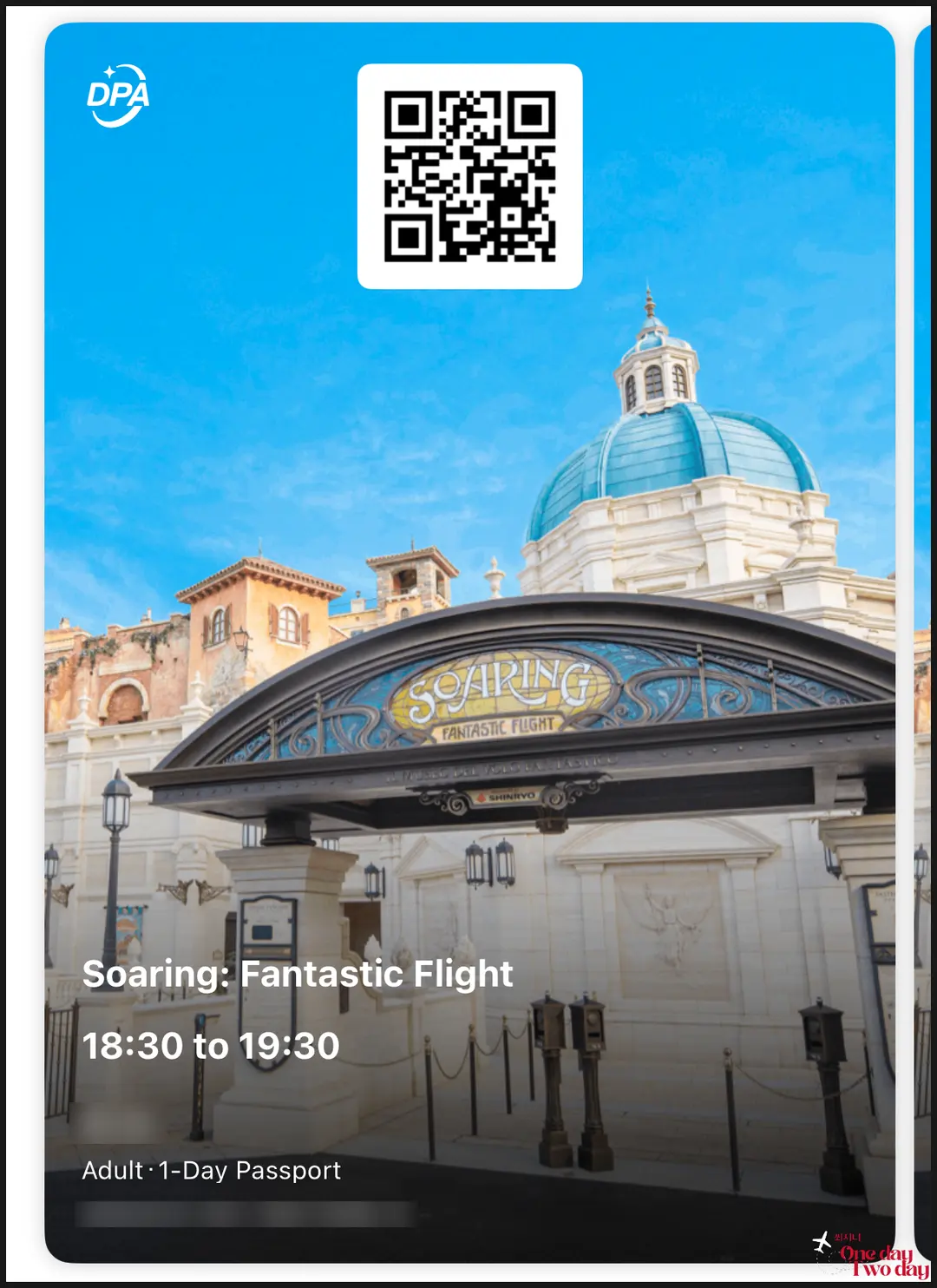
When your reserved time arrives, a QR code activates in the app.
Just show this at the dedicated entrance (Priority Access) scanner,
scan it, and you're in!
While the regular wait time was 180 minutes,
I boarded in just 12 minutes.
If you're a family traveler with legs that feel like they're about to give out,
I definitely recommend spending money on 1-2 of these passes.
A comfortable body makes for a happy trip! ^^
4. Card Payments at Tokyo Disneyland & DisneySea
Many people worry and ask,
"If we link our group, do we have to stick together the entire time?"
But **absolutely not!**
Even if you're linked, each person can see their own QR code on their phone,
so there's no problem if you split up to go to a souvenir shop or the restroom.
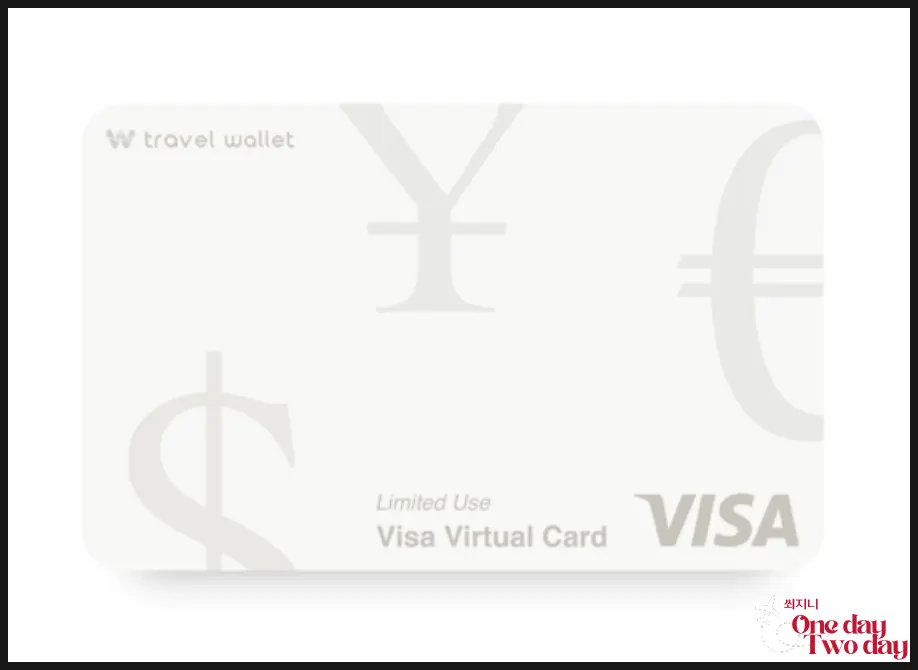
The most important thing is your **'international payment card.'**
Many times, people try to pay quickly in the on-site queue
only to be rejected due to Visa or Mastercard authentication errors.
My Travel Wallet worked without a hitch,
but my companion's Toss card and a regular VISA card were rejected.
This can vary depending on the situation,
but if you're worried, definitely use a Travel Wallet!
Both DPA and the 40th Anniversary Pass
are a race against time for us!
👉 [Check discounted Tokyo Disneyland tickets here]
 Tokyo Disneyland & Tokyo DisneySea Tickets - Klook Korea
 Tokyo Disneyland & DisneySea: Ticket Price Comparison & DPA Purchase Guide
📍 Tokyo Disneyland
1-1 Maihama, Urayasu, Chiba 279-0031 Japan
📍 Tokyo DisneySea
1-13 Maihama, Urayasu, Chiba 279-8511 Japan
Frequently Asked Questions
What should I do if the QR code of a purchased ticket isn't recognized when scanning it with the Tokyo Disney Resort App?
On the app's main screen, tap [Scan Ticket] and use your camera to scan and register the QR code of your purchased ticket. If recognition is difficult, the most effective method is to display the QR code on a laptop or another screen and then scan it with the app.
What is the specific reason for creating a group with companions in the Tokyo Disney Resort App?
When reserving DPA (paid pass) or the 40th Anniversary Priority Pass, all tickets for your group must be linked together to book the same time slot simultaneously. Additionally, when paying for DPA, you can process payments for everyone in your group with a single card, saving time.
What is the biggest difference between DPA and the 40th Anniversary Pass for reducing wait times at Tokyo Disney Resort?
DPA is a paid pass where you select your desired time slot for popular attractions and pay by card, essentially buying time. In contrast, the 40th Anniversary Pass is a free priority admission ticket offered on a first-come, first-served basis. Due to limited quantities, it can sell out in the morning if not applied for quickly right after entry.
When paying for DPA and other services on the Tokyo Disney Resort App, which type of international payment card is recommended?
When making urgent payments while in line, you might encounter Visa or Mastercard authentication errors that cause the transaction to fail. The article notes that Travel Wallet was used without issues, but there were instances where a companion's Toss card and a regular VISA card failed to process payments. Therefore, using Travel Wallet is recommended.
Share this article
Related Travel Stories
Haneda Limousine Bus to Shinjuku: 2026 Review
Looking for the easiest way to get from Haneda Airport to Shinjuku? Read our 2026 Haneda Limousine Bus review for booking tips, prices, and boarding guides.
Mt. Fuji Day Tour from Tokyo: Best 2026 Itinerary & Review
Planning a trip to Mount Fuji? This Tokyo day tour review covers the best photo spots, itinerary, and budget tips for an unforgettable 2026 adventure.
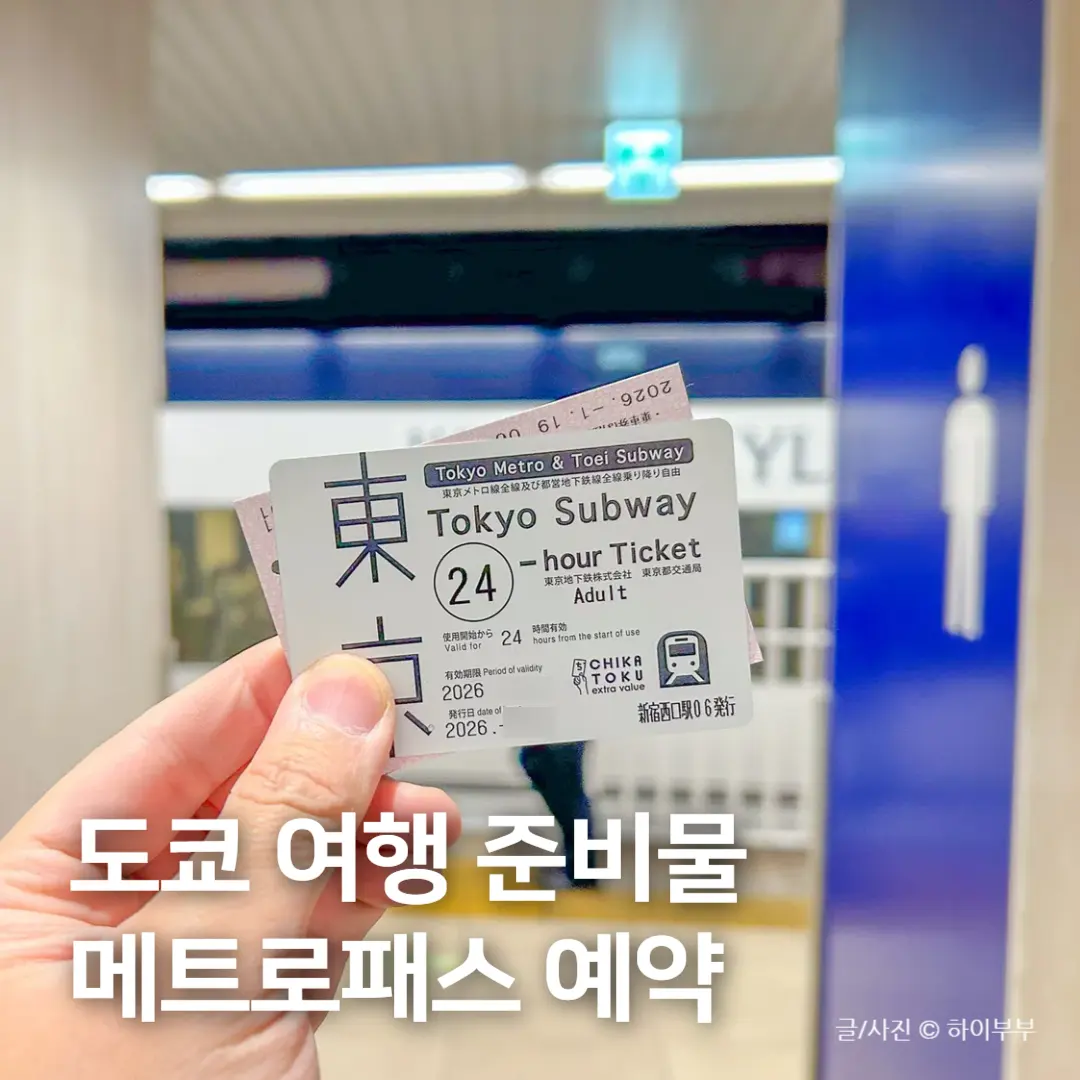
Tokyo Metro Pass 2026: Booking & Subway Usage Guide
Maximize your Tokyo adventure in 2026! Learn how to book, exchange, and use the Tokyo Metro Pass to save money and time on unlimited subway rides across the city.

Remm Roppongi Tokyo Review 2026: Affordable Tower Views
Experience the magic of Tokyo with breathtaking Tokyo Tower views from your room at Remm Roppongi. Our honest review reveals why this hotel is a top pick for value.

Harry Potter Studio Tokyo Tickets 2026: Best Deals
Step into the Wizarding World! Here is your complete 2026 guide to booking Harry Potter Studio Tokyo tickets, comparing prices, and maximizing your tour.

Harry Potter Tokyo Tickets 2026: Best Discount Hacks
Planning a trip to the Warner Bros. Studio Tour Tokyo? Learn how to book cheap Harry Potter Tokyo tickets, compare deals, and claim exclusive promo codes!